Patient Monitor User Manual Other Functions
- 134 -
Consciousness. After clicking Start to Score, the monitor will display MEWS result that will be
refreshed with the same interval as NIBP measurements. Clicking Stop Scoring could exit
MEWS score.
22.5.4 MEWS Score Result
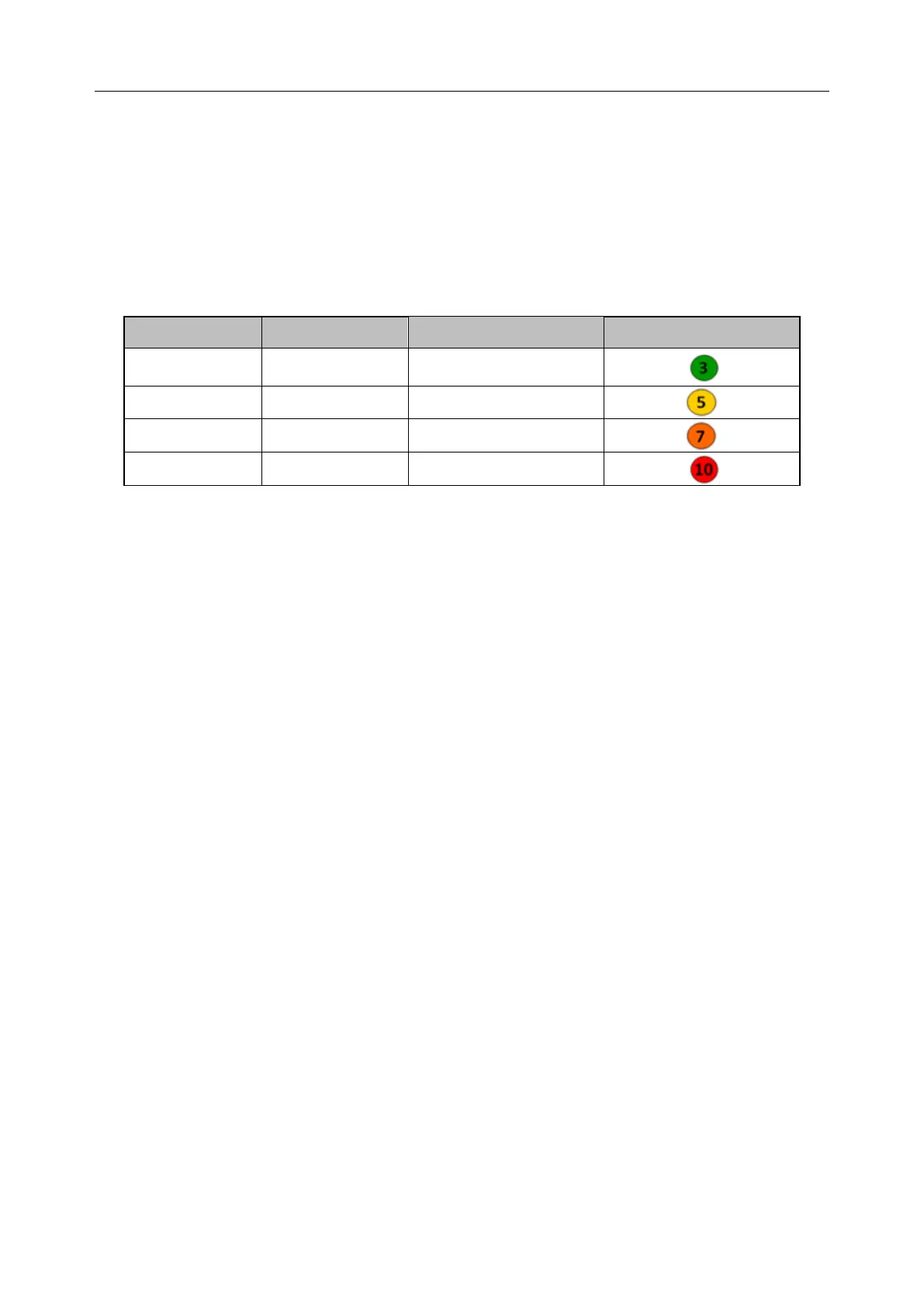
MEWS results include MEWS, time and severity level. The relation for value and severity level
is as following:
22.5.5 MEWS Trend Table
Trend table provides the monitored patient’s MEWS scores during a period of time; it includes
score time, score parameters and value, MEWS score. To check the trend table, click Trend
Table button in MEWS interface.
NOTE:
Trend table is cleared after admitting new patients.



 To Next Page