Patient Monitor User Manual Basic Operation
- 16 -
Power cable safety latch. Used to prevent the power cable from loosing or falling. Place
the latch on the power cable and press it down firmly to ensure that it secures the power
cable.
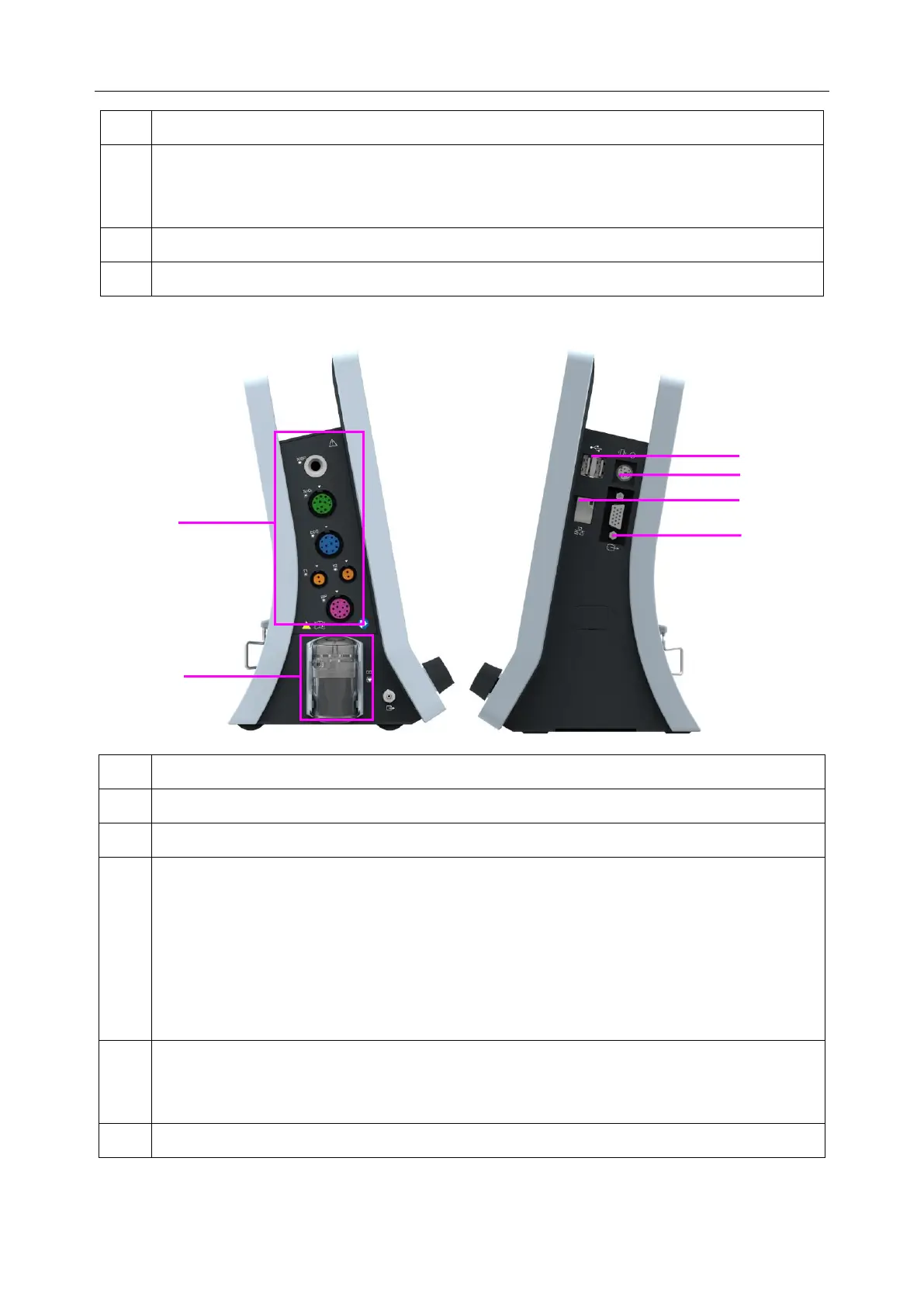
3.1.3 Side View
Nurse call / analog output/ defibrillator synchronization port.
Nurse call port: it connects the monitor to the hospital’s nurse call system. Alarms
indications are alerted through the nurse call system if configured to do so.
Analog output: the monitor outputs the waveform through the port.
Defibrillator synchronization: the monitor outputs the defibrillator synchronization
signal through the port.
Network interface, it connects the monitor to the central monitoring system via standard
network cable, which enables MFM-CMS and the monitor to achieve bidirectional
communication.



 To Next Page