Patient Monitor User Manual Basic Operation
- 15 -
Battery indicator, refer to Section Battery Power Indicator for details.
Alternating current indicator
Mute —Press it to suspend the output of all audible alarm signals. Upon the configuration,
pressing this button to pause or turn off the audio alarm. Further information can be found
in the section Audio Alarm Paused and section Audio Alarm Off.
Start / Stop NIBP measurement — Press this button to inflate the cuff and start blood
pressure measurement. During the measurement, press the button to stop the measurement.
Trend Key — Press this button to enter trend table review interface.
Start / Stop Recording — Press this button to start a real-time recording. During the
recording, press this button again to stop recording.
Menu — Press this button to return to the main interface when there is no menu open,
press it again to exit.
Rotary Knob (hereinafter called knob) — The user can rotate the knob clockwise or
anticlockwise. This operation can make the highlighted item shift up, down, left or right to
choose the desired item. Remember, when using the knob, rotate this button to highlight,
and press it to select the item.
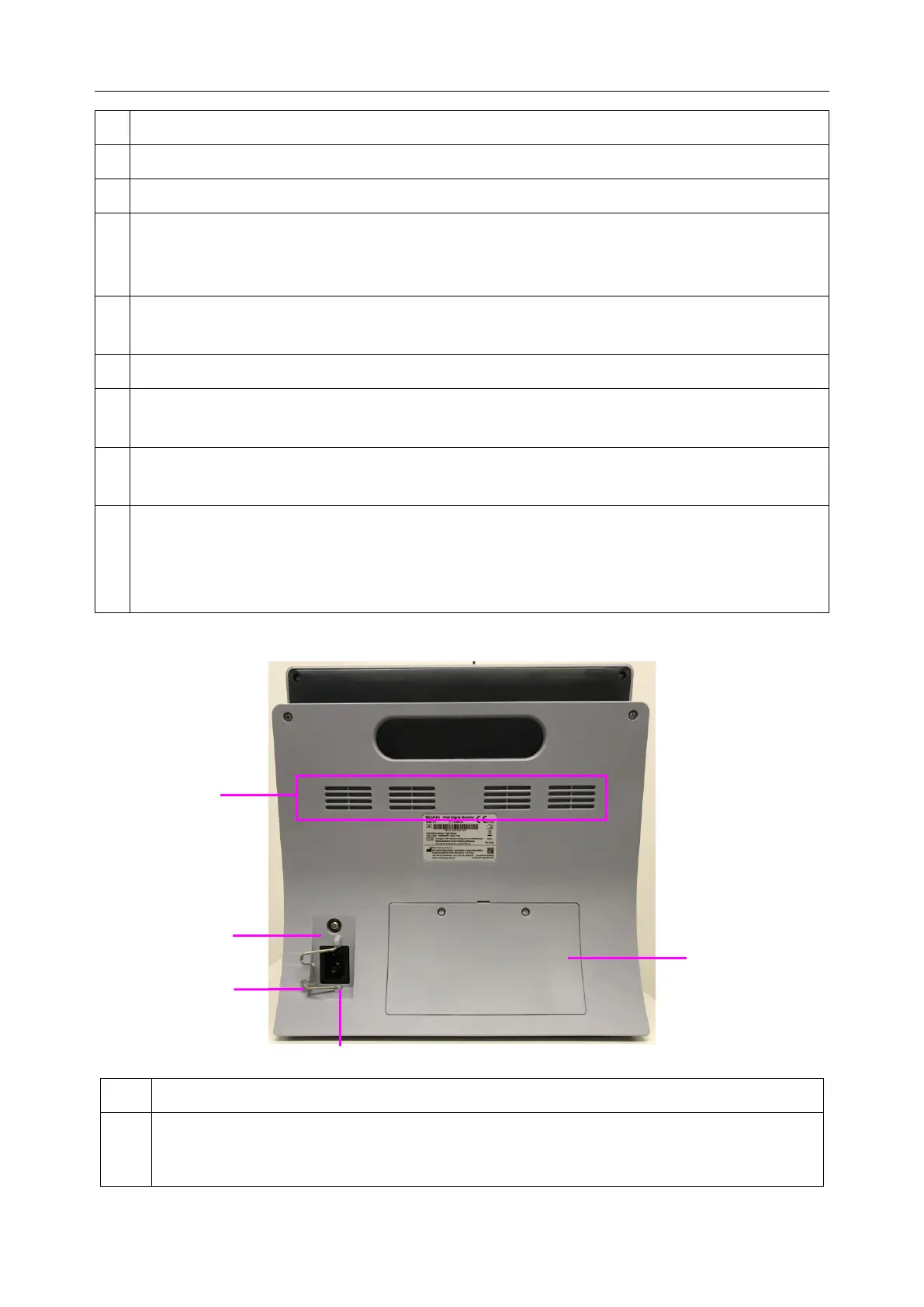
3.1.2 Rear View
Equipotential grounding terminal, if the monitor or other processing unit are used in
internal examinations on the heart, ensure that the room incorporates an equipotential
grounding system to which the monitor and other processing unit have separate



 To Next Page