Patient Monitor User Manual Other Functions
- 133 -
NOTE:
The MEWS score results are for reference only and the score significance must be
determined by the physician.
22.5.1 MEWS Score Interface
There are three methods as following to enter into MEWS score system interface:
1. Click shortcut icon to enter into MEWS interface.
2. In Menu > Common Function, click MEWS to enter into MEWS interface.
3. Click MEWS parameter area in main interface to enter into MEWS interface.
22.5.2 MEWS Score Criteria
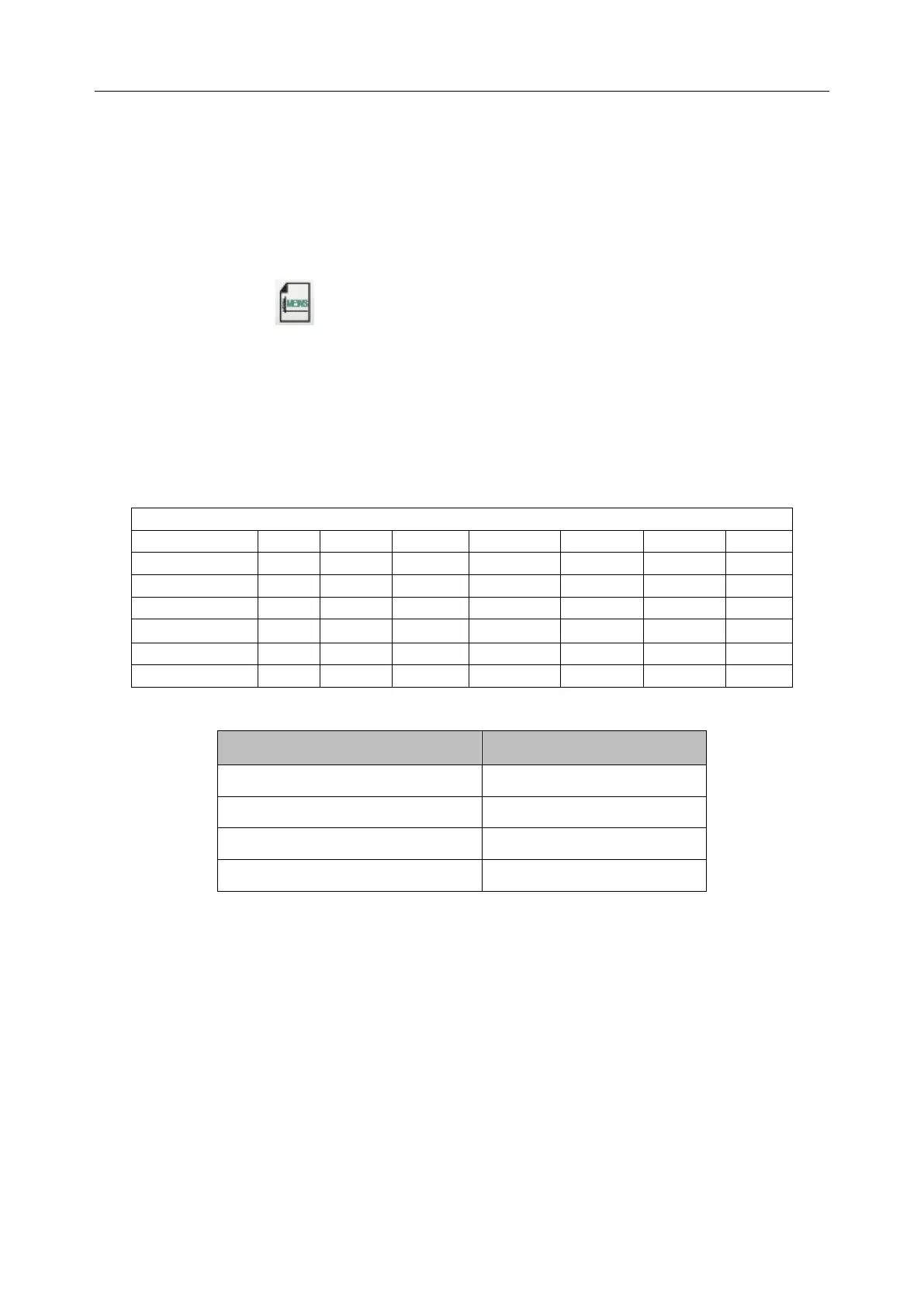
In MEWS interface, select Criteria to check score criteria as following:
The relationship between consciousness level and its display result is as below:
22.5.3 MEWS Score Method
MEWS includes two methods: MEWS Score Calculator and Auto MEWS Score.
1. MEWS Score Calculator. If you choose MEWS Score Calculator, it is required to manually
input HR/PR, TEMP, RR, SYS, Age, Consciousness, and then click Start to Score, the
monitor will calculate and then display score result.
NOTE:
If any of above information is not completely input, the monitor will prompt information:
Incomplete parameter input, unable to score.
2. Auto MEWS Score. If you choose Auto MEWS, it is required to manually input Age and



 To Next Page