Patient Monitor User Manual Basic Operation
- 19 -
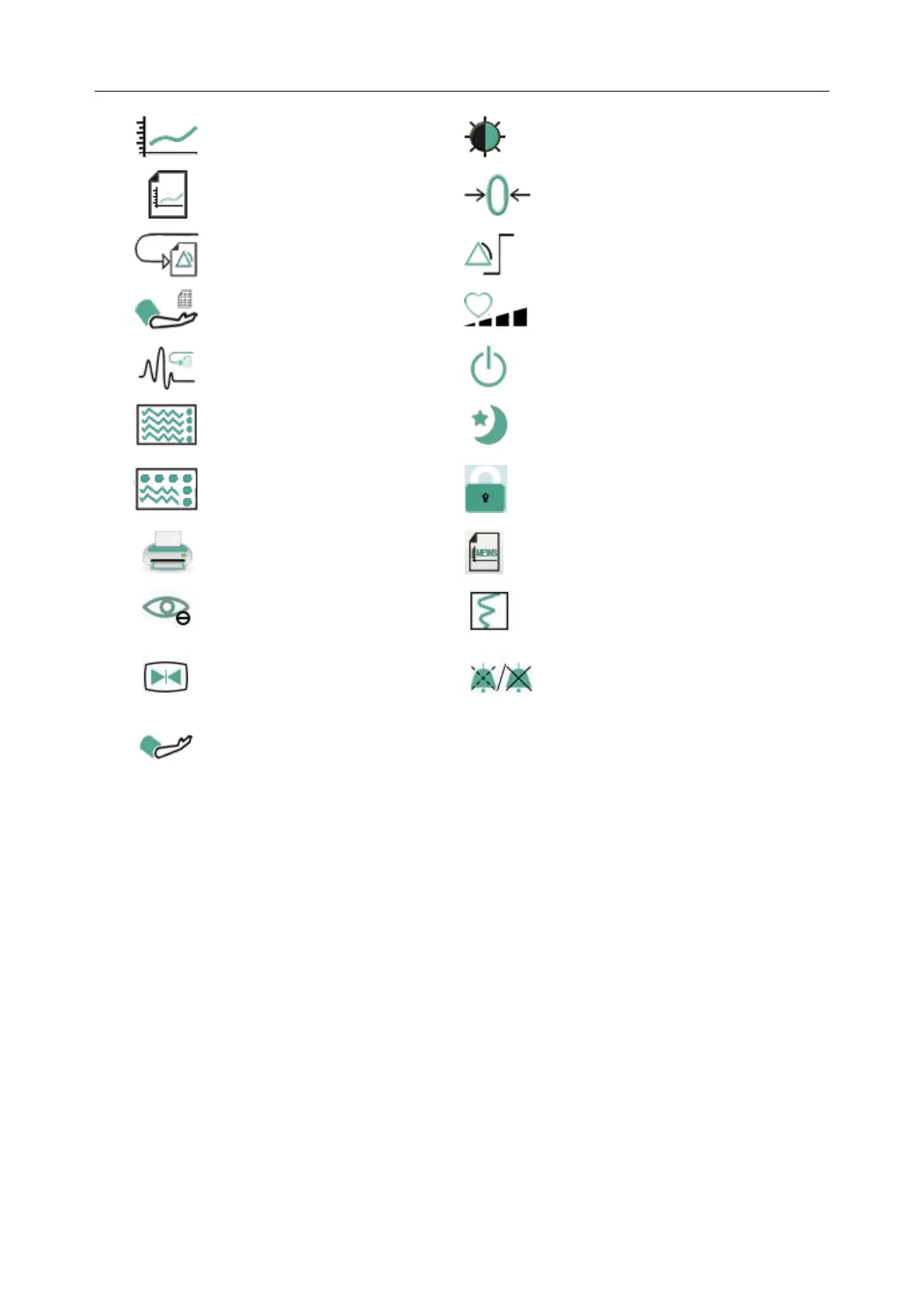
Adjust the screen brightness
Switch to the trend screen
Switch to the vital screen
Select this item by the rotary
knob to enable the touch screen
operation
Enter MEWS score interface
Freeze or unfreeze waveforms
Start or stop NIBP
measurement
3.2.1.3 Hardkeys
A hardkey is a physical key on a monitoring device, such as the freeze key on the front panel.
Refer to the illustration in Main Unit for more information.
3.2.1.4 Pop-up Keys
Pop-up keys are task-related graphical keys that appear automatically on the screen when required.
For example, the confirmation pop-up key appears only when you need to confirm a change.
3.3 Operating Mode
3.3.1 Demo Mode
To change the operating mode into the demo mode, please refer to the following procedure:
Select Menu > Common Function, then choose Demo Mode from the popup interface and input
password 3045.
To exit Demo Mode, select Menu > Common Function > Demo Mode.



 To Next Page