Patient Monitor User Manual Basic Operation
- 17 -
3.2 Operating and Navigating
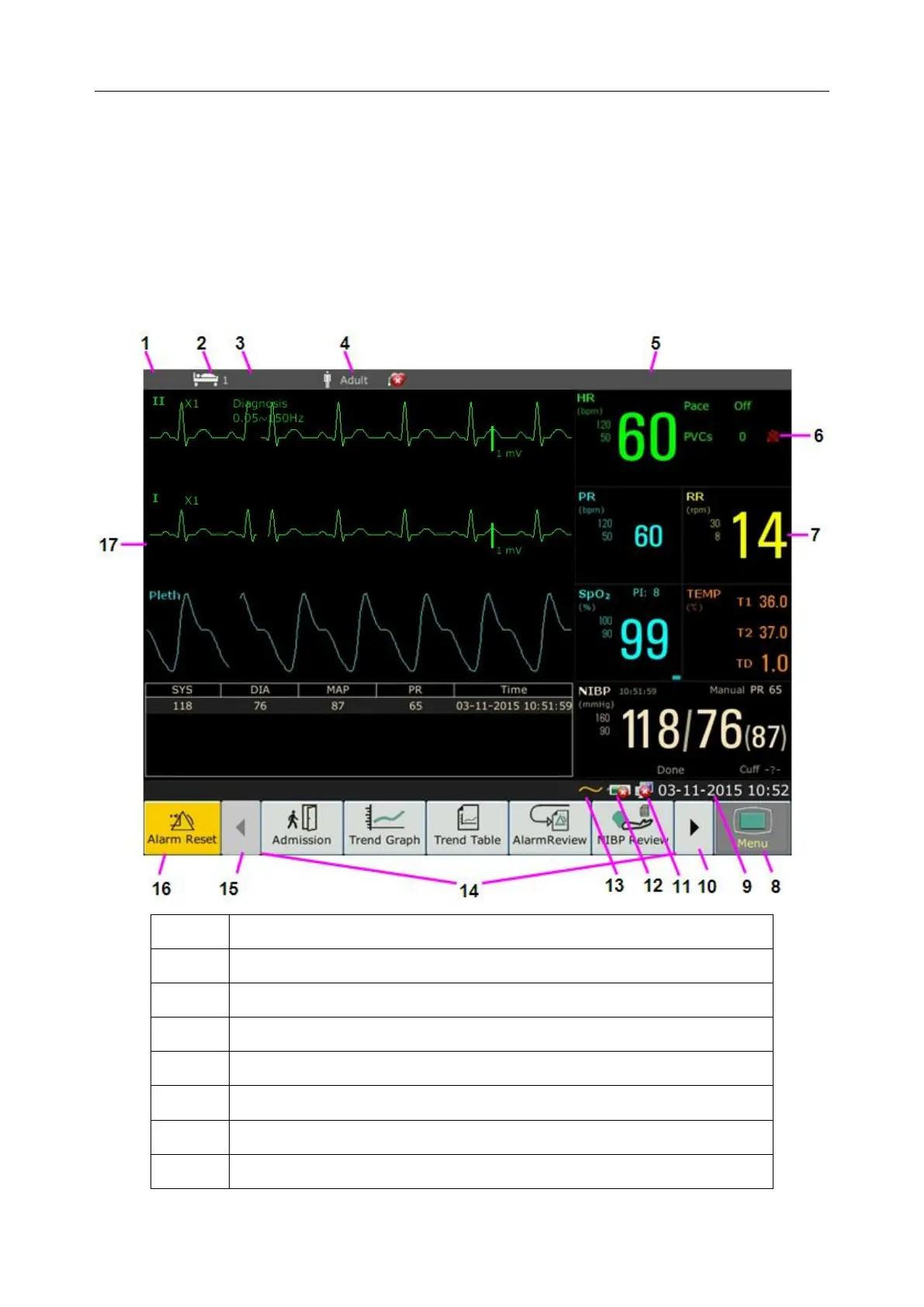
Everything you need to operate the monitor is contained on its screen. Almost every element on
the screen is interactive. Screen elements include measurement data, waveforms, screen keys,
information fields, alarms fields and menus. The configurability of the monitor means that often
you can access the same element in different ways. For example, you might be able to access an
item through its on-screen setup menu, via a hard key, or via a shortcut key. The User Manual
always describes how to access items via an on-screen menu. You may use whichever way you
find most convenient.



 To Next Page