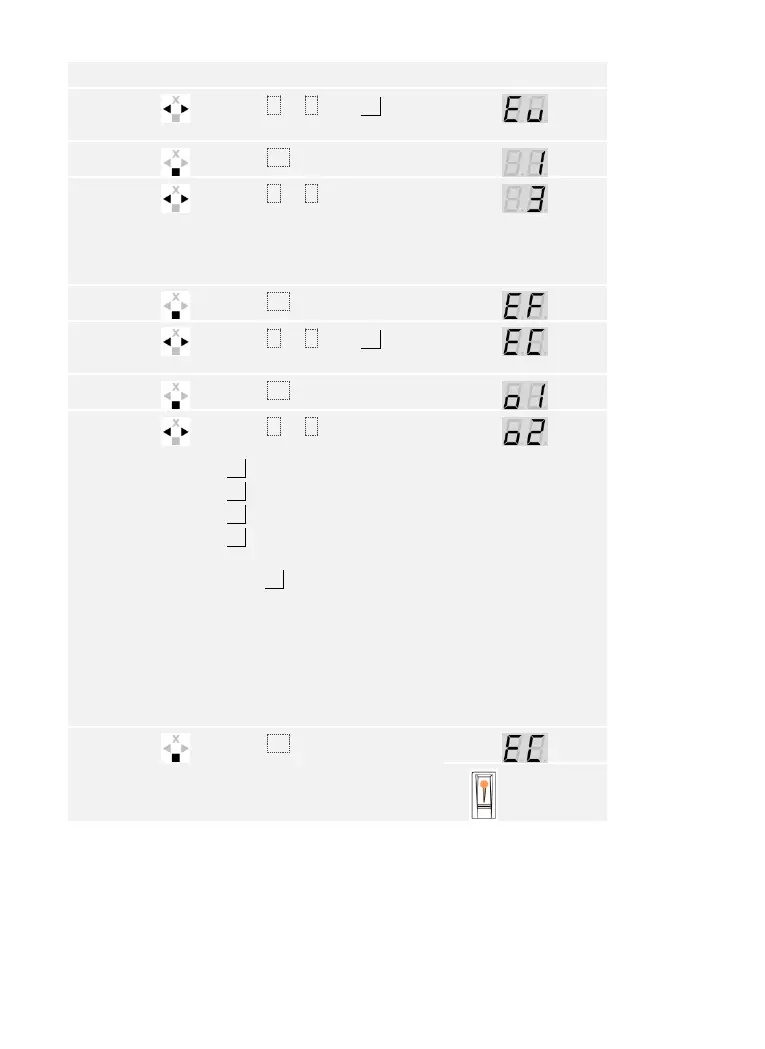
Usage of the finger scanner with the control panel menu en│45
The system displays the main menu.
Press < or > until Eu is
displayed.
Press < or > to select the
user number. If the user has
already stored a finger or an
RFID transponder, a point
lights up on the right.
Press < or > until EC is
displayed.
Press < or > to select the
relay.
o1 = relay 1
o2 = relay 2
o3 = relay 3
od = double relay (relay 1 +
2).
E.g., o2.
Relay selection is available on
control panels with more than
one relay. If there is already
an RFID transponder stored
under this relay, a point lights
up on the right. The relay can
be overwritten.
Press OK. The control panel
is ready to store the RFID
transponder.
The status
LED lights
up orange



 To Next Page