Multi-Function Control ETMFC610 http://www.entecene.co.kr
GLOBAL SETTING / GENERAL / SYSTEM / POWER LINE / Phase Combina’
Range
abc, cab, bca, acb, bac, cba
Default
abc
Step
~
Put real phase of power system to a bushing or a terminal of a control
device. As example, if setting value is cab, it means that bushing A is
connected with phase C, bushing B is connected with phase A and
bushing C is connected with phase B.
NOTE:
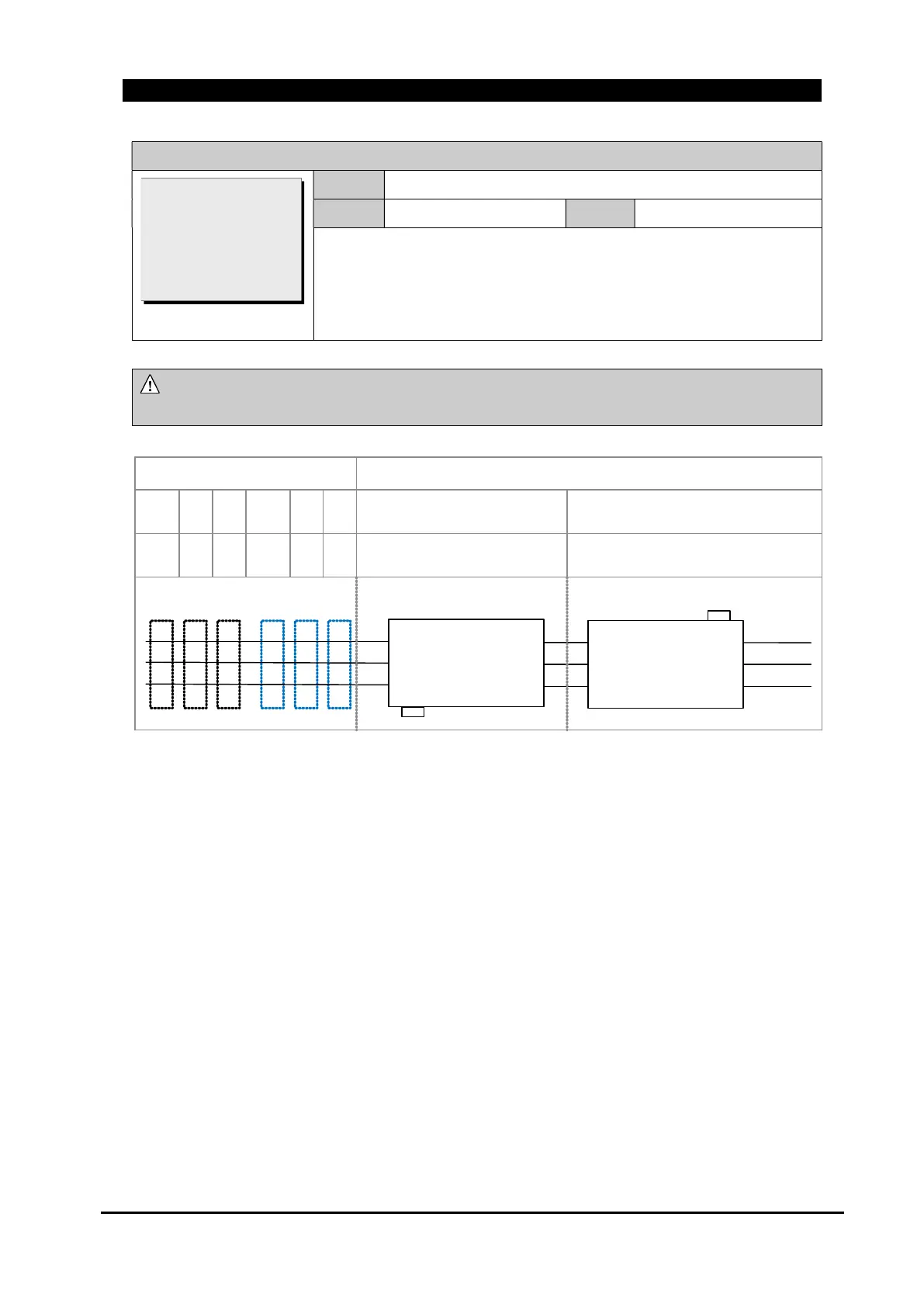
In order to get the details relevant to the connection for ETMFC610, refer the
following figure and table.
c
a
b
a
b
c
a
c
b
b
c
a
c
b
a
C
B
A
T
S
R
IC
IB
IA
+ -
C
B
A
T
S
R
IC
IB
IA
+ -
b
a
c
Install Case: Reverse Installed
(Source Side: 2V)
Install Case: Normal Installed
(Source Side: 1V)
Line Feeding Case :
Source Side
Load
Side
123456
121110987
Install Direction
Figure 7-1. Phase Connection
System Frequency:60
Phase Rotation: ABC
>Phase Combina’: abc
[Combination of ABC]



 To Next Page