RECLOSER CONTROL EVRC2A-N6,NT http://www.entecene.co.kr
229
ENHANCED
TECHNOLOGY
10.1.5. Power
The following values are contained in the power metering.
y Real power(MW)
y Reactive power(Mvar)
y Apparent power(MVA)
y Power factor(%)
You can confirm in “MAIN NEMU / METERING / POWER”
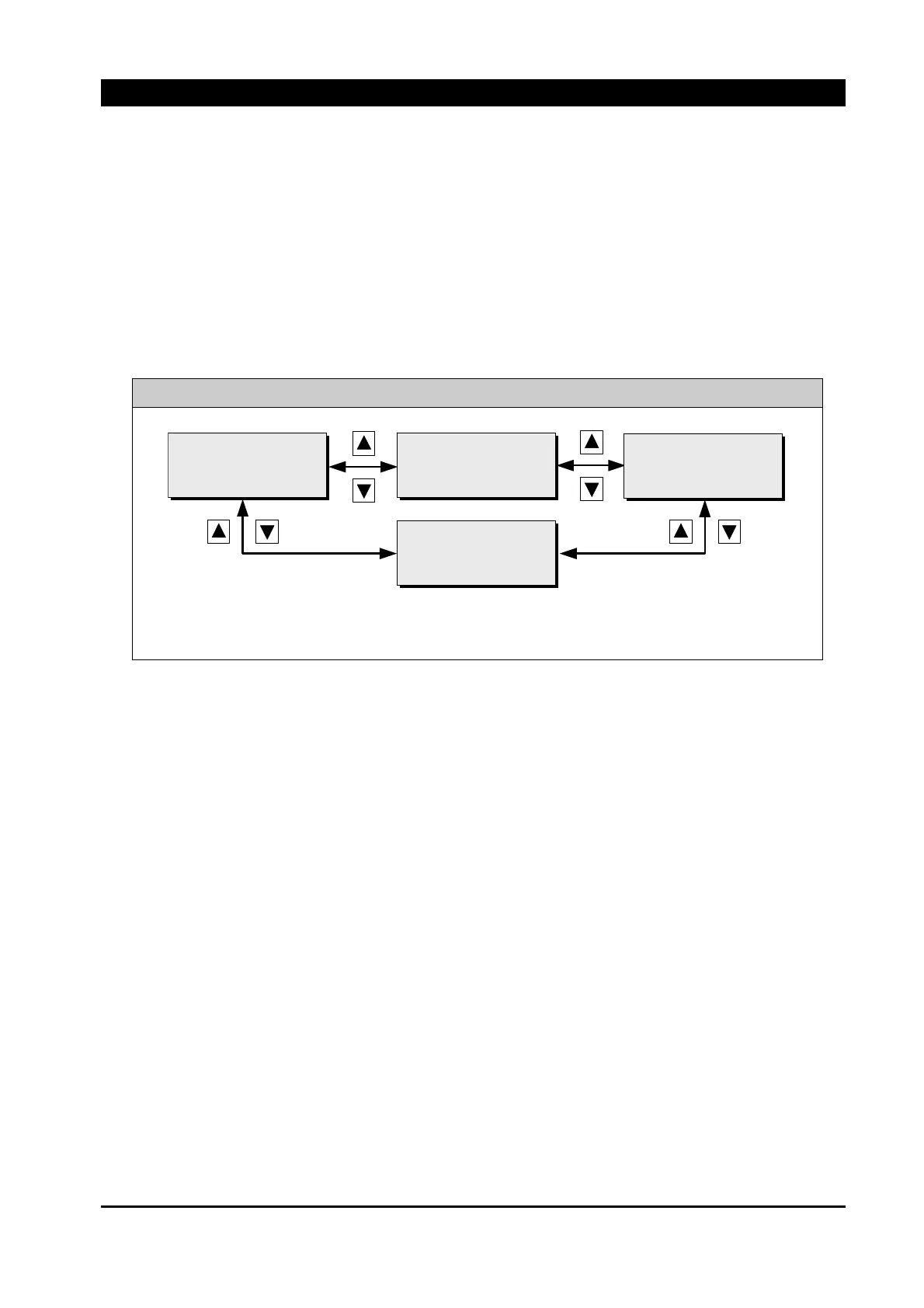
MAIN MENU / METERING / POWER
[REAL POWER (MW)]
Pa: 0.00
Pb: 0.00 P3: 0.00
Pc: 0.00
[REACTIVE POW(MVAR)]
Pa: 0.00
Pb: 0.00 P3: 0.00
Pc: 0.00
[APPARENT POW(MWA)]
Pa: 0.00
Pb: 0.00 P3: 0.00
Pc: 0.00
[POWER FACTOR]
Pa: 0.0
Pb: 0.0 P3: 0.0
Pc: 0.0
Display measured values of power and power factor per phase. Use [▲] [▼] button to check
metering information of power.
10.1.6. Energy
The following values are contained in the energy metering.
y Positive watthour(MWh) & start date (Year/Month/Date Hour:Minute,Second)
y Negative watthour(MWh) & start date (Year/Month/Date Hour:Minute,Second)
y Positive varhour(Mvar) & start date (Year/Month/Date Hour:Minute,Second)
y negative varhour(Mvar) & start date (Year/Month/Date Hour:Minute,Second)
The updated rate of the energy meters is based on the “Time Constant” setting “MAIN MENU /
SETTING / MONITORING / DEMAND” The meters will update every 1/15 of the Demand
Constant. For example : if the Demand Constant is set to 15 minutes, the energy meters will
update every 1 minute (15min × 1/15 = 1 min)
The watt-hour and VAR-hour meters can be reset to 0 through “PRIMARY SETTING / RELAY
SETUP / CLEAR SAVED DATA / ENERGY”. The “SD(start date)” on LCD indicates the
time when the watt-hour and VAR-hour meters are reset.



 To Next Page