RECLOSER CONTROL EVRC2A-N6,NT http://www.entecene.co.kr
230
ENHANCED
TECHNOLOGY
You can confirm in “MAIN NEMU / METERING / ENERGY”
MAIN MENU / METERING / ENERGY
[POSITIVE W/H(MWh)]
Pa: 0 Pb: 0
Pa: 0 Pb: 0
SD:09/12/31 00:00:00
[POSITIVE V/H(MVar)]
Pa: 0 Pb: 0
Pa: 0 Pb: 0
SD:09/12/31 00:00:00
[NEGATIVE W/H(MWh)]
Pa: 0 Pb: 0
Pa: 0 Pb: 0
SD:09/12/31 00:00:00
[NEGATIVE V/H(MVar)]
Pa: 0 Pb: 0
Pa: 0 Pb: 0
SD:09/12/31 00:00:00
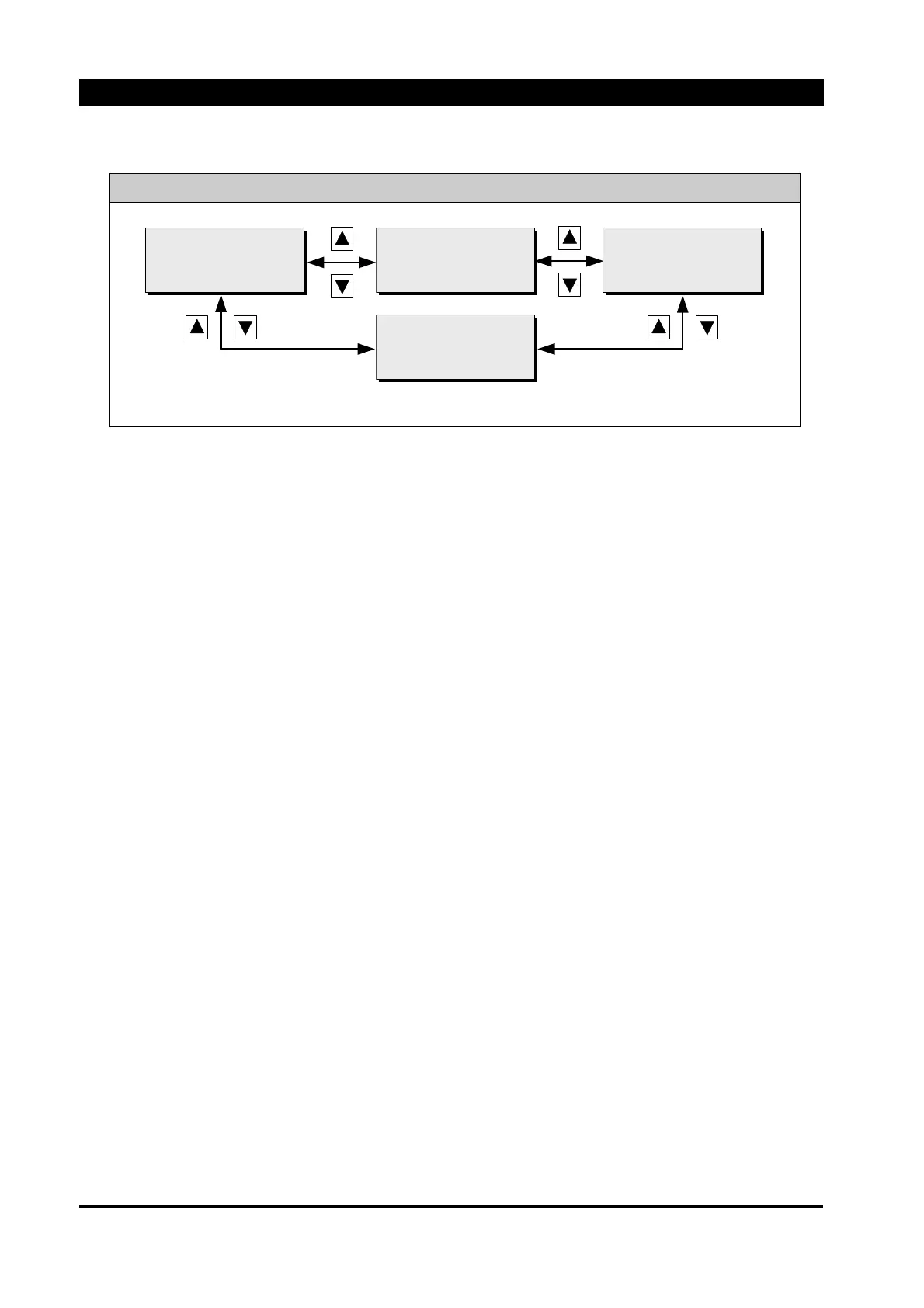
Display energy. Use [▲] [▼] button to check energy information.
10.1.7. Demand
The following values are contained in the demand metering.
Actual demand & maximum demand with Value (Current, Real power, Reactive power) and Date
(Year/Month/Date Hour:Minute,Second)
During each demand value, the EVRC2A also captures and stores maximum values for the
measurements listed below. It functions as a standard maximum meter. When a new maximum
value is determined, the old value is replaced. A time stamp in the following format (Date:
Year/Month/Day and Time: Hour:Minute,Second), is placed with the latest maximum values.
The Max demand meters can be reset to 0 through “PRIMARY SETTING / RELAY SETUP /
CLEAR SAVED DATA / MAX DEMAND”



 To Next Page