RECLOSER CONTROL EVRC2A-N6,NT http://www.entecene.co.kr
66
ENHANCED
TECHNOLOGY
5.2.4.4. Dialup Modem Setup
Calling String
In order to set “Calling String”, go to “PRIMARY, ALTERNATE or EDITBANK SETTING /
RELAY SETUP / COMMUNICATION / DIALUP MODEM-1 or DIALUP MODEM-2 /
CALLING STRING”.
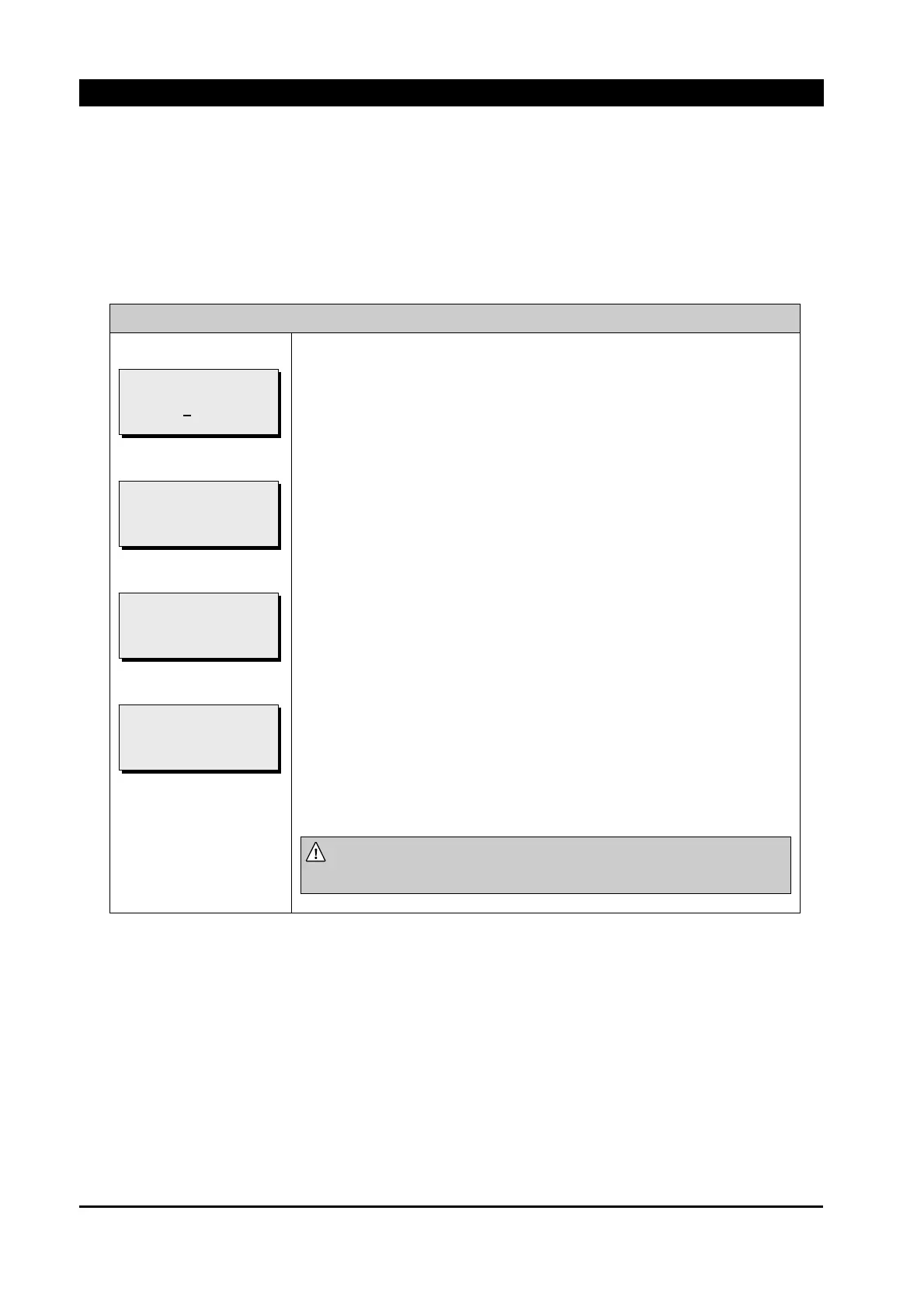
COMMUNICATION / DIALUP MODEM / CALLING STRING
①
②
③
④
Select a proper dial string in accordance with communication
circumstance (Master or Switchboard dial method).
ATD : Default Dial
ATDT : Tone Dial Type(Already set in modem(Default Dial type)
ATDP : Pulse Dial
At ①, Insert “Calling String” which a user wants.
1) In order to change each alphabet(A~Z, space), use [▲], [▼] button,
use [◀], [▶] button to move cursor.
2) Push the [ENT] button after “Calling String” is changed, then ② is
shown.
If [ENT] button is pushed at ②, then “Calling String” is changed.
Change of setting is completed and then ③ is shown.
If the [ESC] button is pushed at ②, ④ is shown, but changed setting is
not applied yet.
NOTE:
The changed setting is effective after it is saved at
“*.SAVE SETTING”
menu.
[NEW CALLING STRING]
ATDT
!!! SAVE ABORT !!!
[NEW CALLING STRING]
ATDT
!!! SAVE OK !!!
[NEW CALLING STRING]
ATDT
PRESS ENTER TO SAVE
[CALLING STRING]
A
TDT



 To Next Page