62
Troubleshooting
Eppendorf Xplorer
®
/Eppendorf Xplorer
®
plus
English (EN)
6.2.2 Display
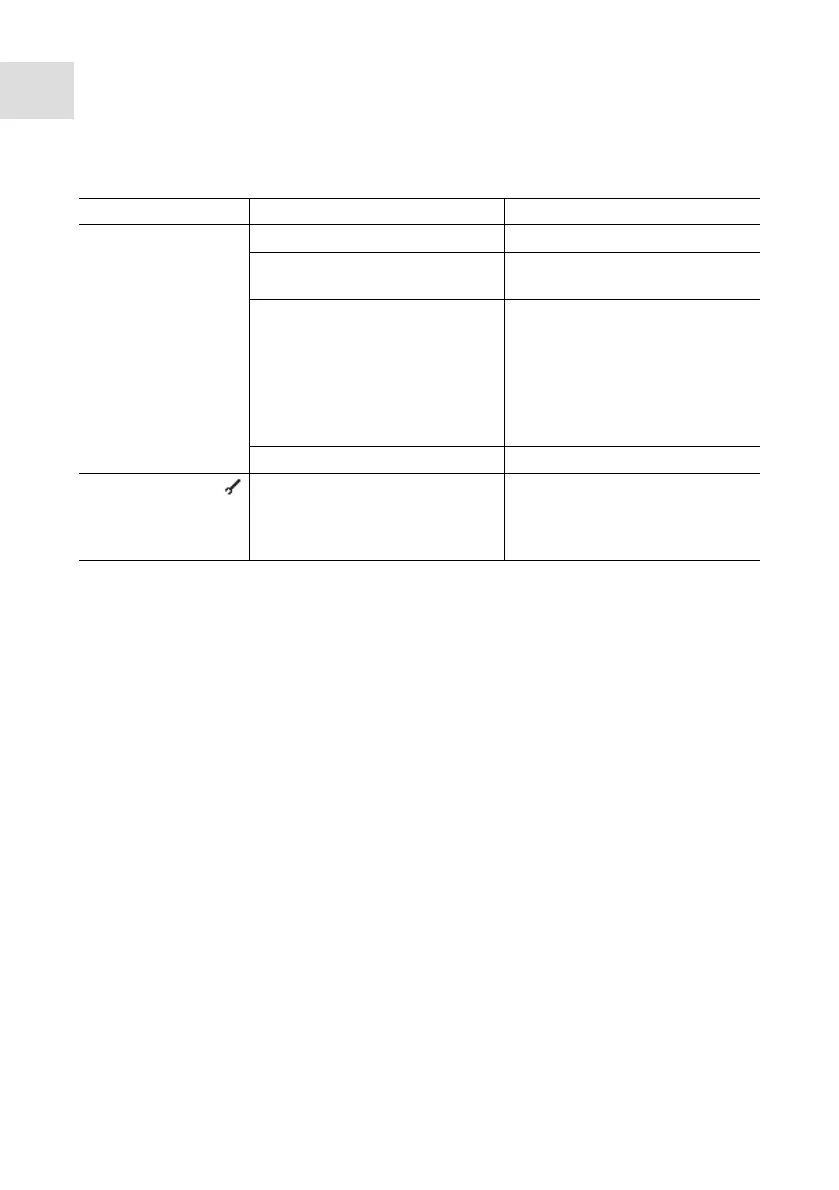
Symptom/Message Possible cause Remedy
The display is dark. • The pipette is switched off.
Switch on the pipette.
• The rechargeable battery is
not connected.
Connect the rechargeable
battery.
• The rechargeable battery is
discharged.
Charge the rechargeable
battery.
Note:If the rechargeable battery
is almost completely
discharged, the display will only
switch on after a short charging
time.
• The battery is defective.
Replace the battery.
Display shows the
symbol.
• The pipette has been
adjusted for a different liquid.
Check whether the
adjustment selected in the
options is correct and change
it if necessary.



 To Next Page