24
Operation
Eppendorf Xplorer
®
/Eppendorf Xplorer
®
plus
English (EN)
5 Operation
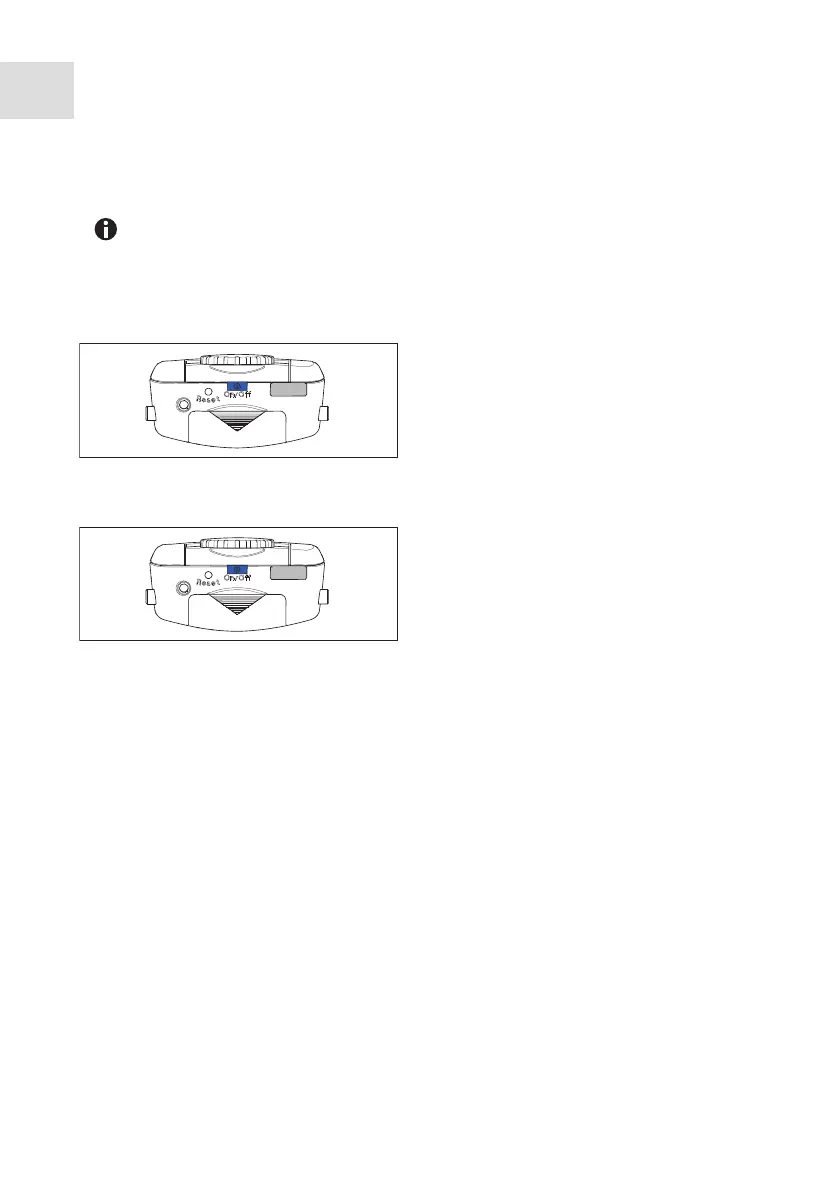
5.1 Switching the pipette on or off
5.1.1 Switching on
5.1.2 Switching off
5.2 Setting the Date and Time (Xplorer plus)
Set the Date and Time parameters during the initial start-up.
Prerequisites
• The rechargeable battery is connected.
• The rechargeable battery is charged.
• The pipette is switched on.
1. Select Date or Time using the rocker.
2. Press the Select softkey.
3. Change the value using the rocker.
4. Press the Next softkey to change the field.
5. Press the End softkey to end the entry.
6. Change the second parameter in the same way.
7. Press the End softkey to end the entry.
8. Press the rocker down.
The basic position of the piston is checked. The pipette is ready for use afterwards.
When not in use, the switched on pipette automatically switches to the standby
mode after a period of time. The pipette automatically switches back on when it
is moved.
Keep the On/Off key pressed.
The pipette switches itself on.
Keep the On/Off key pressed.
The pipette switches itself off.



 To Next Page