Operation
Eppendorf Xplorer
®
/Eppendorf Xplorer
®
plus
English (EN)
27
5.5 Setting the parameters (edit mode)
Prerequisites
• The pipette is switched on.
• The operating mode has been selected.
Change the parameters as follows:
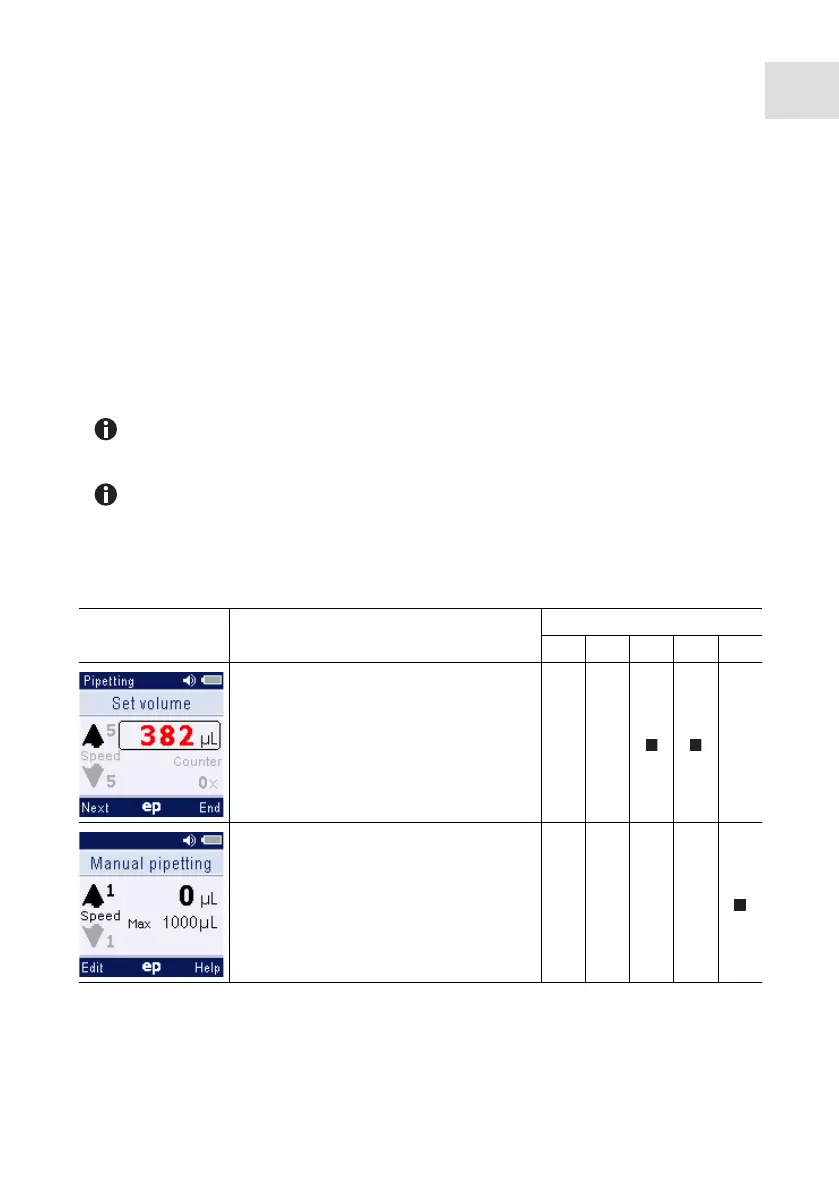
1. Press the Edit softkey to open the edit mode.
2. Press the Next softkey to go to the next dispensing parameter.
3. Change the dispensing parameter marked in the display using the rocker.
4. Press the End softkey to save the changes, to exit the edit mode and to continue with
dispensing.
5.5.1 Xplorer/Xplorer plus
If you want to cancel editing without saving the changes made, briefly turn the
selection dial to another mode.
You can change the Speed, Time, Cycles and Counter parameters during
dispensing.
Press the Edit softkey during execution.
Display Parameter Mode
Ads Dis Pip P/M Man
Set volume
Aspiration and dispensing volume.
Set max. volume
Maximum aspiration and dispensing
volume.
The set value appears after editing in
the display next to Max.



 To Next Page