C8-B/C12-B Service Manual Maintenance Disclosure Scope: Maintenance Trained Personnel Only
(C) Seiko Epson Corporation 2-198 Rev.1
Removing the Arm4 Unit
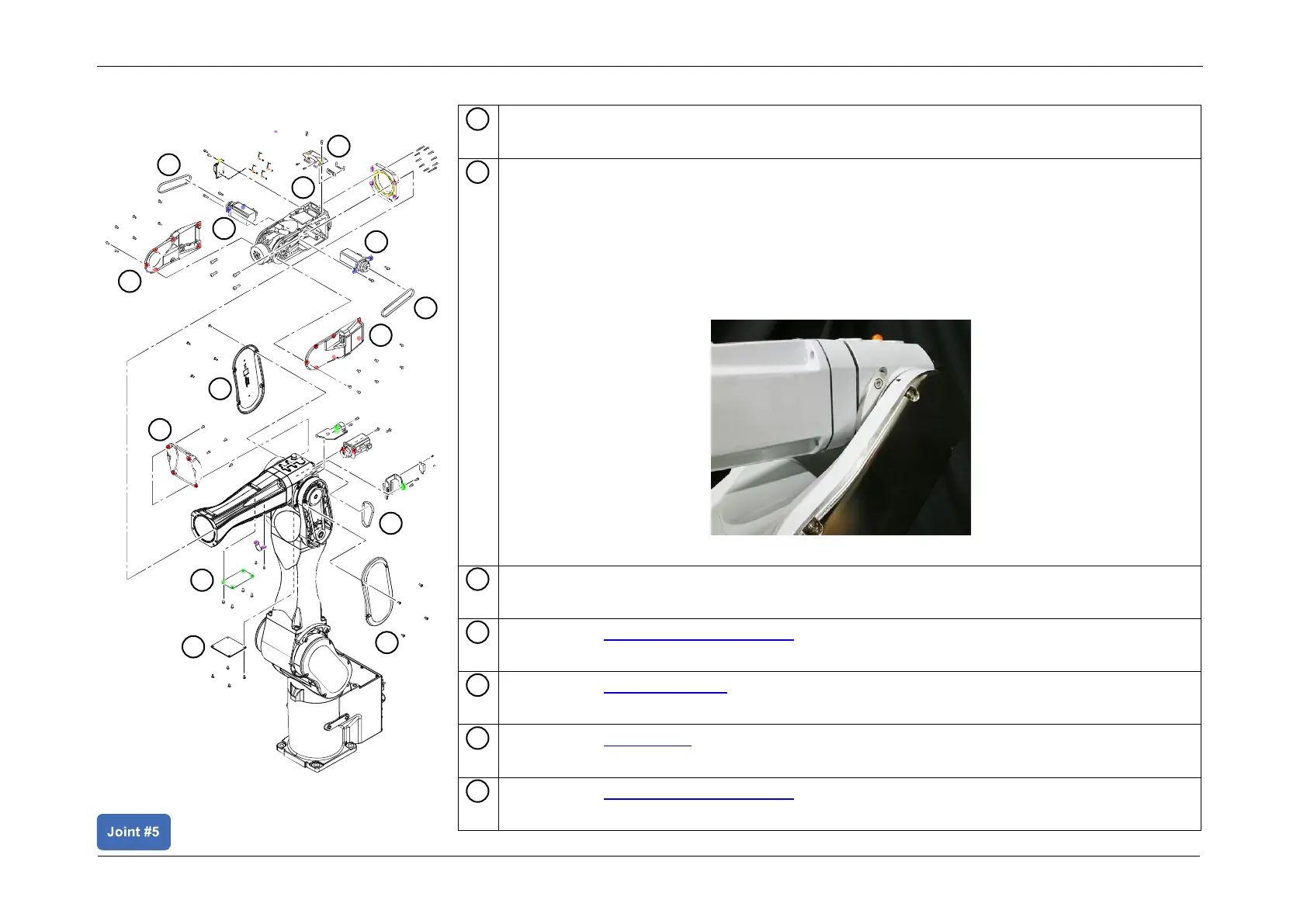
Release the J3 brake, and manually push and move Arm3 until it comes in contact with
the mechanical stopper, and push it against Arm2.
CAUTION
• Arm3 falls by its weight when the J3 Motor unit is removed. Release the brake and tilt
Arm3 in advance.
• There is a possibility of hands and fingers being caught, and/or damage to or
malfunction in the Manipulator. Take care during operation.














 To Next Page