SC-F2000 Revision C
ADJUSTMENT ADJUSTMENTS (Individual) 217
Confidential
[Blue]: Button or menu name on the program screen / [Black]: Button or menu name on the operation panel of the printer
4.3 ADJUSTMENTS (Individual)
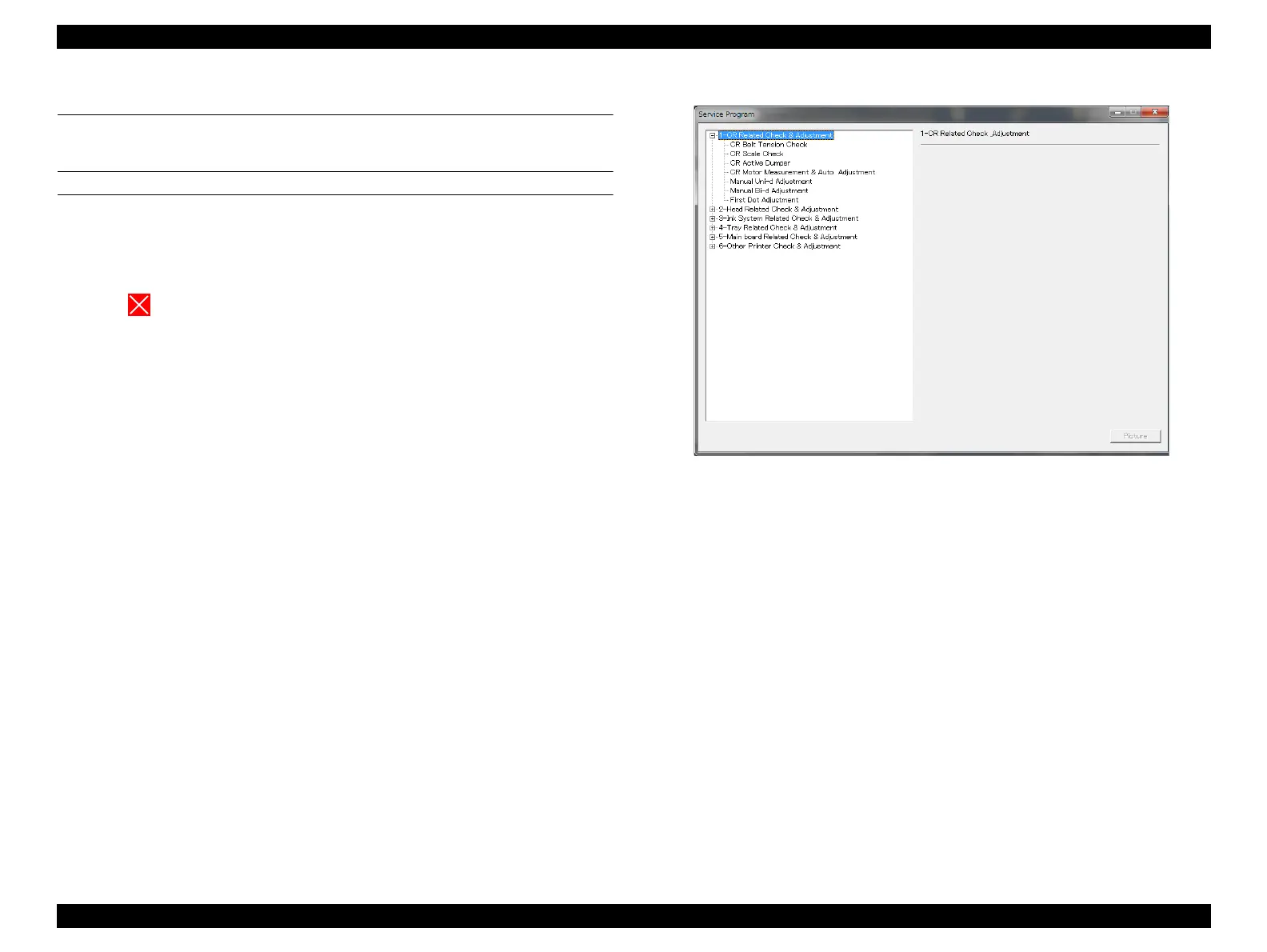
This mode executes the adjustment required for the repair individually.
PROCEDURE
1. Click [ADJUSTMENTS (Individual)] from the main menu.
2. Select the adjustment item that you want to execute.
3. Follow the instructions on the screen to execute the adjustment.
4. Click to return to the main menu.
Figure 4-10. ADJUSTMENTS (Individual)


 To Next Page
 Loading...









