SC-F2000 Revision C
ADJUSTMENT CR Related Adjustments 227
Confidential
[Blue]: Button or menu name on the program screen / [Black]: Button or menu name on the operation panel of the printer
4.10.3 Manual Uni-D Adjustment
REQUIRED TOOL
Media for adjustment
Size: A4
Type:
Premium Glossy Photo Paper (250)
Manual vaporizer
EXECUTION MODE
Normal Mode
PROCEDURE
1. Set the media for adjustment referring to
"4.1.5 How to set the media for
adjustment" (p.208)
.
2. Turn the printer ON.
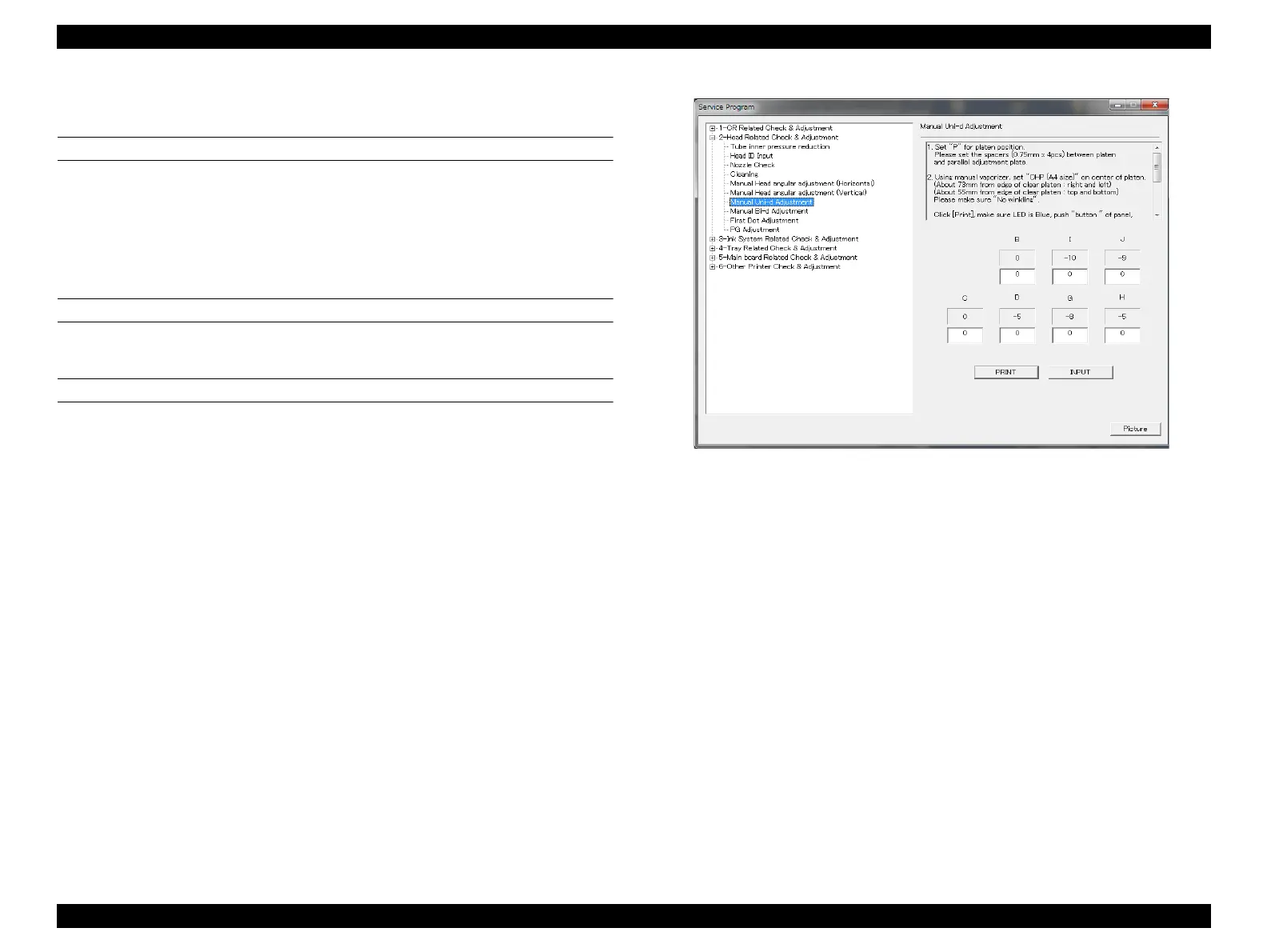
3. Start the Service Program and select [Manual Uni-D Adjustment] from the main
menu.
4. Click [PRINT] and make sure the start light is on, then press [START].
The adjustment pattern is printed.
Figure 4-22. [Manual Uni-D Adjustment] screen


 To Next Page
 Loading...









