SC-F2000 Revision C
DISASSEMBLY & ASSEMBLY Disassembly and Assembly Procedure 70
Confidential
3.4.2 Consumables/Accessories
3.4.2.1 POROUS PAD
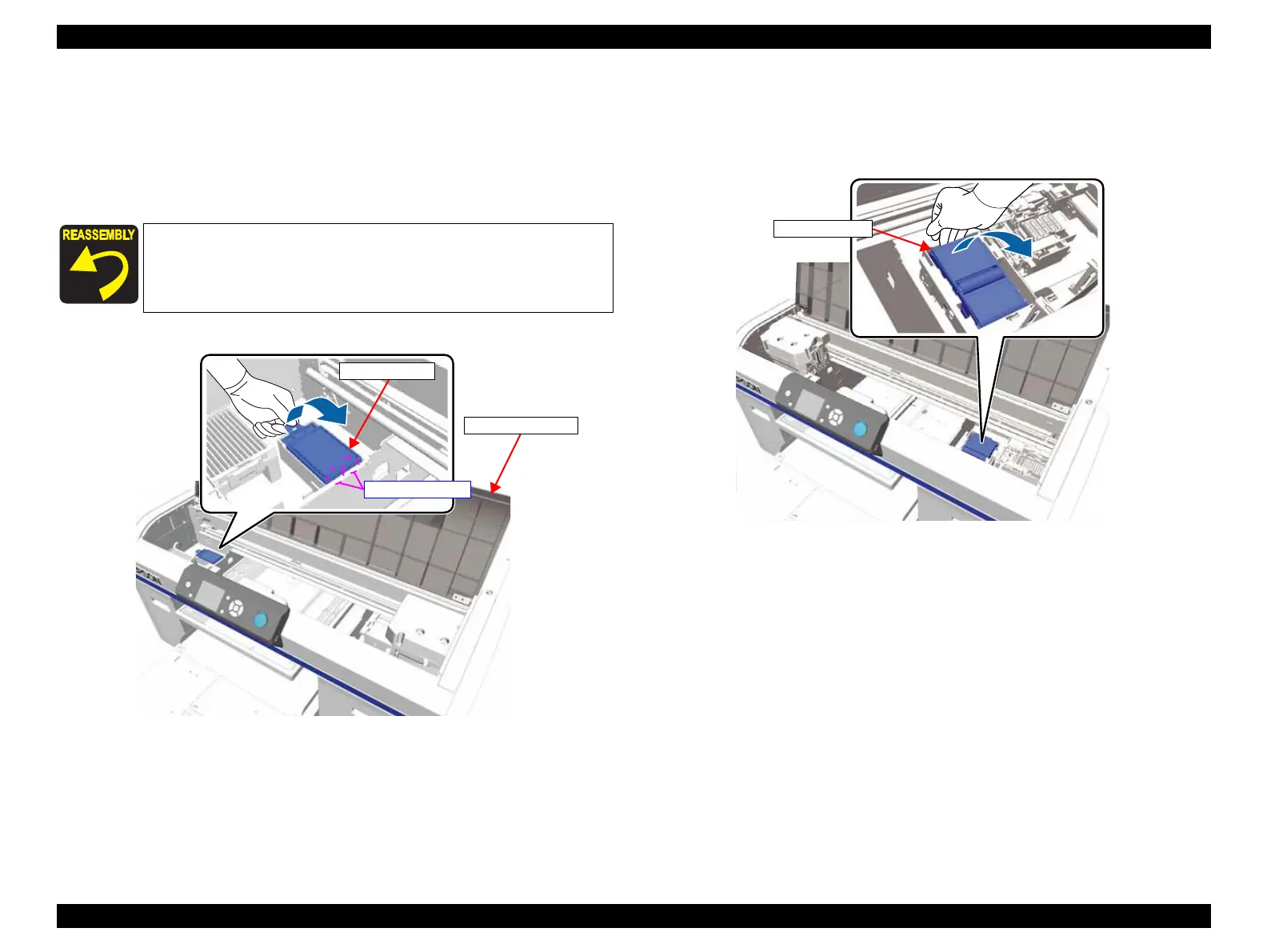
1. Open the PRINTER COVER.
2. Hold up the handle of the POROUS PAD, and remove the POROUS PAD.
Figure 3-11. Removing the POROUS PAD
3.4.2.2 WIPER UNIT
Select “Head Cleaning Set” by the panel operation, then replace the unit. (to reset the
WIPER UNIT counter for sure)
Figure 3-12. Removing the WIPER UNIT
Pay attention to the positioning points (See Figure 3-11).
POROUS PAD
PRINTER COVER
Positioning points


 To Next Page
 Loading...









