SC-F2000 Revision C
ADJUSTMENT Electrical Component Adjustments 273
Confidential
[Blue]: Button or menu name on the program screen / [Black]: Button or menu name on the operation panel of the printer
4.14 Electrical Component Adjustments
4.14.1 NVRAM Data Backup/Restore
EXECUTION MODE
Normal Mode or Serviceman Mode
PROCEDURE
1. Start the printer in Normal Mode or Serviceman Mode.
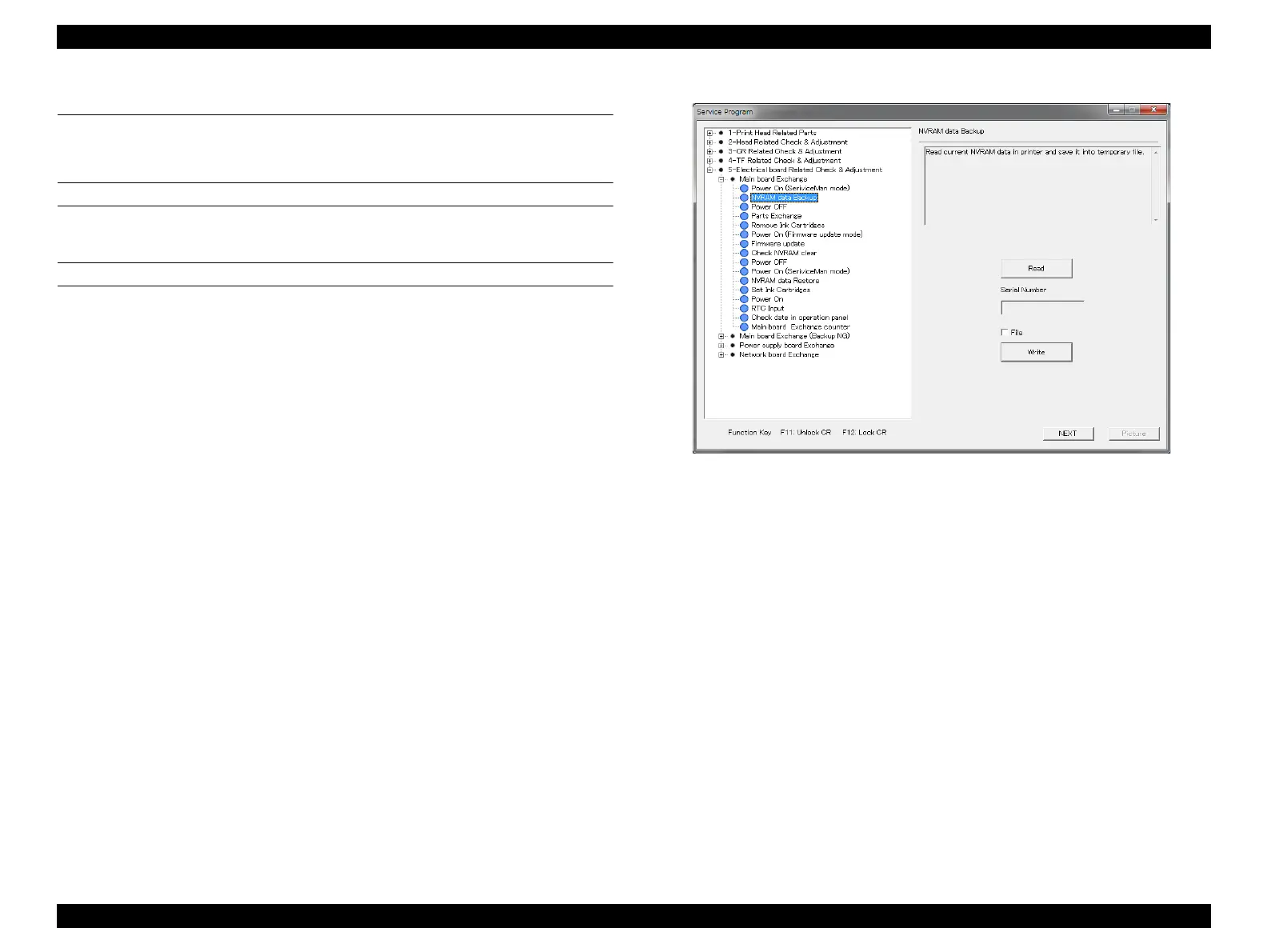
2. Start the Service Program and select [NVRAM data Backup / Restore].
3. Click [Read] to back up the NVRAM data from the printer.
4. Click [Write] to write the backed up data. If you turn [File] on and click [Write],
you can select from other NVRAM data and write them.
Figure 4-86. [NVRAM data Backup / Restore] Screen


 To Next Page
 Loading...









