SC-F2000 Revision C
ADJUSTMENT CR Related Adjustments 224
Confidential
[Blue]: Button or menu name on the program screen / [Black]: Button or menu name on the operation panel of the printer
4.10 CR Related Adjustments
4.10.1 CR Belt Tension Adjustment
REQUIRED TOOLS
Sonic tensimeter U-507
MASS: 000.9 g/m
WIDTH: 005.5 mm/R
SPAN: 0830 mm
Any tools to flip the belt
STANDARD VALUE
16.0 ± 1 N
EXECUTION MODE
Normal Mode
PROCEDURE
1. Turn the printer ON.
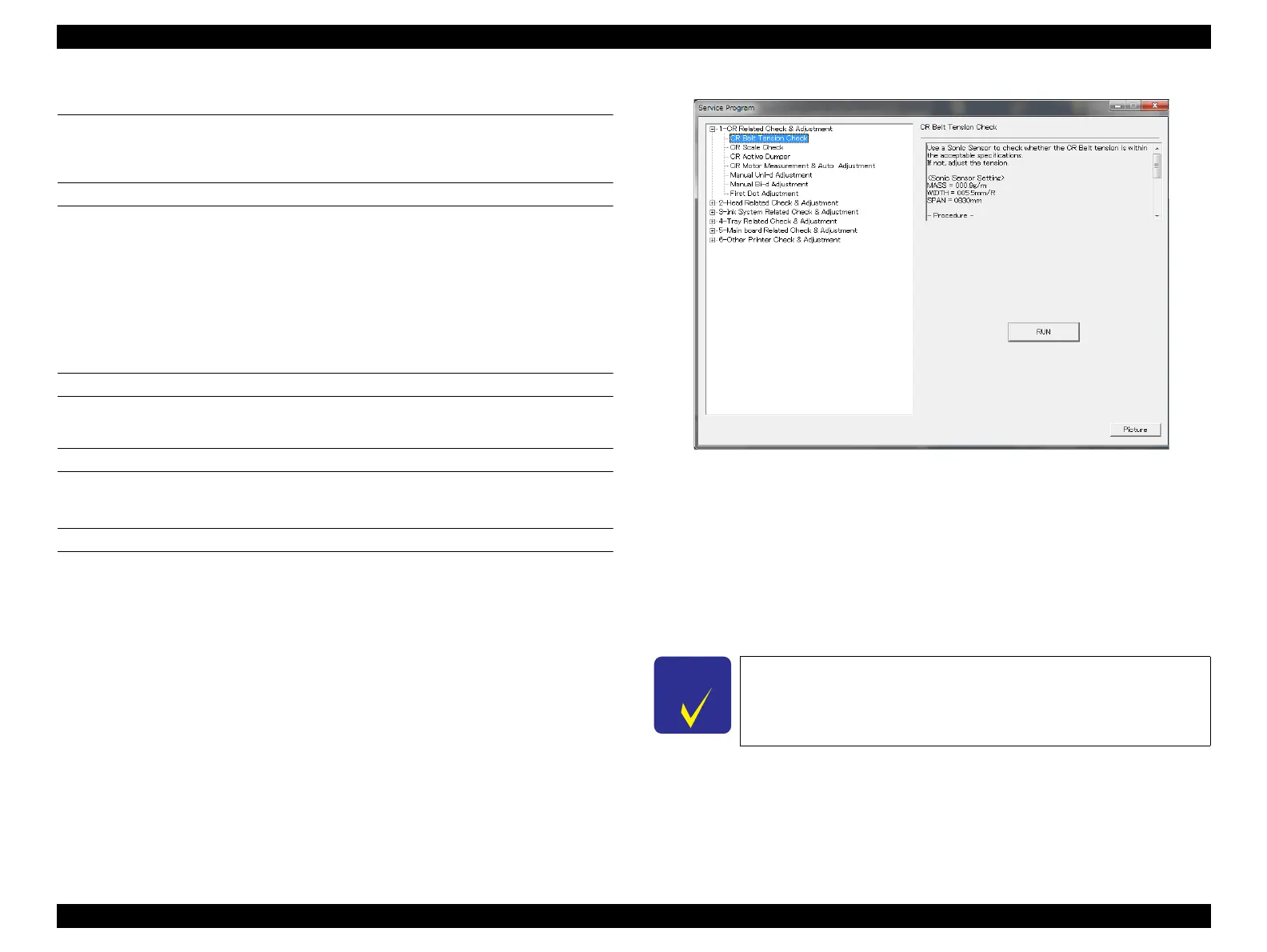
2. Start the Service Program and select [CR Belt Tension Adjustment].
3. Click [RUN].
The CR Unit moves left and right three times, and stops in front of the home
position.
4. Move the CR Unit to the home position manually.
Figure 4-17. [CR Belt Tension Adjustment] Screen
5. Input the following values to the tensimeter.
MASS: 000.9 g/m
WIDTH: 005.5 mm/R
SPAN: 0830 mm
6. Bring the microphone of the tensimeter closer to the position shown in Figure 4-18
(Center of the belt).
Bring the microphone within 5 mm from the belt but do not let it
touch the belt.


 To Next Page
 Loading...









