Page 104 of 159
13 Settings
The ‘ELite 5’ analyzer can be tailored to your laboratory’s needs by changing the settings.
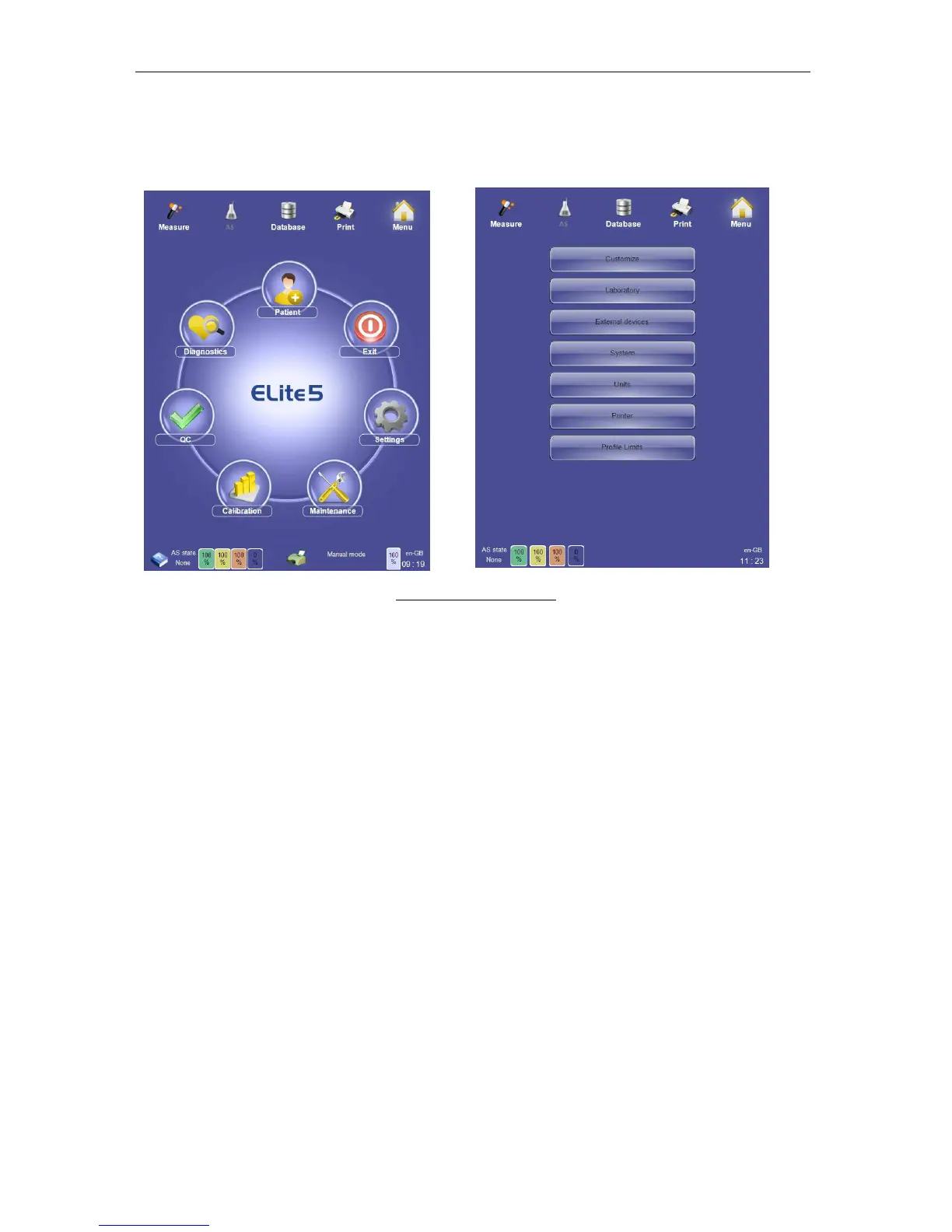
Click or tap the ‘Settings’ icon on the main menu to access the Settings panel.
Figure 76. Settings Panel
The options available on the Settings panel are:
• Customize
• Laboratory
• External Devices
• System
• Units
• Printer
• Profile Limits
• X-B
• User (only if Multi user option is enabled)
Clicking or tapping one of the buttons in the Settings panel displays the selected panel where
settings changes can be made. Each panel has a ‘Back’ and ‘Save’ button. The ‘Save’ button
saves any changes made and returns to the Settings panel, and the ‘Back’ button discards
any changes and returns to the Settings panel.
13.1 Customize Settings
The Customize panel allows you to customize the ‘ELite 5’ analyzer user interface language
and other preferences about the analyzer operation. Click or tap the ‘Customize’ button on
the Settings panel to access the Customize panel.



 To Next Page