Page 113 of 159
13.10 Date and Time Adjustment
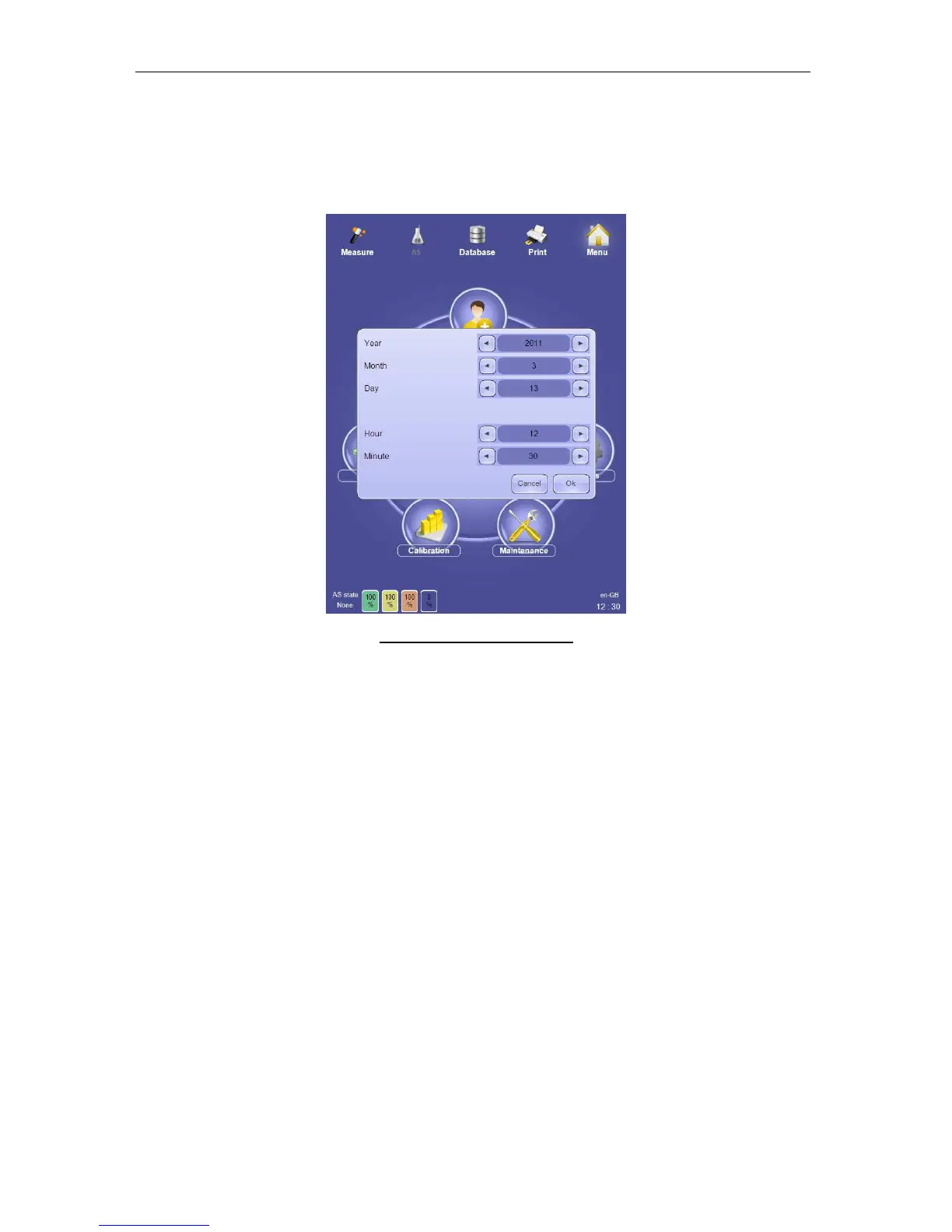
Double-click or tap the time display on the bottom right side of the screen to display a
time/date settings panel. Change the time and date as needed and select ‘OK’ to save the
new settings. Click or tap ‘Cancel’ to exit the Time/Date settings without saving.
Figure 84. Time/Date Settings
The ‘ELite 5’ analyzer does not support automatic time zone or daylight savings time
changes. Please change the time and date manually when necessary.



 To Next Page