Page 110 of 159
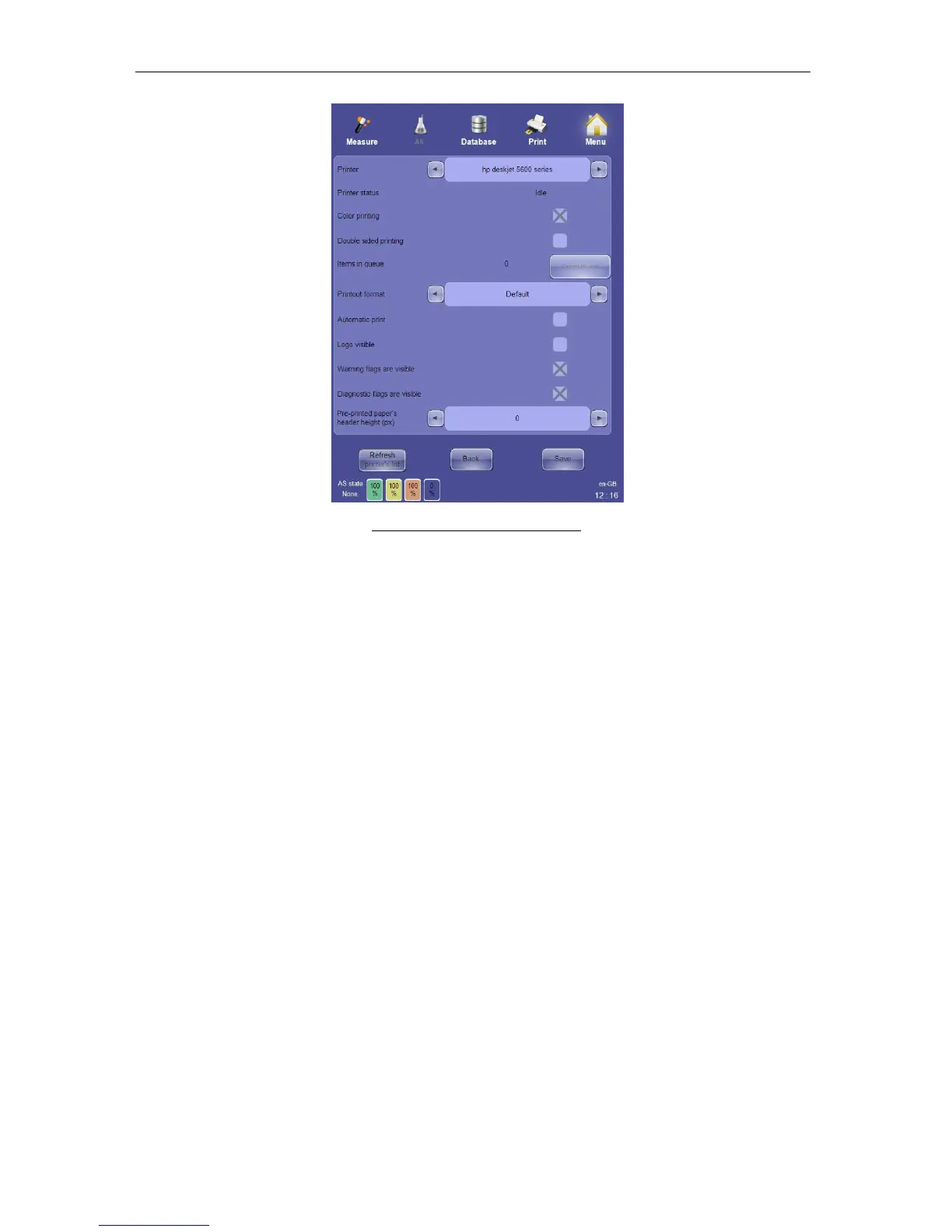
Figure 81. Printer Settings Panel
13.7 Profile Limits Settings
The Profile Limits settings are used to view and modify the normal ranges associated with
the ‘ELite 5’ analyzer’s five sample modes: Human, Male, Female, Alternate 1 and Alternate
2. NOTE: Alternate 1 and Alternate 2 are sample modes that are different than Human, Male
and Female and have user-definable normal ranges.
The control at the top of the panel selects one of the five sample modes. The panel is then
populated with the lower and upper limit values for each of the 24 parameters. Modify the
values as needed, then click or tap ‘Save’ to save the new values and return to the Settings
panel, or select Back to discard any changes and return to the Settings panel.



 To Next Page