Page 90 of 159
9.8.2 Importing
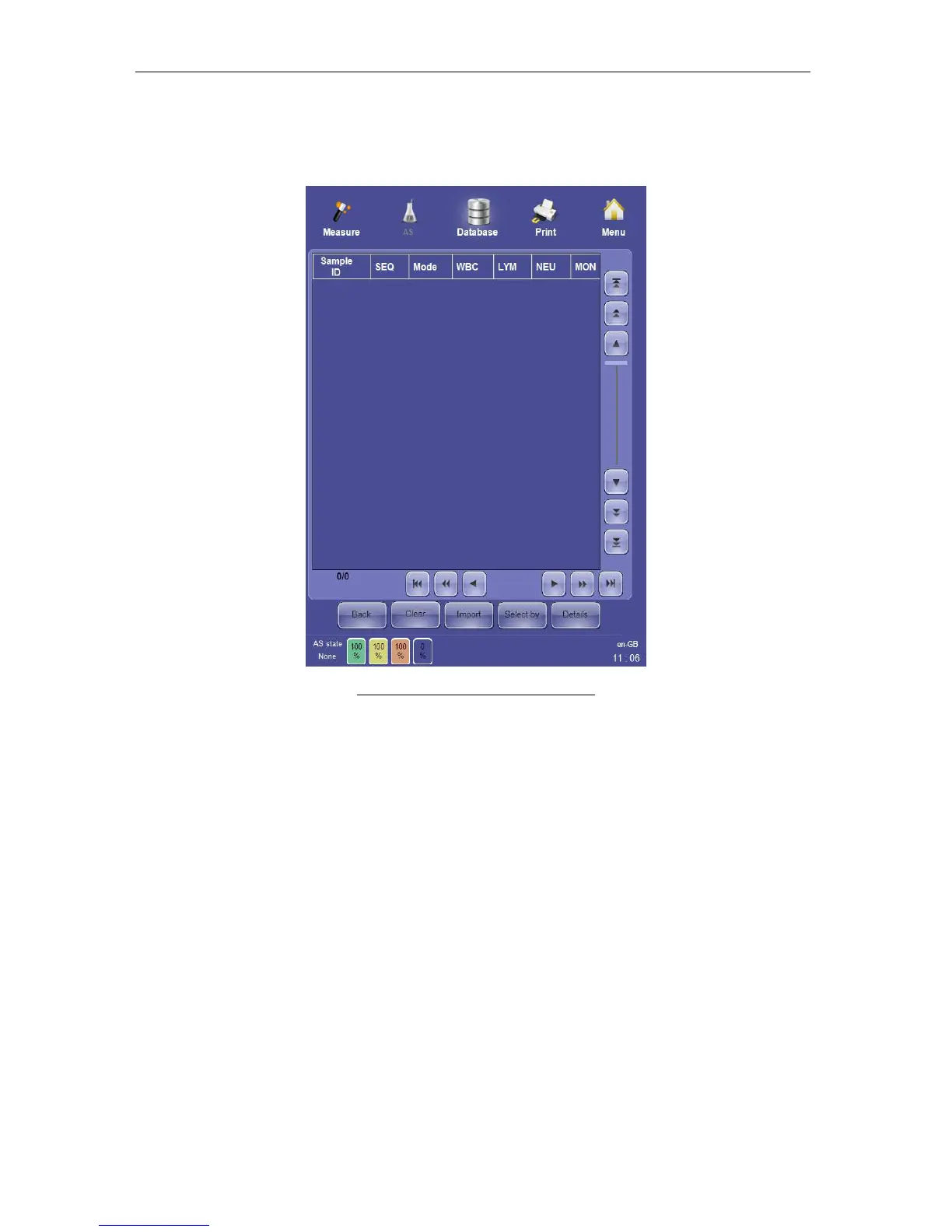
Clicking or tapping the ‘Import’ button displays a blank, modified version of the database
panel.
Figure 64. Database Importing Panel
The database importing panel provides the following options:
• The ‘Import’ button brings up a panel to select previously exported database record
files to load and view.
• ‘Select by’ performs the select by database function to select a group of imported
records according to criteria entered by the operator.
• ‘Details’ views the detailed result information for all or a selection of imported records.
• ‘Clear’ removes selected records from the imported records table, but does not
permanently remove the cleared records from the stored database file.
• ‘Back’ ends viewing of imported database information and returns to the ‘ELite 5’
stored database.



 To Next Page