Page 96 of 159
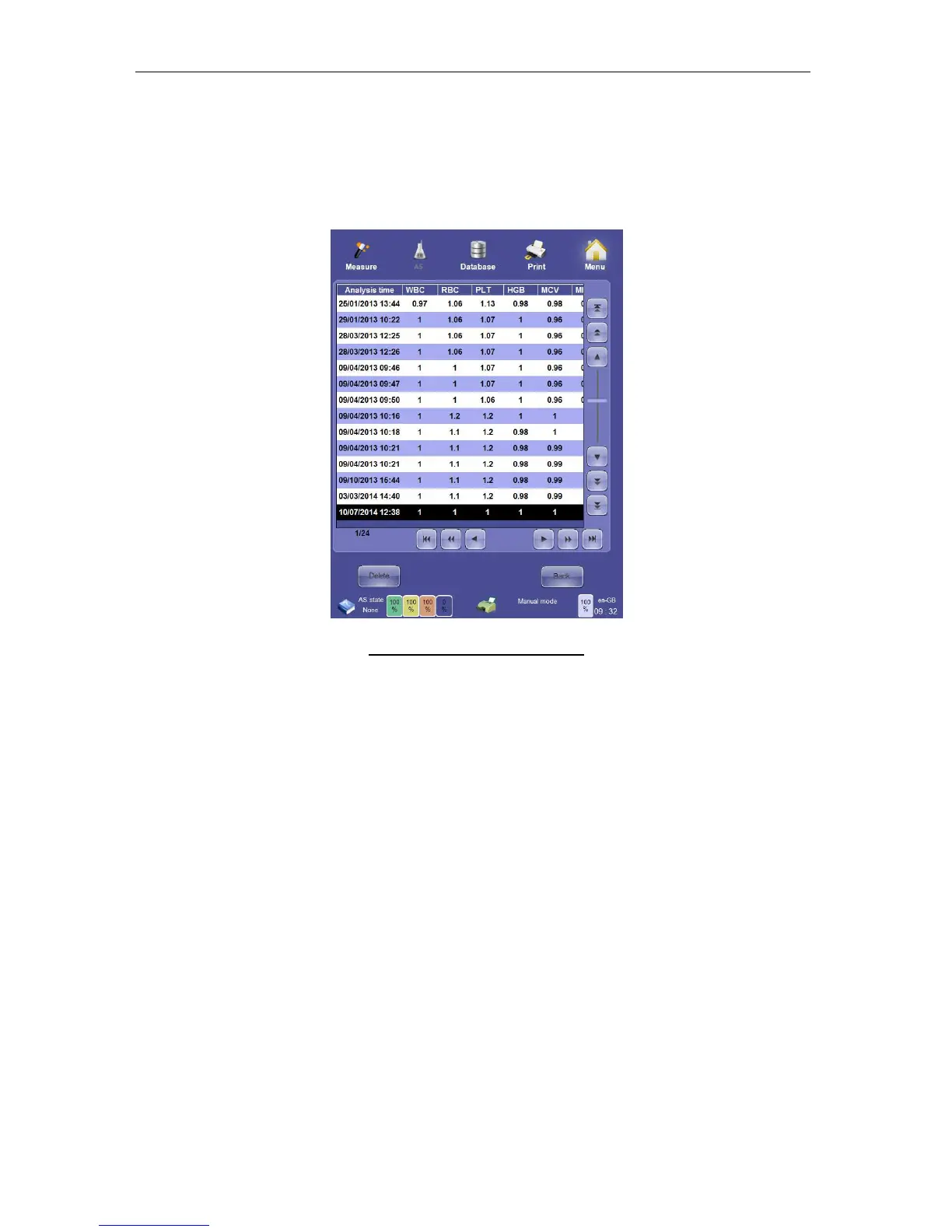
To view the calibration history click or tap the ‘View calibration’ function on the calibration
panel. The calibration history is presented in a table view that can be navigated in the same
way as the database panel.
Any calibration can be deleted. Deleting the last calibration causes the ‘ELite 5’ analyzer to
revert to the last accepted calibration.
Figure 69. View Calibration Panel
To delete a calibration, click or tap the ‘Delete’ button. The system will ask you for a
confirmation password to avoid accidental deletion of calibration data. The confirmation
password is set at the factory to 555, and can be changed by your Erba Lachema certified
service engineer.
10.2 SSM Calibration
The Small Sample Calibration procedure is the same as the Calibration in normal mode.
Be aware of choosing the right vial which you are using for calibration. For the best precision
we recommend to choose the calibration for the most measurements in SSM mode.
Calibration factors are going to be generated like:
Measurement result = raw result x calibration factors x SSM calibration factors



 To Next Page