Page 49 of 159
After the current user is logged off the login panel is displayed.
6.3.2 Shut Down
The shutdown procedure has to be used to maintain the reliable operation of the instrument.
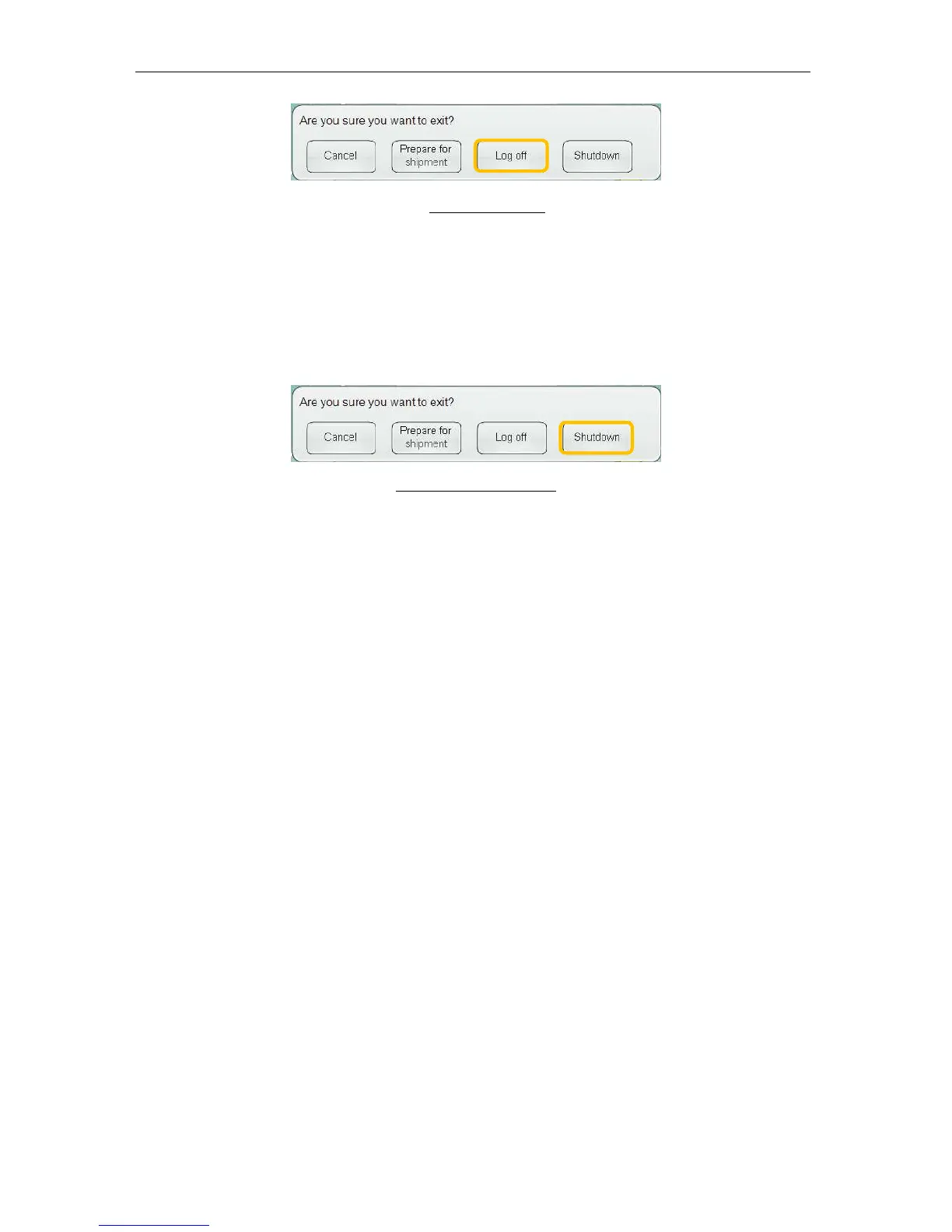
To properly shut down the ‘ELite 5’ analyzer, click or tap the Exit icon on the main menu and
select ‘Shutdown.’
Figure 31. 30 Shut Down
The shutdown procedure performs two key functions:
• If the pneumatic system components of the ‘ELite 5’ analyzer were initialized, a shut
down procedure is performed that rinses the pneumatic components. This prepares
the ‘ELite 5’ analyzer for shorter periods of inactivity such as overnight or over a
weekend.
• The ‘ELite 5’ operating software and the Windows
®
XP
®
Embedded operating system
are shut down. The analyzer saves all settings, closes the file system and database,
and automatically shuts down the internal user interface computer.
The ‘ELite 5’ analyzer may ask to perform a cleaning cycle based on the analyzer’s usage
patterns and the state of the pneumatic components. If this occurs, the ‘ELite 5’ analyzer will
request that a tube with cleaning solution (Erba•Hypoclean CC) to be introduced at the
sample rotor. The cleaning procedure may take a few minutes. Do not turn off the analyzer
until it indicates that it is safe to do so.
6.3.3 Prepare for Shipment
If the ‘ELite 5’ analyzer is not used for a significant period of time or is being transported to a
new location then the ‘prepare for shipment’ procedure should be performed instead the
regular shutdown procedure. Click or tap the ‘Exit’ icon on the main menu, then select the
‘Prepare for shipment’ button.



 To Next Page