Page 112 of 159
13.9 User Settings
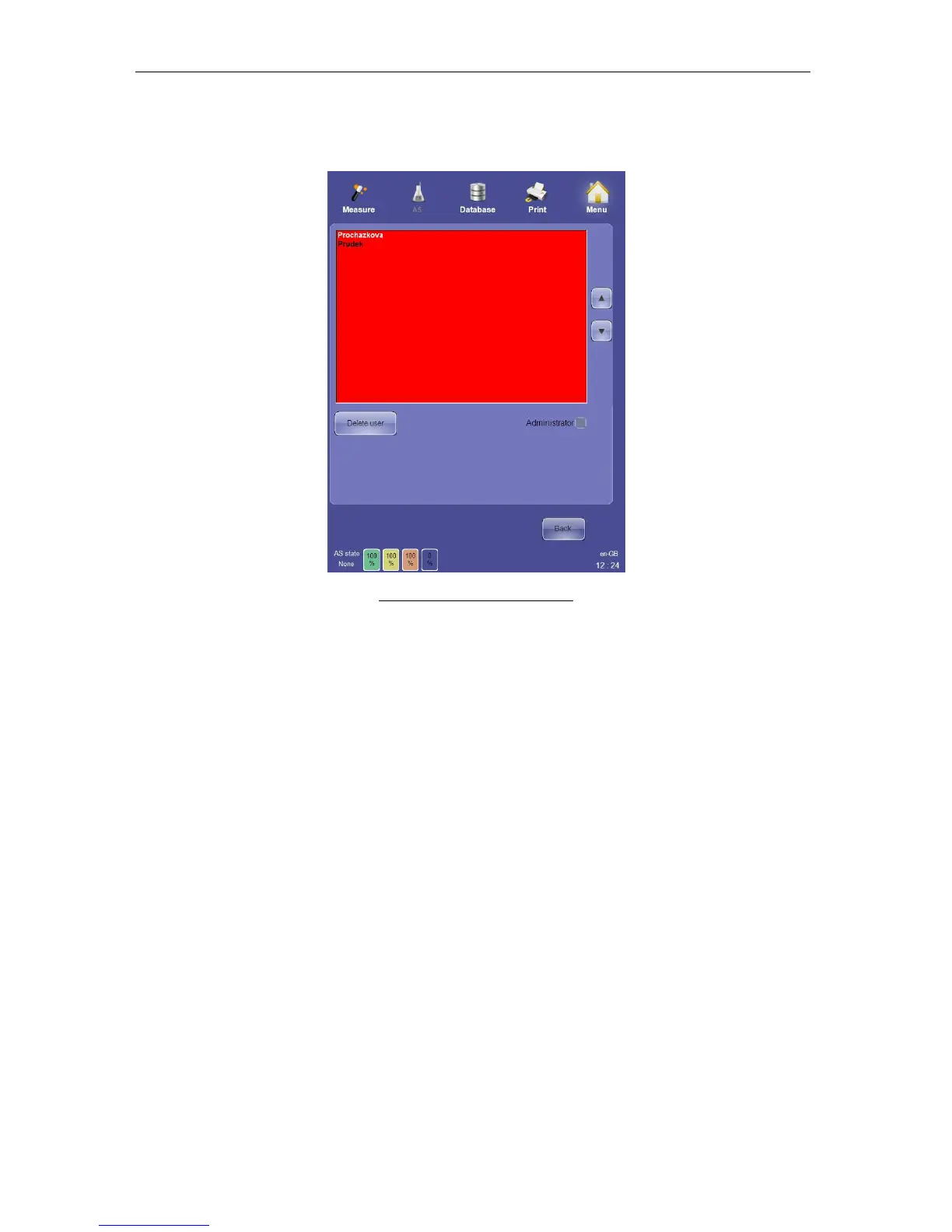
The User Settings panel allows administrators to delete users, or assign administrator rights.
Figure 83. User Settings Panel
Users with Administrator privileges can have access all over the system. Only an
administrator user can grant or revoke administrator rights.
Regular users have limited access to the system. A regular user is:
- allowed to modify Settings / Customize only (language, skin, sound volume),
- allowed to run and monitor QC measurements, but cannot define QC target
values,
- not allowed to perform Calibration.



 To Next Page