Page 29 of 159
Hardware key connector: this connection is used to plug in the hardware key supplied with
every new package of original Erba Lachema Erba•Lyse-5P reagent. A new reagent key
provides the analyzer with the ability to run 800 measurements. When the measurement
count has been exhausted, the ‘ELite 5’ analyzer stops processing samples.
Reagent connectors: five color-coded tubing connectors provide connection to the
reagents. There are three reagent connectors and two waste connectors.
Green
1
connector
Erba•Dil-5P diluent
Orange
Waste
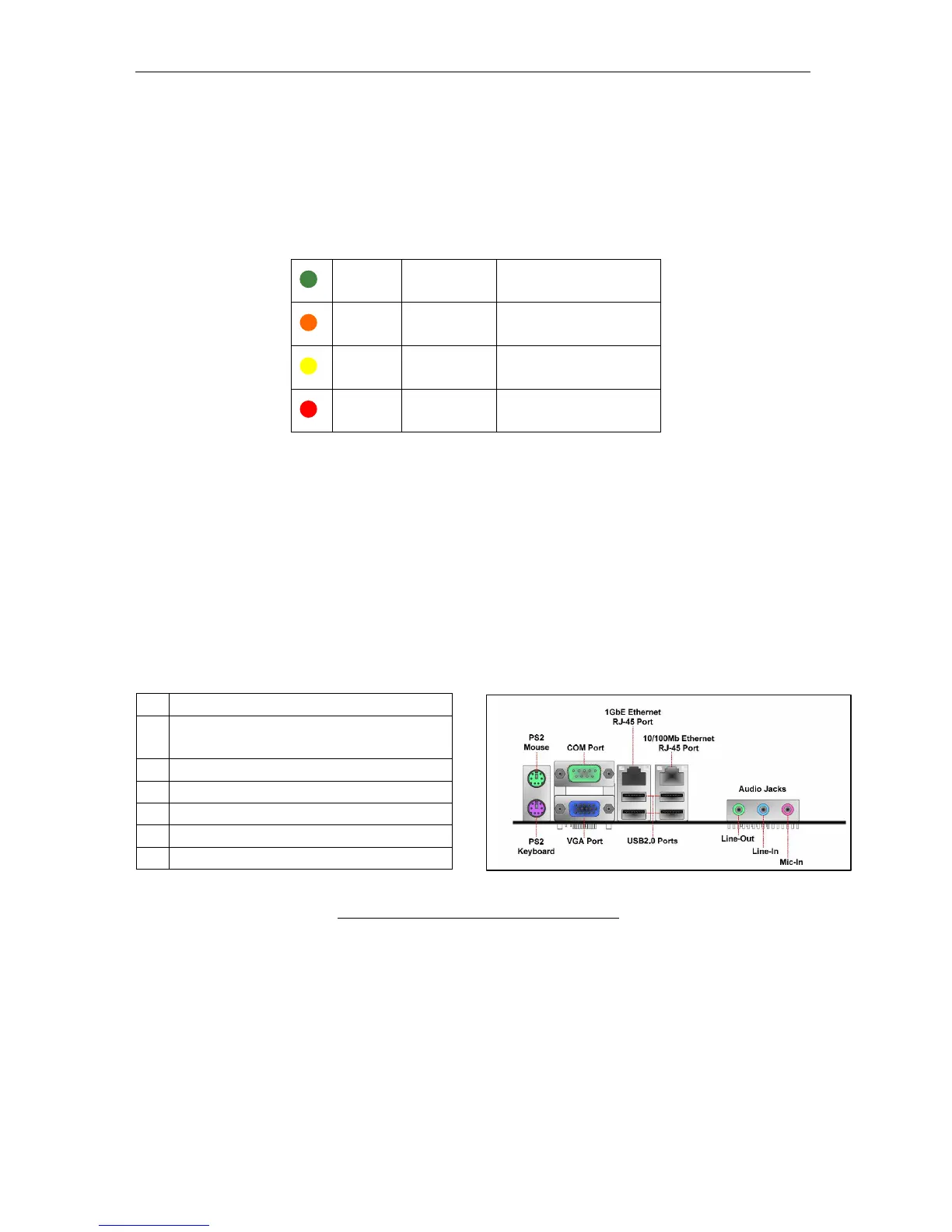
Main board back panel I/O Ports: these are the back panel computers of the ‘ELite 5’
analyzer main computer board. They provide standard connection to peripherals such as
external keyboard and mouse, printers, bar code readers.
Avoid getting liquids on the electrical connectors. The rear panel of the analyzer should
be cleaned with a cloth or sponge with 70% ethanol
1 PS2 Mouse port for optional mouse
1 PS2 Keyboard for optional PS2
keyboard
1 COM port for LIS
2 RJ45 Ethernet port for LIS
1 VGA port (unused)
4 USB 2.0 ports for peripherals
3 Audio jacks (unused)
Figure 12. Main Board Back Panel I/O Ports



 To Next Page