ColorSource Overview 11
Master Faders
Master faders can be used to control the output of certain functions. Master faders are the four faders
above the touchscreen. They are assigned in the Console tab in Settings.
Note: When the Playbacks or Cues faders are fully down no output will be produced by those
sections.
Master faders default to these functions:
Volume (ColorSource AVonly: controls the audio volume.
Playbacks: controls the output of the playbacks and sequences.
Cues: controls the output of the cue list.
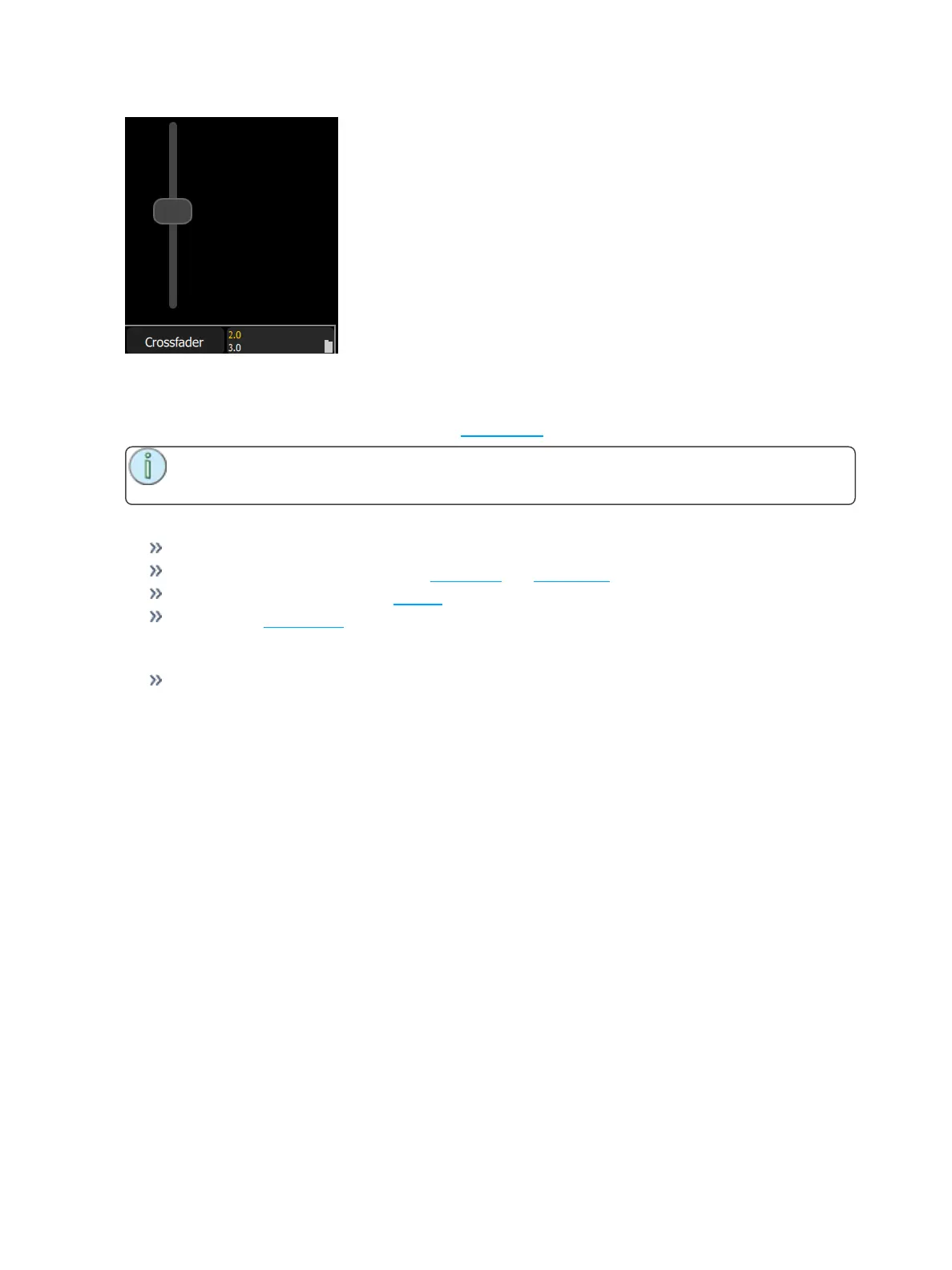
Crossfader: Crossfades the cue list from the Live to the Next step.
In Simple Mode
Masters 1- 4: The four playback masters. You may record the output and store it on one of the four
masters to be re-used later.



 To Next Page