Welcome to the ColorSource Help System 7
Welcome to the ColorSource Help System
The topics found in this help system can also be found on your console by pressing the button.
Tutorial videos are also available on your console.
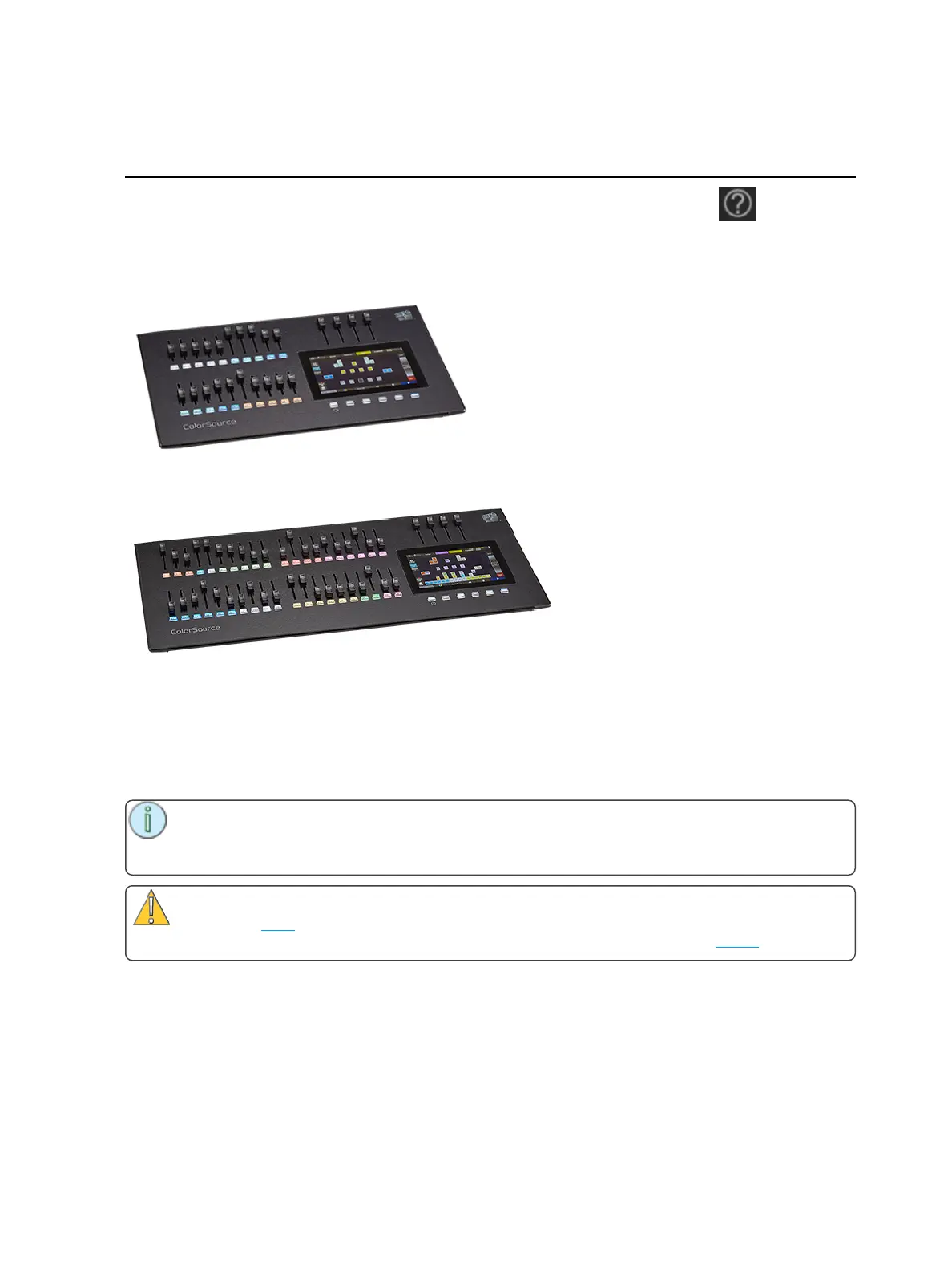
ColorSource 20
ColorSource 40
Shutdown
Hold the Stage Map button (left-most button below the screen) for three seconds to select the Shutdown
screen.
Shutdown sends the console into hibernation mode and turns off the screen and indicators.
To awaken the console, press the now blue Stage Map button again.
Note: When in hibernation mode, the console and its external power supply unit still consume
some power. To ensure zero power consumption, the external power supply should be dis-
connected from the AC mains supply.
Caution: All data is stored internally in non-volatile memory. Do not switch off the power until
any pending save operation is completed, or you may lose data. It is strongly advised that you
make periodic backups of important data to an external memory stick using the export function.
It is recommended to power the unit on and off on the AC side of the external power supply.



 To Next Page