76 Showfile Management
File, Save
Save the show by going to Setup>Files>Save.
The show will be saved with the name you last gave it. If you have not yet saved the show with a name,
you will be prompted to enter a show file name.
Caution: All data is stored internally in non-volatile memory. Do not switch off the power until
any pending save operation is completed, or you may lose data. It is strongly advised that you
make periodic backups of important data to an external memory stick using the export function.
File, Save As
Save the show by going to Setup>Files>Save As. The show will be saved with the name you enter.
Note: The difference between Save and Save As is you will always be asked to name the show
file when you use Save As.
Caution: All data is stored internally in non-volatile memory. Do not switch off the power until
any pending save operation is completed, or you may lose data. It is strongly advised that you
make periodic backups of important data to an external memory stick using the Export function.
File, Import
Use of Media Notice
Import an existing show file by going to Setup>Files>Shows>Import.
Note: Show files must be saved on a memory stick, in a folder named "Shows" in the root dir-
ectory.
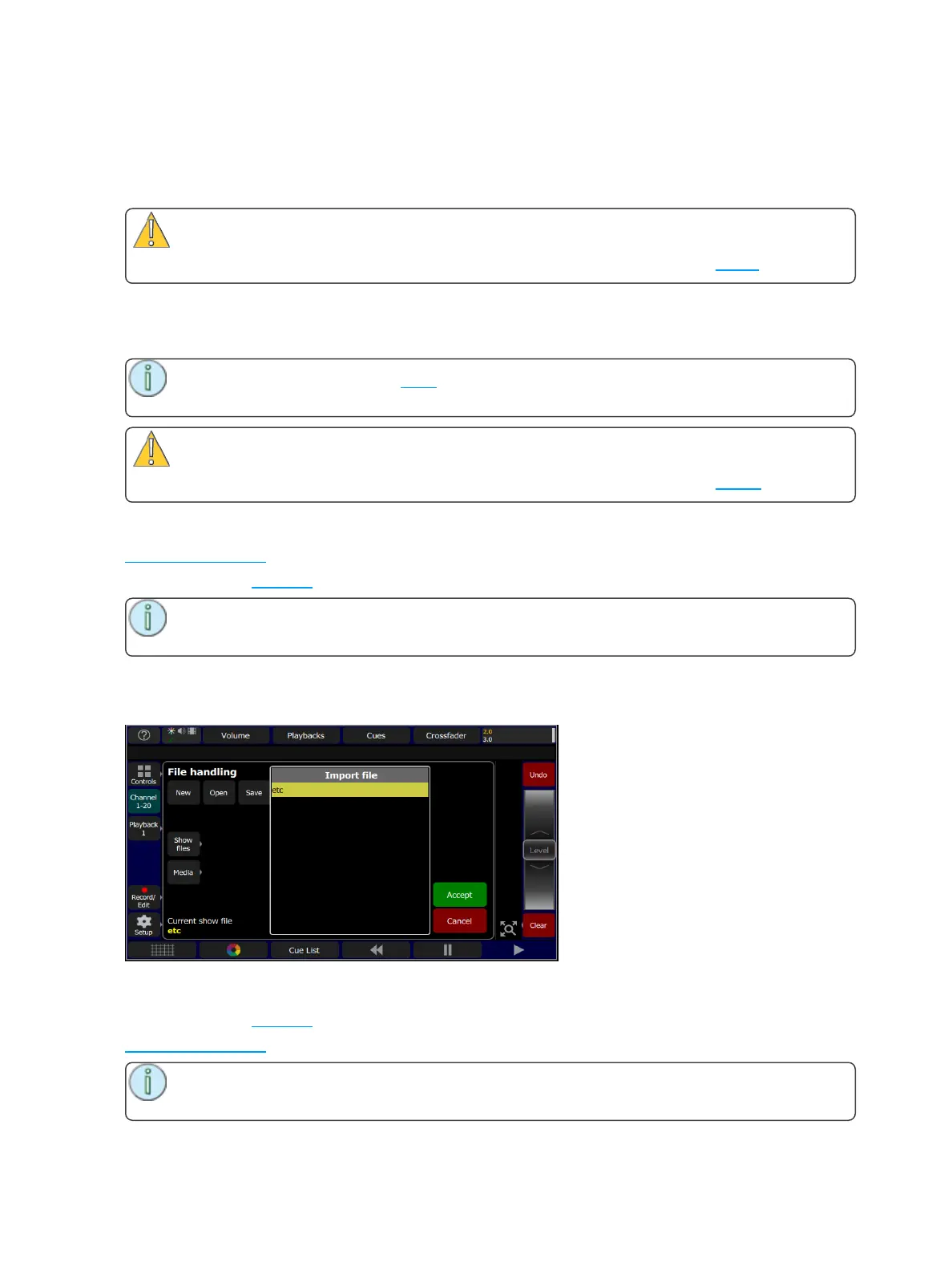
When the Import button is pressed, the following screen will display showing the available show files.
Select the desired file, and then press Accept. If you want to leave this display without importing, press
Cancel.
File, Export
Export the current show file by going to Setup>Files>Shows>Export.
Use of Media Notice
Note: Show files will be saved onto a memory stick, in a folder named "Shows" in the root dir-
ectory.



 To Next Page