50 Turning Lights Off
By pressing the Speed Clear button a certain number of times, you can perform the following clear func-
tions:
1. Deselect - pressing the speed clear button once deselects any selected channels, but their levels
will remain at the current value.
2. Clear channels - pressing the speed clear button twice removes all levels coming from channels
under control of the wheel, faders, or keypad.
3. Clear playbacks - pressing the speed clear button three times clears the output from the playbacks.
The action is the same as taking each playback to zero or taking the playbacks fader to zero.
4. Clear cues - pressing the speed clear button four times clears the output from the cue list. The
action is the same as taking the cues fader to zero.
Note: The cue position is not affected. Pressing GO will fade in the next cue after the
one that was cleared.
Blackout
Blackout sets all lighting levels to zero. The Blackout function can be assigned to one of the buttons below
the touchscreen. See Settings: Console (on page71) for more information.
Note: Independents can be included or excluded from the effect of Blackout.
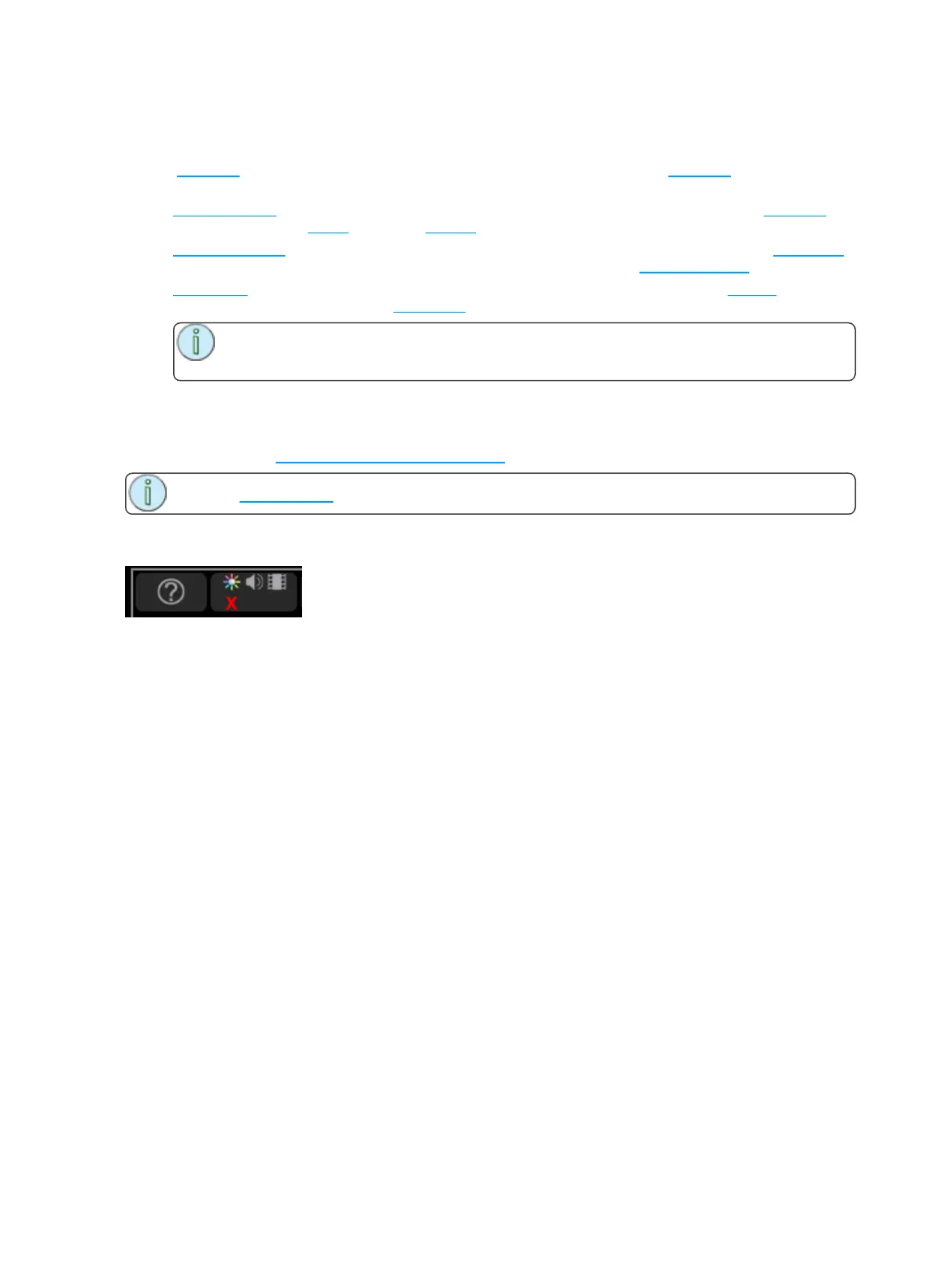
When Blackout is engaged a red X appears below the light bulb icon in the control box adjacent to the Help
button.



 To Next Page