32 Recording Your Looks For Playback
Note: This is the same as if the playback fader had been taken to the same level as the bumps
master and all other playbacks and cues set to zero.
Solo Change
When the button mode is set to Solo Change, pressing the bump button for a playback will cause the chan-
nels in that playback to flash on depending on the intensity of each channel in the chosen playback.
If the chosen playback's channel is at an intensity above zero all the output from other playbacks or the cue
list, for that channel, will be overridden. The intensity will be set to the level of the bumps master, and the
color of the selected playback will be sent to the output, for that channel.
If the chosen playback's channel is at an intensity of zero, all the output from other playbacks or the cue
list, for that channel, will be left unaffected.
Solo Change allows parts of the scene to be replaced while other parts are left unaffected.
Move / GO
When the button mode is set to Move/GO, pressing the bump button for a playback will cause the para-
meters of the channels in the chosen playback to move to their recorded positions and values, while the
intensity remains unaffected. The intensity may be operated independently on the playback fader.
Note: Move/GO does not work with sequences.
Record Cue
Records the current state into a cue in the cue list. A cue is a recorded stage look that can include channel
settings for intensity and other parameters, effects, and media. All recording operations use the output cur-
rently live on stage. Blind recording is not permitted.
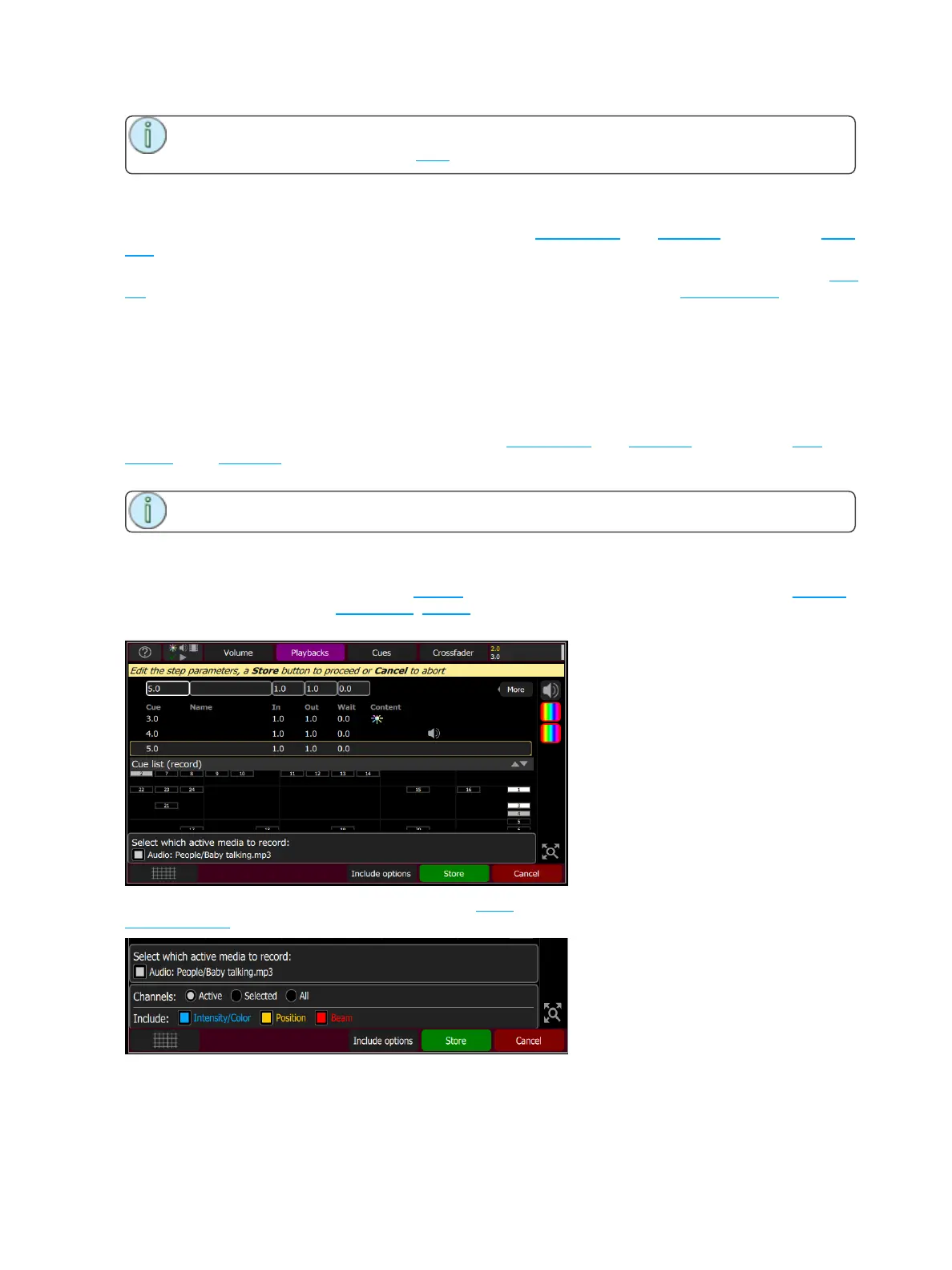
You may make a simple recording by just choosing Store. To specify a recording in more detail, select
Include options and choose the lights and parameters you wish to be included.



 To Next Page