Controlling Your Lighting System 27
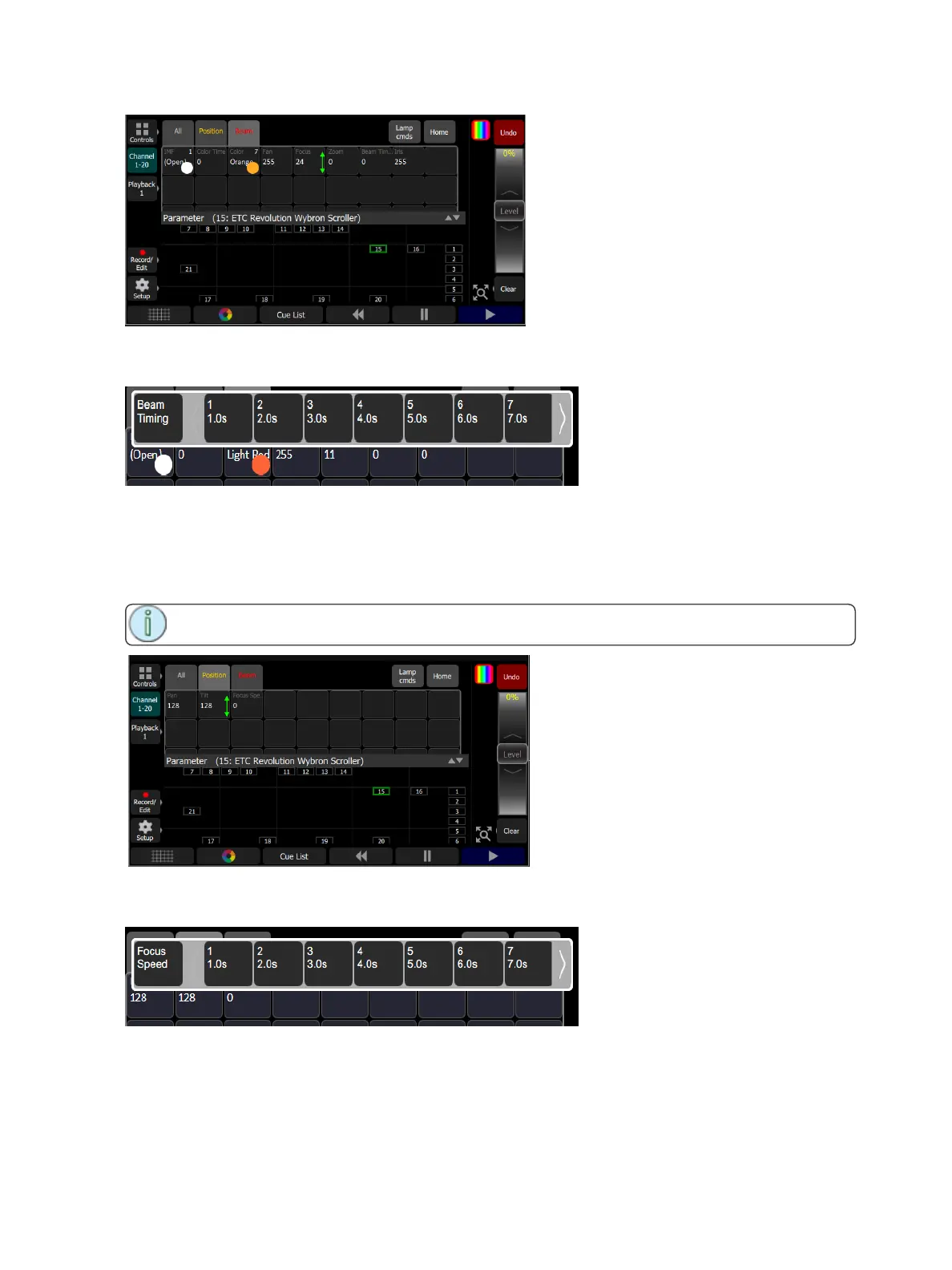
Controls the parameters of the selected light(s). Only lights with parameters may be controlled here.
Pick a parameter and wipe the value box up and down to change values.
Pick the value box with one press to open a filmstrip view of the available settings. The filmstrip may be
scrolled left <> right to see all the choices.
Parameter, Position
Show only the position parameters, pan and tilt.
Note: The Param button is only present if you have patched lights with those capabilities.
Control the parameters of the selected light(s). Only lights with parameters may be controlled here.
Pick a parameter and wipe the value box up and down to change values.
Pick the value box with one press to open a filmstrip view of the available settings. The filmstrip may be
scrolled left <> right to see all the choices.
Parameter, Lamp Commands
Click on the Lamp Cmds button to see the following options for lamp control:



 To Next Page