Recording Your Looks For Playback 39
5. Pick the bump of the sequence to be updated to complete the update.
Note: There may be several stopped sequences at any given time.
Sequence Rate
Sequences play back on the playback faders. A sequence may contain up to 99 steps with fade and step
timing.
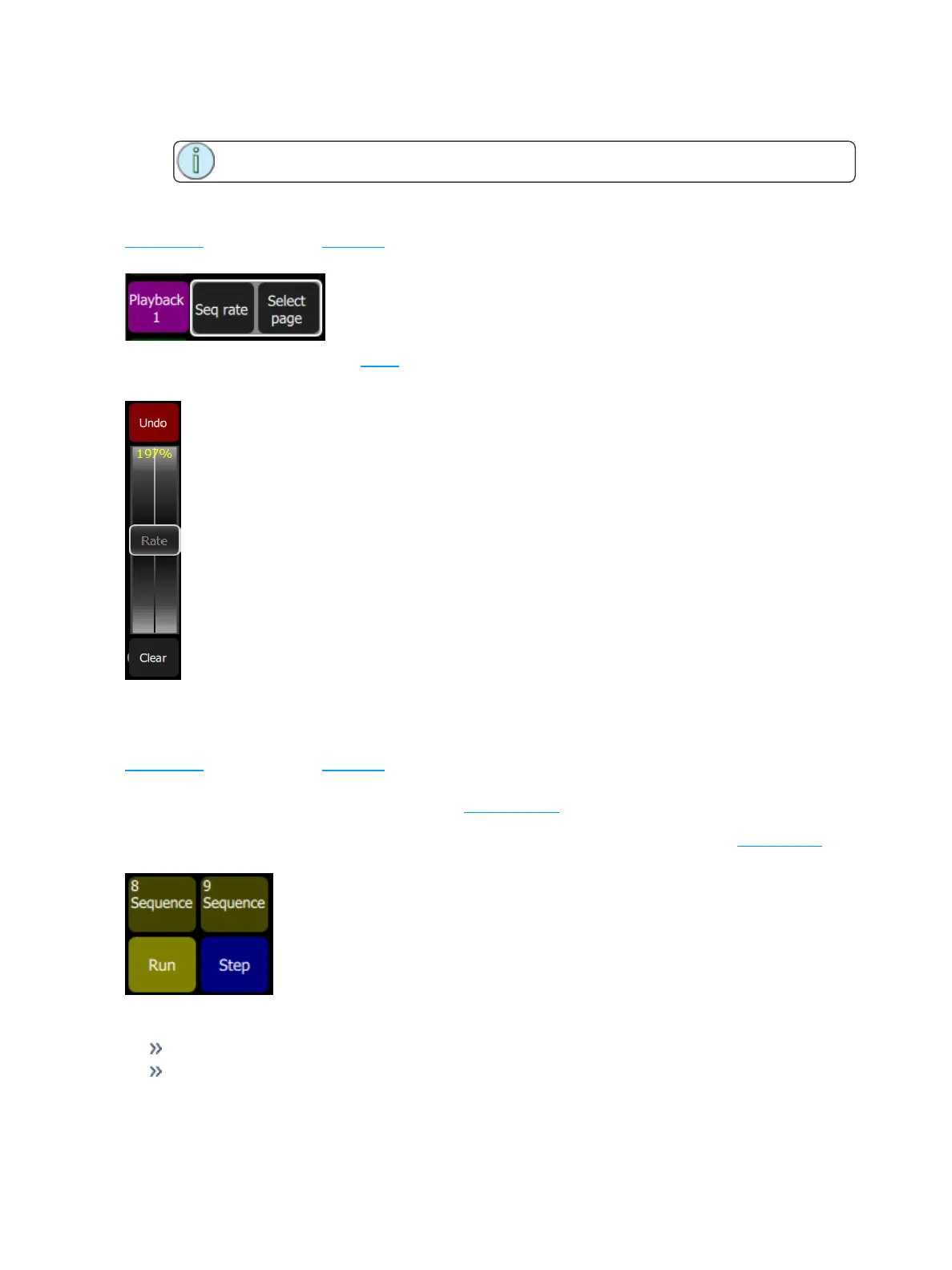
Press Seq Rate and then select a bump for the playback you want to rate control.
The wheel will change to indicate rate control and the percentage of the rate will be shown on the wheel.
Sequence rate may also be viewed and altered on the playbacks page.
Sequence Run / Step Control
Sequences play back on the playback faders. A sequence may contain up to 99 steps with fade and step
timing.
The Sequence Run/Step button is located in the Playback Toy display. A Sequence Run/Step button will
display below each sequence and will only control that particular sequence. The button is a toggle that
either lets you stop a sequence so you can manually go through the steps by pressing the bump button, or it
runs through the steps automatically.
Operation
Select a bump for the playback you want to stop or start.
Running sequences are indicated by a yellow bump button.



 To Next Page