Turning Lights Off 49
Turning Lights Off
This section covers turning off your lights by using the Blackout or Clear functions.
Clear
Clear functions remove levels coming from various sections; cues, playbacks, and channels under control
of the wheel.
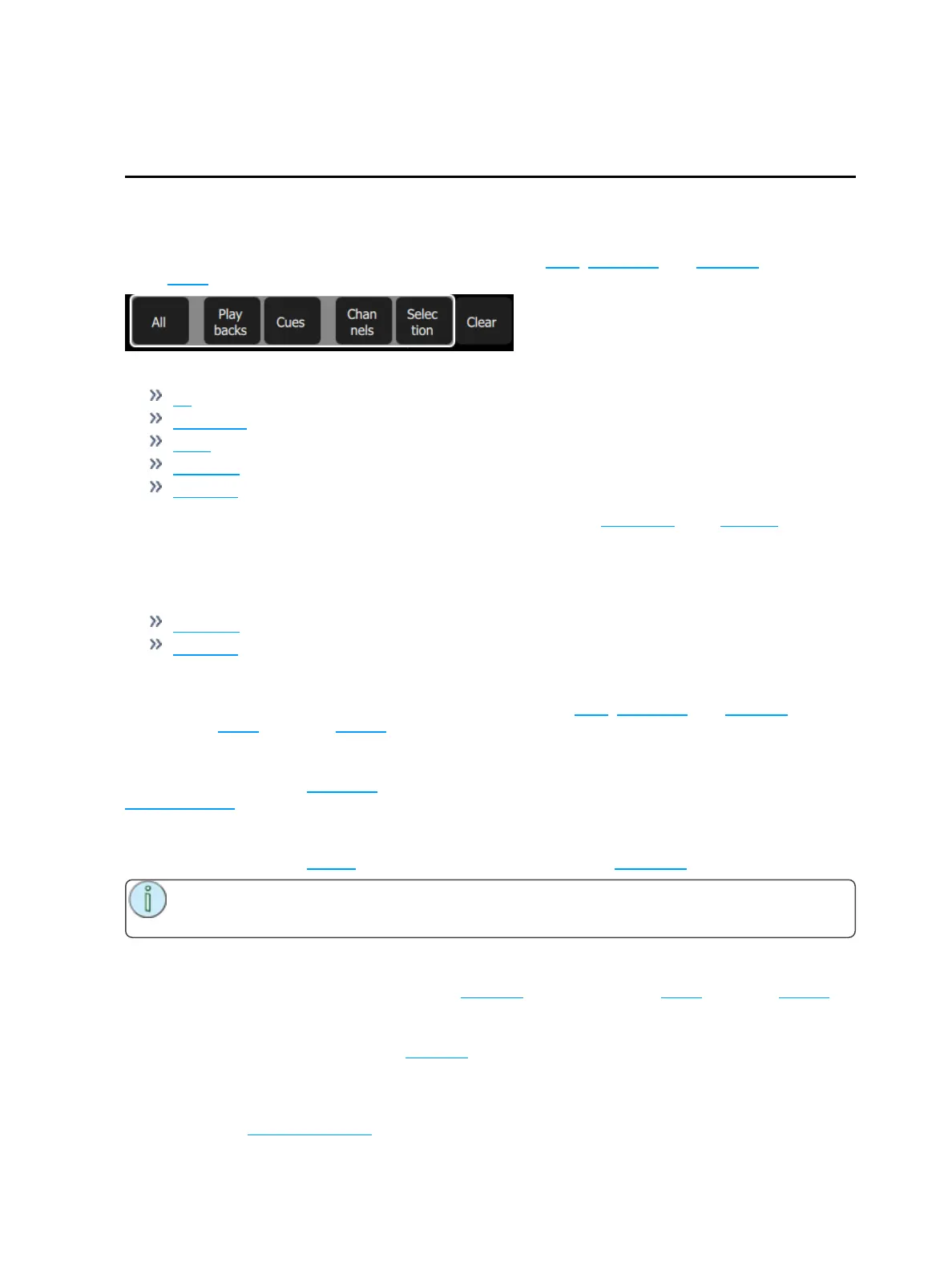
When Clear is pressed, the following options will be available:
All
Playbacks
Cues
Channels
Selection
Cleared levels fade back using the fade time, which may be set in the Times Tab of the Settings screen.
The default time is 0.5 seconds.
In Simple mode
Clear offers these two options:
Channels - clears levels set on selected channels
Selection - clears the selection set.
Clear All
Clear All removes all levels coming from these various sections; cues, playbacks, and channels under
control of the wheel, faders, or keypad.
Clear Playbacks
Clears the output from the playbacks. The action is the same as taking each playback to zero or taking the
playbacks fader to zero.
Clear Cues
Clears the output from the cue list. The action is the same as taking the cues fader to zero.
Note: The cue list position is not affected. Pressing GO will fade in the next cue after the one
that was cleared.
Clear Channels
Clear Channels removes all levels coming from channels under control of the wheel, faders, or keypad.
Clear Selection
Clear Selection deselects any selected channels, but their levels will remain at the current value.
Speed Clear
Speed Clear is a function that can be assigned to one of the configurable buttons under the touchscreen. It
is assigned in the Settings: Console tab.



 To Next Page