Using Effects 43
Using Effects
Effects are a method within ColorSource to provide dynamic, repetitive patterns to channels.
Effects
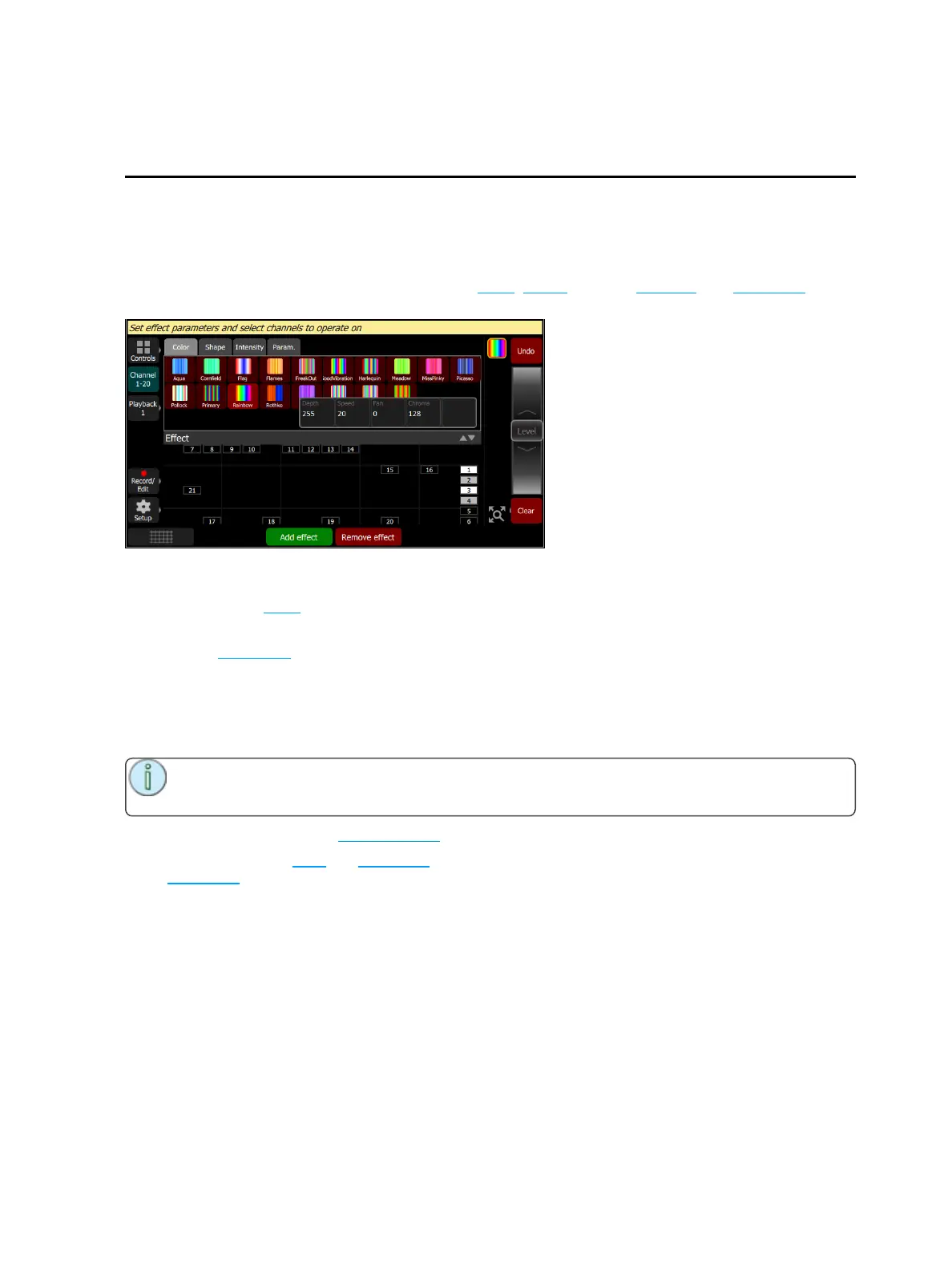
The Effects system is used to apply patterns to selected lights.
Patterns are provided for the following effect types: Color, Shape (motion), Intensity, and Parameter
effects.
How to Apply an Effect
1. Select some lights.
2. Go to Controls>Effects
3. Press Add Effect.
4. Choose an effect type from the tab area.
5. Select a pattern.
6. Adjust the effect settings for the desired result. The available effect settings change based on the
effect type selected.
Note: The order in which lights are selected is relevant and will affect the behavior of the fan set-
ting.
To remove an effect, press the Remove effect button.
Effects can be stored to cues and playbacks. When effects are played back, a symbol is shown to the right
of the stage map display corresponding to each effect currently in operation. You may pick this symbol and
adjust the depth of the effect on the wheel, edit, or stop it.



 To Next Page