Operating Instructions
Modular Safety Control System MSC
16
(Translation of the original operating instructions) 2121331-04-04/19
5.3.2. USB connection
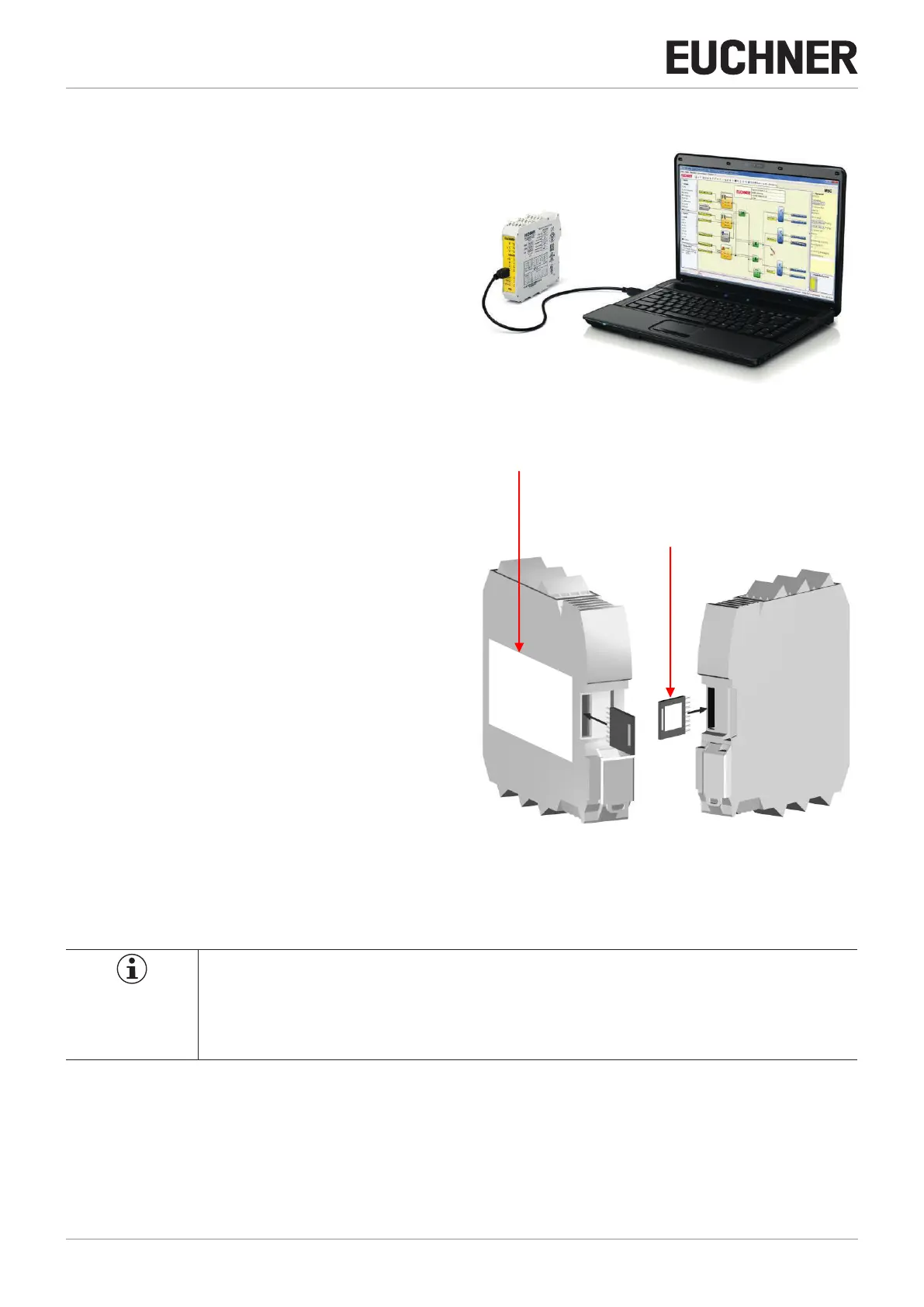
The MSC base unit MSC-CB has a USB 2.0 port for connection
to a PC on which the configuration software EUCHNER Safety
Designer (see figure) is installed.
A USB cable of appropriate size is available as an accessory.
Figure 3: Front USB-2.0 connection
5.3.3. MSC conguration memory (M-A1)
An optional backup memory card (called M-A1) can be
installed in the MSC base unit MSC-CB for backing up the
software configuration parameters.
Every new project transferred from the PC to the MSC-CB is
written to the memory card M-A1.
¨ Always switch off MSC-CB before logging onto or logging
off from the M-A1.
Insert card in the slot on the rear of the MSC-CB (direction
as shown in Figure 4: M-A1).
M-A1 label
Label with technical data
Figure 4: M-A1
5.3.3.1. MULTIPLE LOAD function
To configure several MSC-CB modules without using a PC and the USB port, the required configuration can be saved on one
M-A1 memory card and then downloaded from there to the MSC-CB modules to be configured.
NOTICE
Ì If the file on the memory card is not identical to the file in the MSC-CB, the configuration data in the
MSC-CB are overwritten and therefore permanently deleted.
WARNING: ALL THE DATA THAT WERE IN THE MSC-CB WILL BE LOST.



 To Next Page