71
2121331-04-04/19 (Translation of the original operating instructions)
Operating Instructions
Modular Safety Control System MSC
EN
9.1.9.1. Using the right mouse button
Ì On input/output blocks
- Copy/paste
- Delete
- Delete all assigned connections
- Alignment with other function blocks (with multiple selection)
- Help
- Monitor mode: show/hide the property window
- Status block: activate/deactivate the logical negation on the input pin
Ì On operator blocks
- Copy/paste
- Delete
- Alignment with other function blocks (with multiple selection)
- Help
- Activate/deactivate the logical negation
- Monitor mode: show/hide the property window
Ì On terminals
- Alignment with other function blocks (with multiple selection)
Ì On connections (wires)
- Delete
- Indication of the entire path for a connection (network)
DESIGN
WORKSPACE
Start point for
the connection
WINDOW
WITH
OBJECT
PROPERTIES
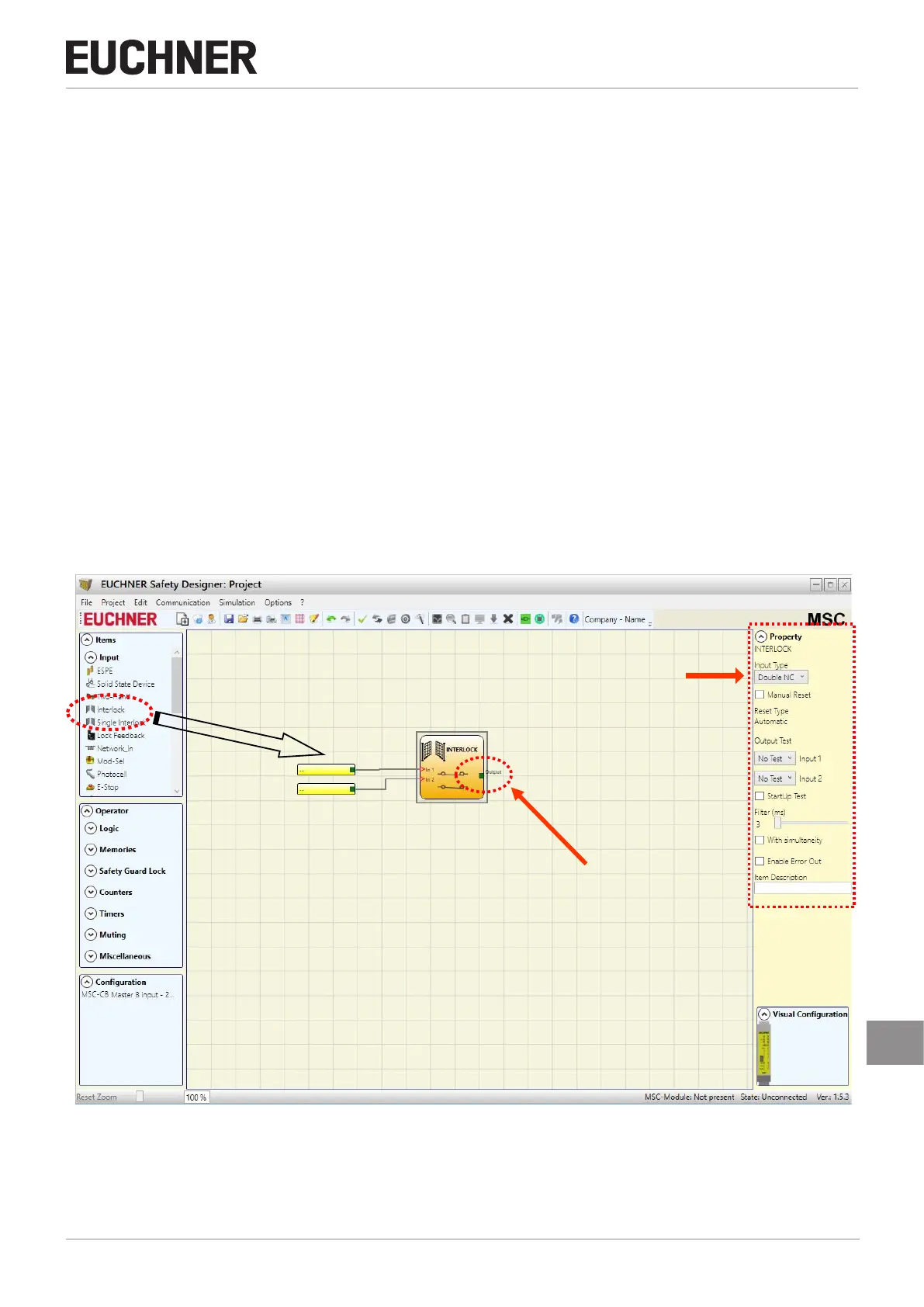
Figure 47: EUCHNER Safety Designer, design area



 To Next Page