CP-2116E
Remote Control Panel
Revision 1.2 Page - 3
2. INSTALLATION
2.1. REAR PANEL
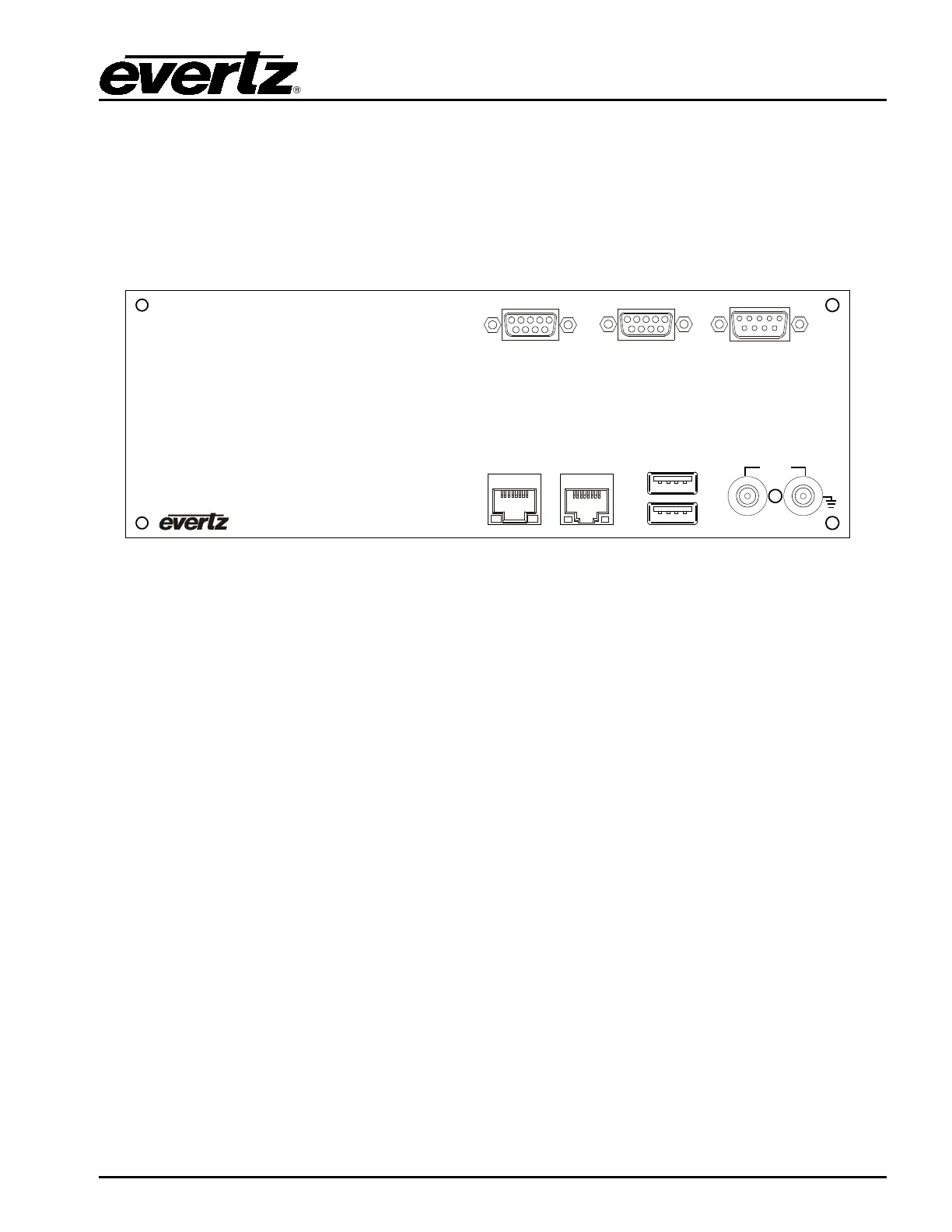
Figure 2-1 shows the rear view of the CP-2116E control panel. The following is a list of the ports and
controls on the rear panel:
ETHERNET A
10/100/1000
ETHERNET B
10/100
ACT LINK
USB
12VDC
SERIAL A
SERIAL B JOYSTICK/GPIO
ACT LINK
Figure 2-1: CP-2116E Rear Panel
SERIAL A & B: Serial A & B connectors provide RS-232/RS-422 serial control ports.
ETHERNET (A & B): These RJ45 connectors are used for Network connections to the CP-2116E.
USB (A & B): These USB 2.0 Ports are used for USB-based mouse and/or keyboard
connections to the CP-2116E.
JOYSTICK/GPIO: This connector is currently not supported.
12VDC: Two external 12 VDC inputs can used to provide fully redundant powering of the
unit. The DC input connector is a 0.218 inch diameter center positive miniature
DC power jack.
To connect the 12 VDC supply use an AC to DC converter rated at 12 VDC, 3 A
minimum. A power supply converter can be ordered from your Evertz Products
dealer (Evertz part # VSHES34-120300). The DC cable of the voltage adapter
should be connected to the DC power jack on the rear panel. The voltage
adapter DC connector-fastening collar can be screwed to the DC power jack to
prevent accidental disconnection.



 To Next Page