CP-2116E
Remote Control Panel
Revision 1.2 Page - 35
5.4.3. Macros Page
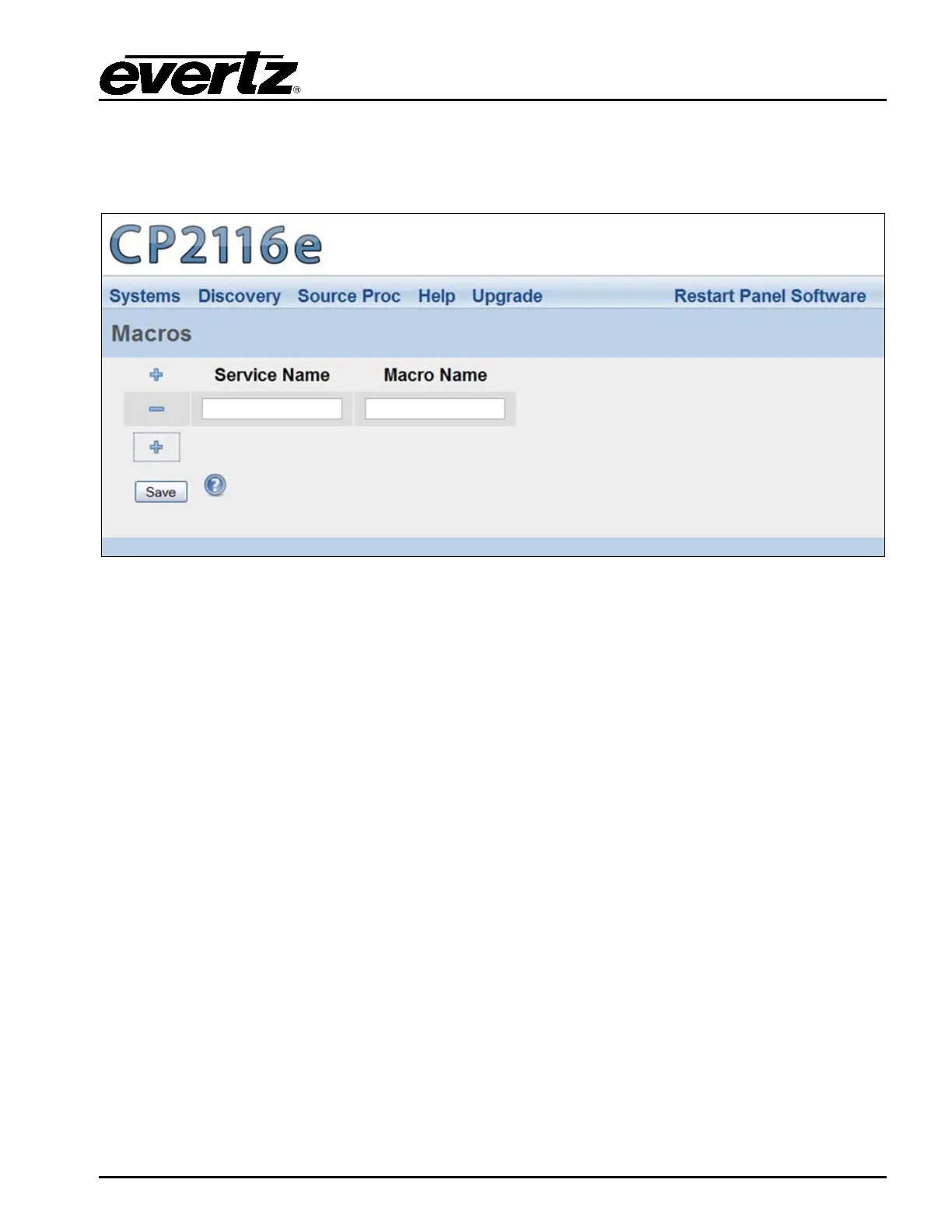
The Macros page, as illustrated in Figure 5-24, enables the user to map a Macro to an SNMP Service.
This will automatically fire the Macro on the VistaLINK
®
Alarm Server when the Service is loaded.
Figure 5-24: Macros Page
1. Select the plus sign to create a new Macro mapping.
2. Enter the name of the desired SNMP service in the Service Name field.
3. Enter the name of the Macro in the Macro Name field.
4. Once completed, select the Save.
5. When you are finished mapping the Macro, be sure to click the “Restart Panel Software” link
found at the top of each page.



 To Next Page