CP-2116E
Remote Control Panel
Page - 22 Revision 1.2
5.2.2.2. Service Template Parameter Tree
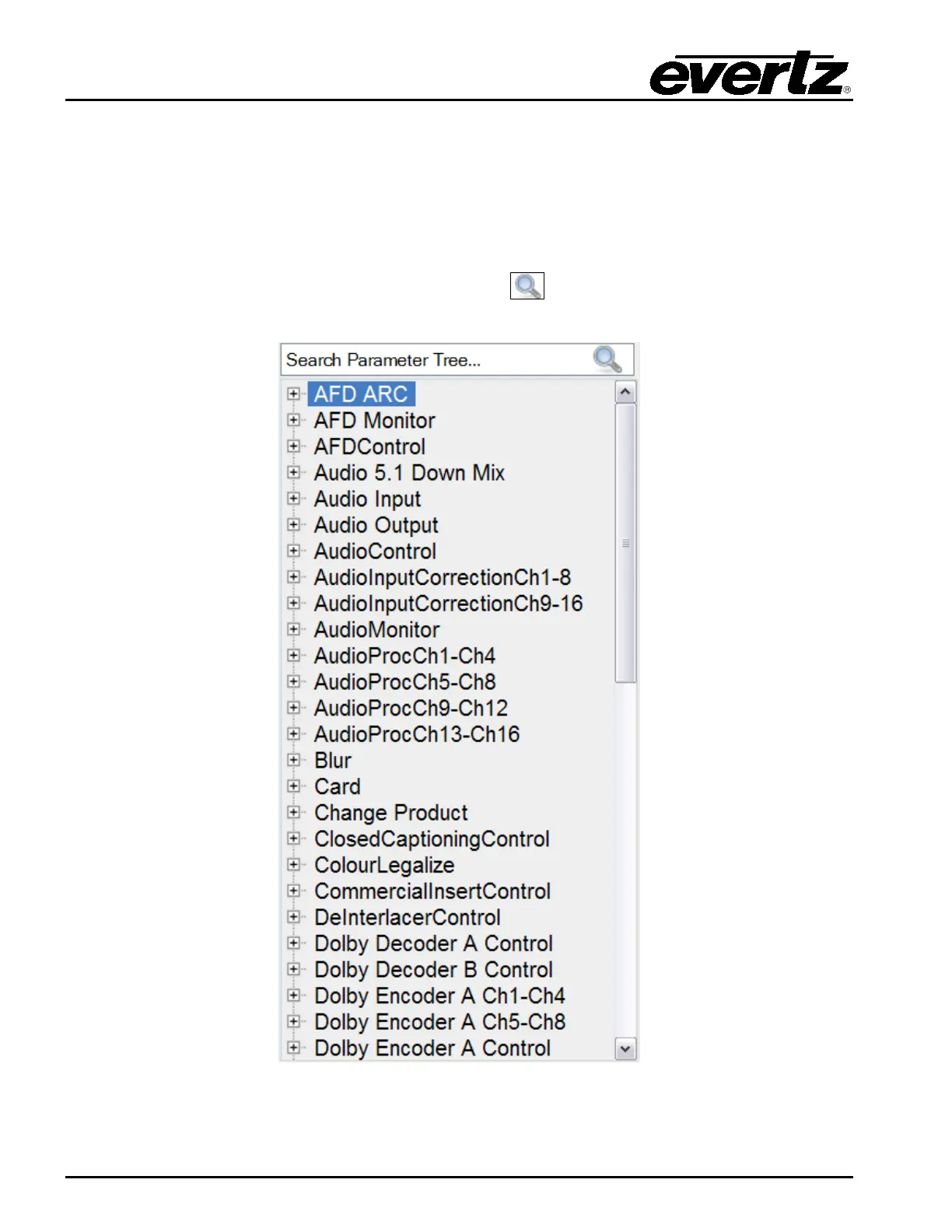
The Service Template Parameter Tree is used to select parameters and add them to the template.
The user can navigate through the parameter tree by pressing the plus (+) and minus (-) buttons to
expand or collapse the parameter items. Once the user has located their desired parameter, they can
transfer it to the list by dragging the parameter from the tree and dropping it onto the list.
To quickly locate a parameter, type the parameter name into the Search Parameter Tree… field and
press the <enter> key on your keyboard or select the
icon. The search tool will expand the
parameter tree to reveal the location of the parameter you entered.
Figure 5-8: Parameter Tree



 To Next Page