CP-2116E
Remote Control Panel
Page - 52 Revision 1.2
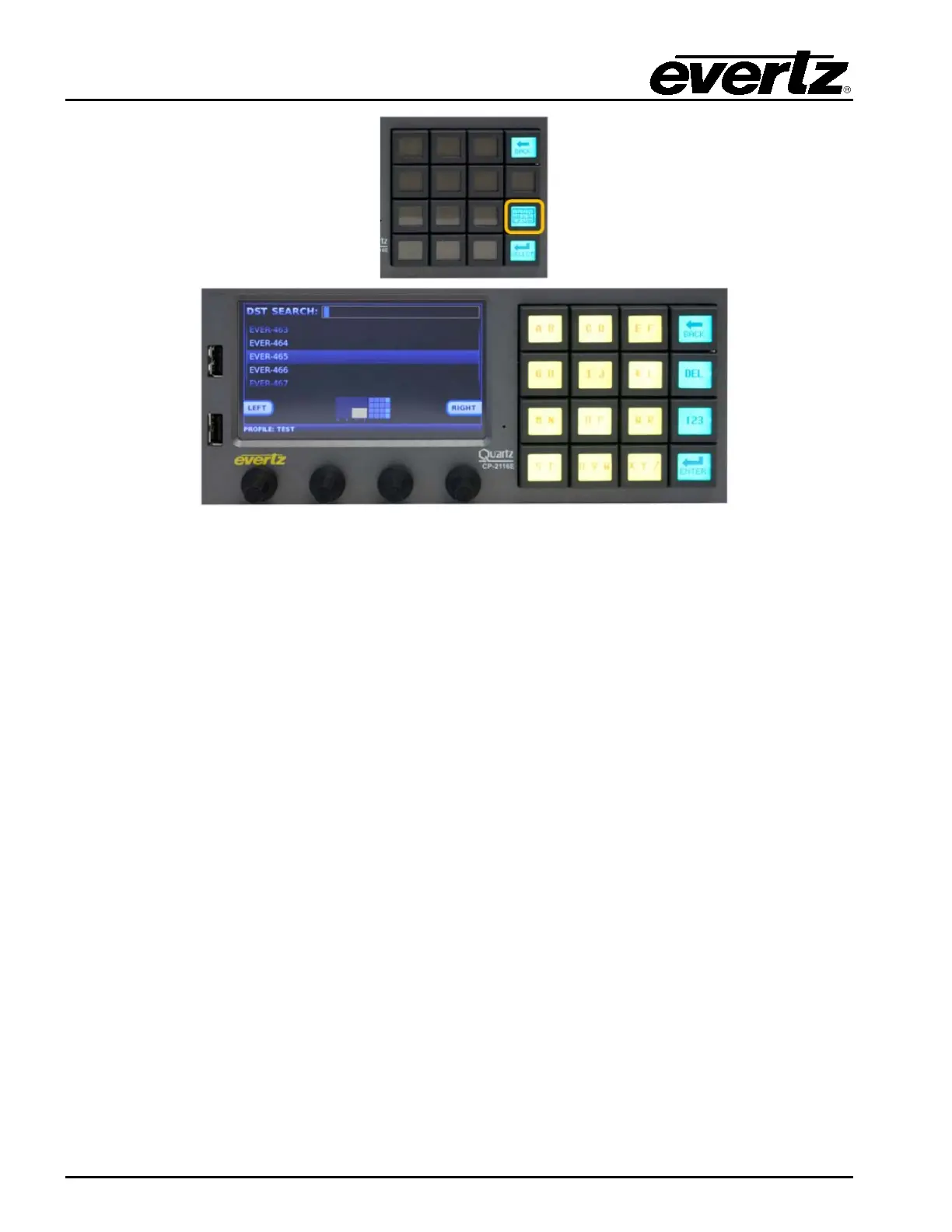
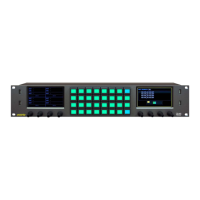
Figure 7-5: DST Keypad Display
The Alpha-Numeric button when pressed will allow the user to type the name of the required
destination in the screen. As the user types the CP-2116E will automatically filter the destination list to
display any destination that matches the characters typed. If a character is typed incorrectly the DEL
button can be used to delete the characters. The Left and Right buttons on the screen can be used to
navigate the DST Search box. When the required destination is highlighted, the Enter button is used
to confirm the choice and return the user to Quad Destination view. The selected destination will be
automatically selected in the Quad Destination view. The quadrant view in the bottom of the display will
show the user where the destination will appear when returning to the Quad Destination view. The
Back button can be used to cancel the destination search and return to the Quad Destination view.


 To Next Page