CP-2116E
Remote Control Panel
Page - 56 Revision 1.2
The Breakaway button when selected will each level individually on the LCD screen for the selected
destination. The user can then select a specific level and route a source to that level by pressing the
SRC button. The Up arrow will return the user to return to the Quad Destination view.
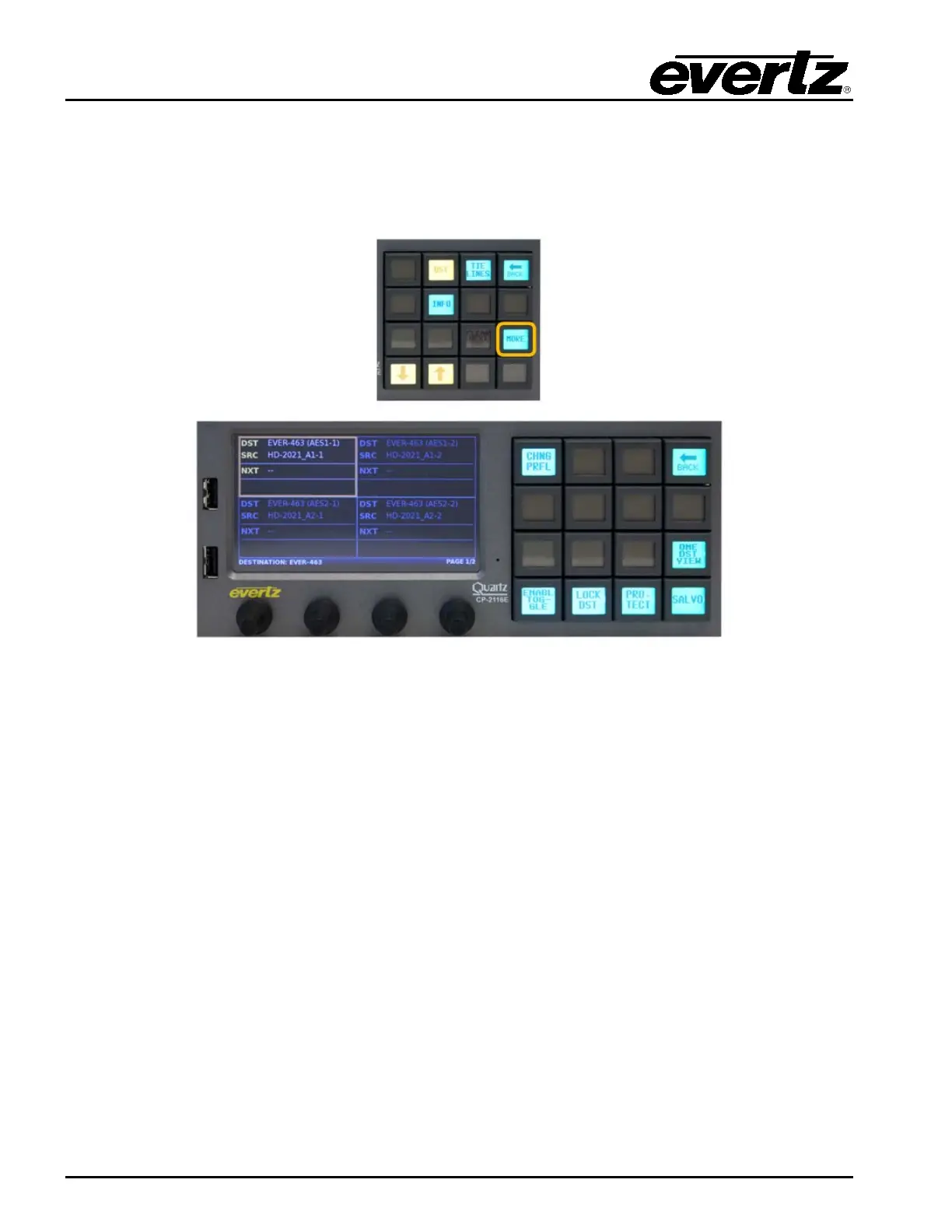
7.6. SELECTING THE “MORE” BUTTON
Figure 7-12: Selecting the “MORE” Button
The More button when selected will display the following button selections, Change Profile, Back,
Toggle, Lock Destination, Protect Destination, One Destination View and Salvo. The Back button
can be used to cancel the “More” function and return to the Quad Destination view.



 To Next Page