CP-2116E
Remote Control Panel
Revision 1.2 Page - 31
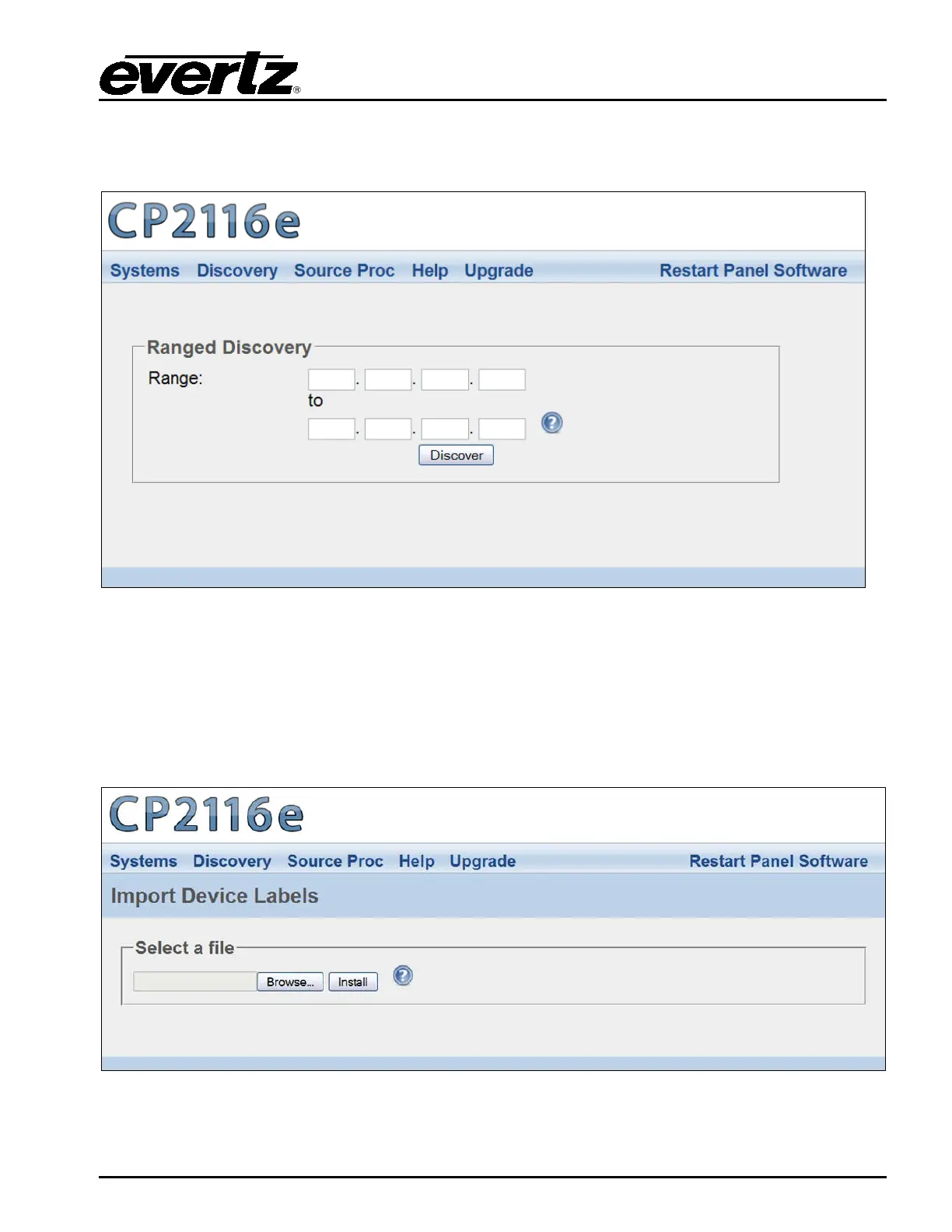
5.3.2. Ranged Discovery Page
This page enables the user to set the network range that the panel is to do its discovery in.
Figure 5-18: Ranged Discovery Page
Range: Enter the network range that the panel is to do its discovery in. Once the range is
entered, select the Discover button. This process takes approximately 1 minute or less.
5.3.3. Import Device Labels
This page enables the user to import device labels in the Navigation Tree from VistaLINK
®
.
Figure 5-19: Import Device Labels Page



 To Next Page