CP-2116E
Remote Control Panel
Page - 38 Revision 1.2
5.5.1.3. Configuration
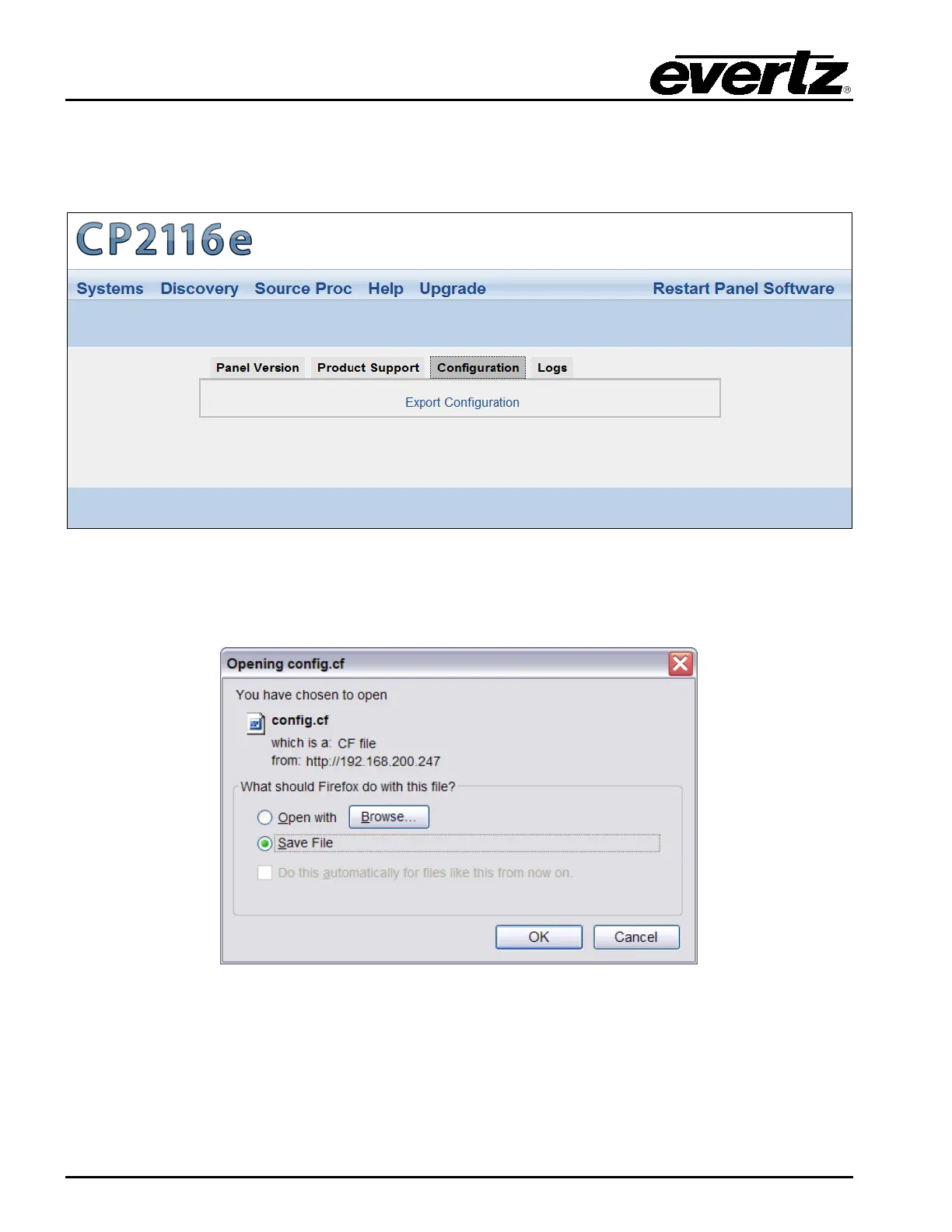
The Configuration tab, as illustrated in Figure 5-28, enables the user to export the panel’s
configuration settings.
Figure 5-28: Configuration Tab
Select the Export Configuration text and an Opening config.cf dialog box will be appear which will
prompt the user to open or save the configuration file.
Figure 5-29: Opening config.cf Dialog Box



 To Next Page