CP-2116E
Remote Control Panel
Page - 36 Revision 1.2
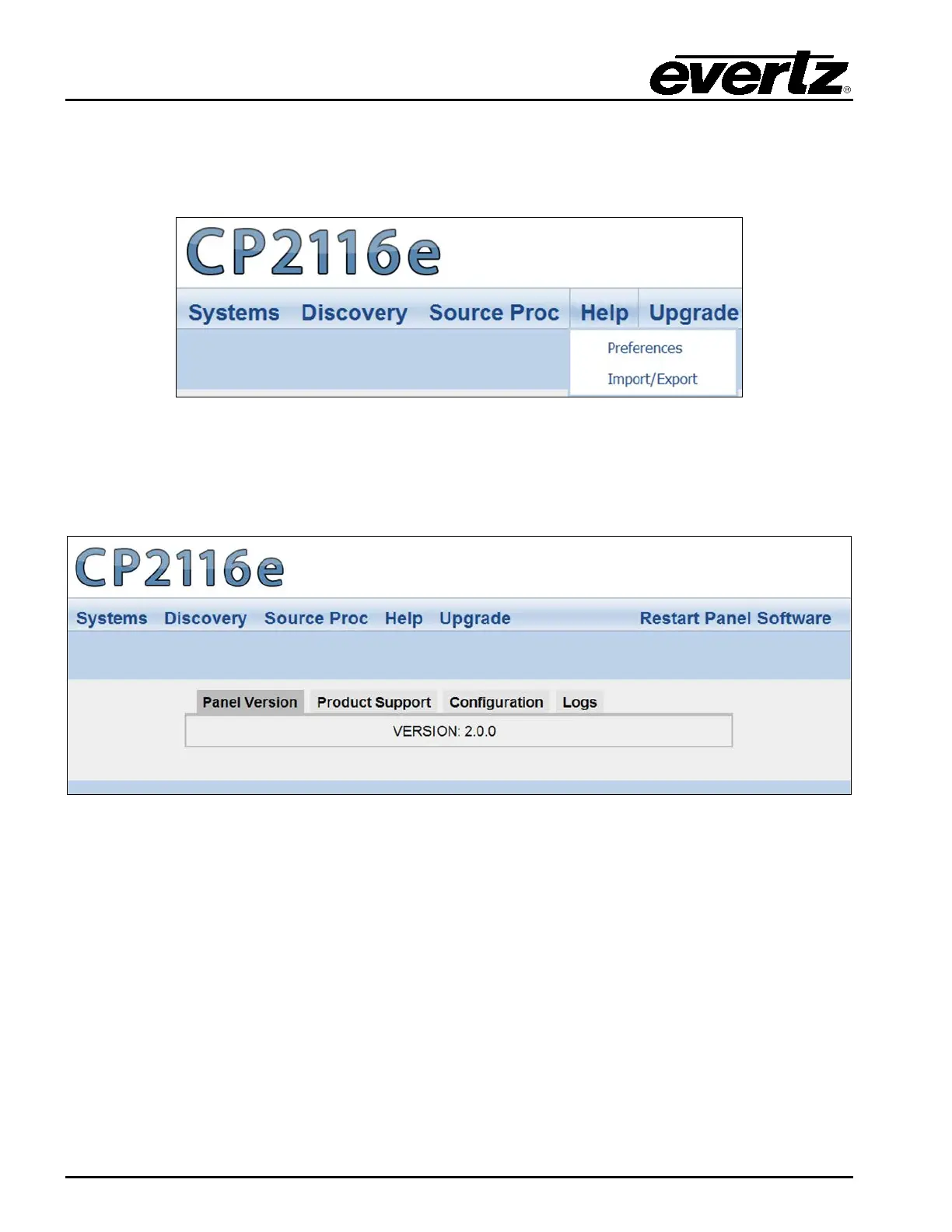
5.5. HELP MENU
The Help menu enables the user to view panel and products information, retrieve logs, change
preference settings, and import/export configurations.
Figure 5-25: Help Menu
5.5.1. Help Page
Selecting the Help menu enables the user to view the current panel version, product support, and
retrieve configuration and logs.
Figure 5-26: Help Page
5.5.1.1. Panel Version
Selecting the Panel Version option, as illustrated in Figure 5-26, will display the current panel’s version
number.



 To Next Page