CP-2116E
Remote Control Panel
Revision 1.2 Page - 53
7.3. UP & DOWN ARROWS
Figure 7-6: Up & Down Arrows Display
The Destination navigation buttons allow the user to scroll Up or Down through the pages of
destinations. The Current Page and Total Number of Pages is displayed in the bottom right corner of
each LCD screen. The last destination page contains “Dynamic Destinations”. The user can select a
Dynamic Destination quadrant and assign a destination to it by using the destination button. The
Dynamic Destination page allows the user to create custom destination pages with destinations
arranged by the user.
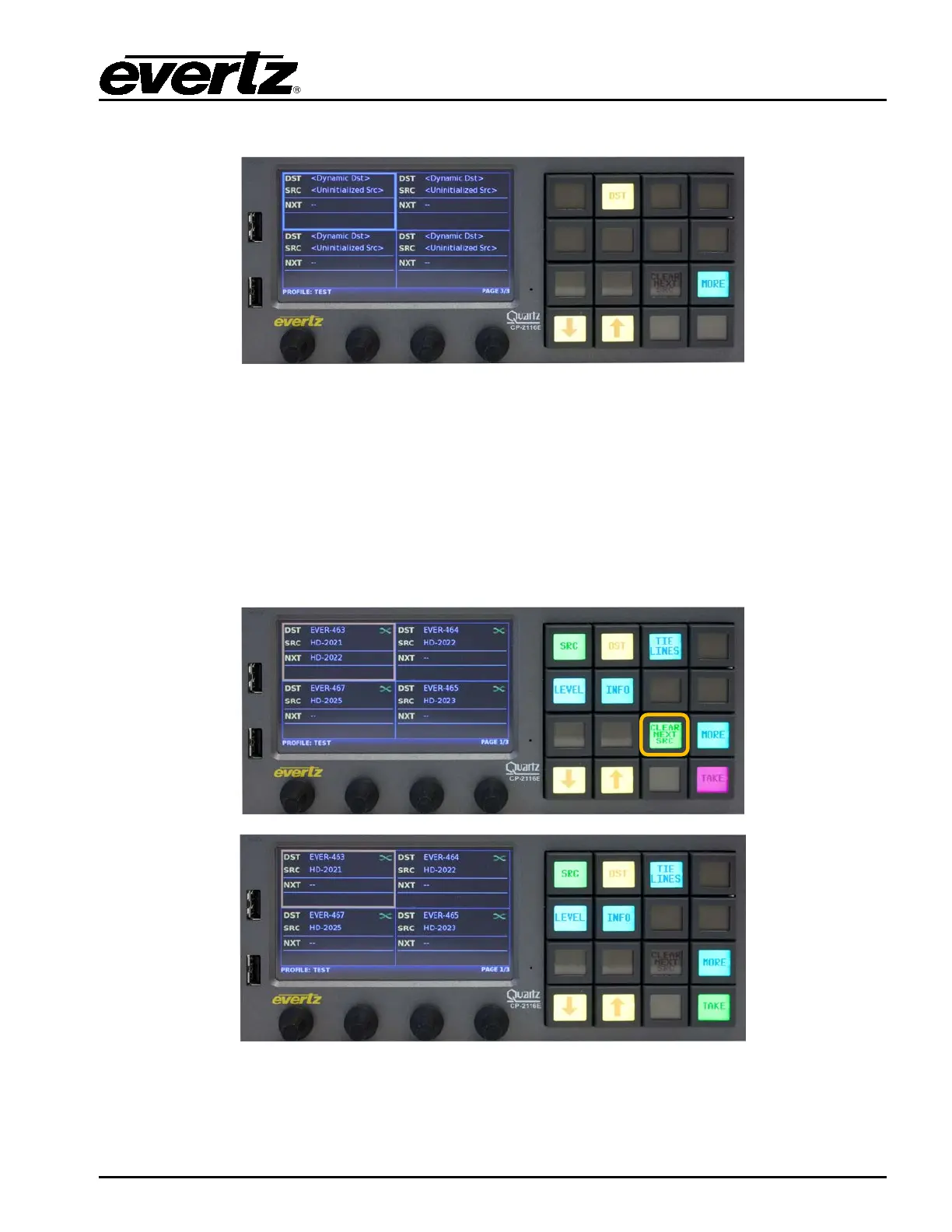
7.4. CLEAR NEXT SOURCE BUTTON
Figure 7-7: Clear Next Source Button
The Clear Next SRC button allows the user to clear the pending or preset source for a selected
destination.



 To Next Page