CP-2116E
Remote Control Panel
Revision 1.2 Page - 61
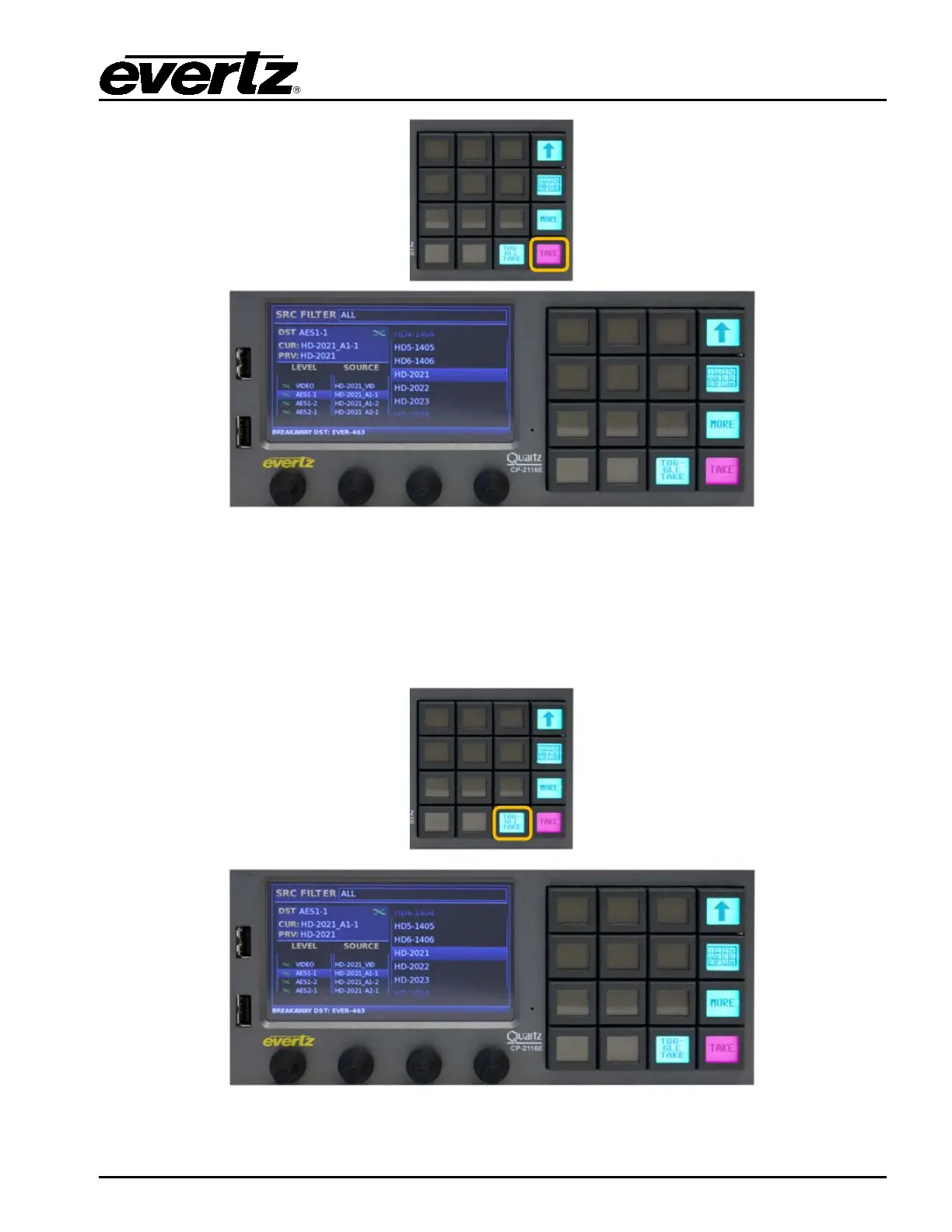
Figure 7-19: Selecting the “TAKE” Button
The TAKE button whether in Quad Destination View or One Destination View when pressed will
route the selected source to the selected destination. When a TAKE operation is available the TAKE
button will appear PINK. If a TAKE failed because of an error, the button will appear RED, by selecting
the MORE button and then VIEW ERROR the user can view details concerning the failure.
Figure 7-20: Selecting the “TOGGLE TAKE” Button



 To Next Page