CP-2116E
Remote Control Panel
Revision 1.2 Page - 19
The user can add, copy, or remove a template using the Service Templates buttons listed in Table
5-1:
Button Image Description
New Template
The New Template button enables the user to add and create a new
template. Selecting this button will open a new template page as
shown in Figure 5-9.
Duplicate
Template
The Duplicate Template butt
on enables the user to duplicate the
selected template. Select the template that you wish to copy and then
press the Duplicate Template
button to create a replica of that
template.
Delete Template
The Delete Template button enables the user to completely remove the
currently selected template. Select the template that you wish to
delete and then press the Delete Template
template.
Table 5-1: Service Template Buttons
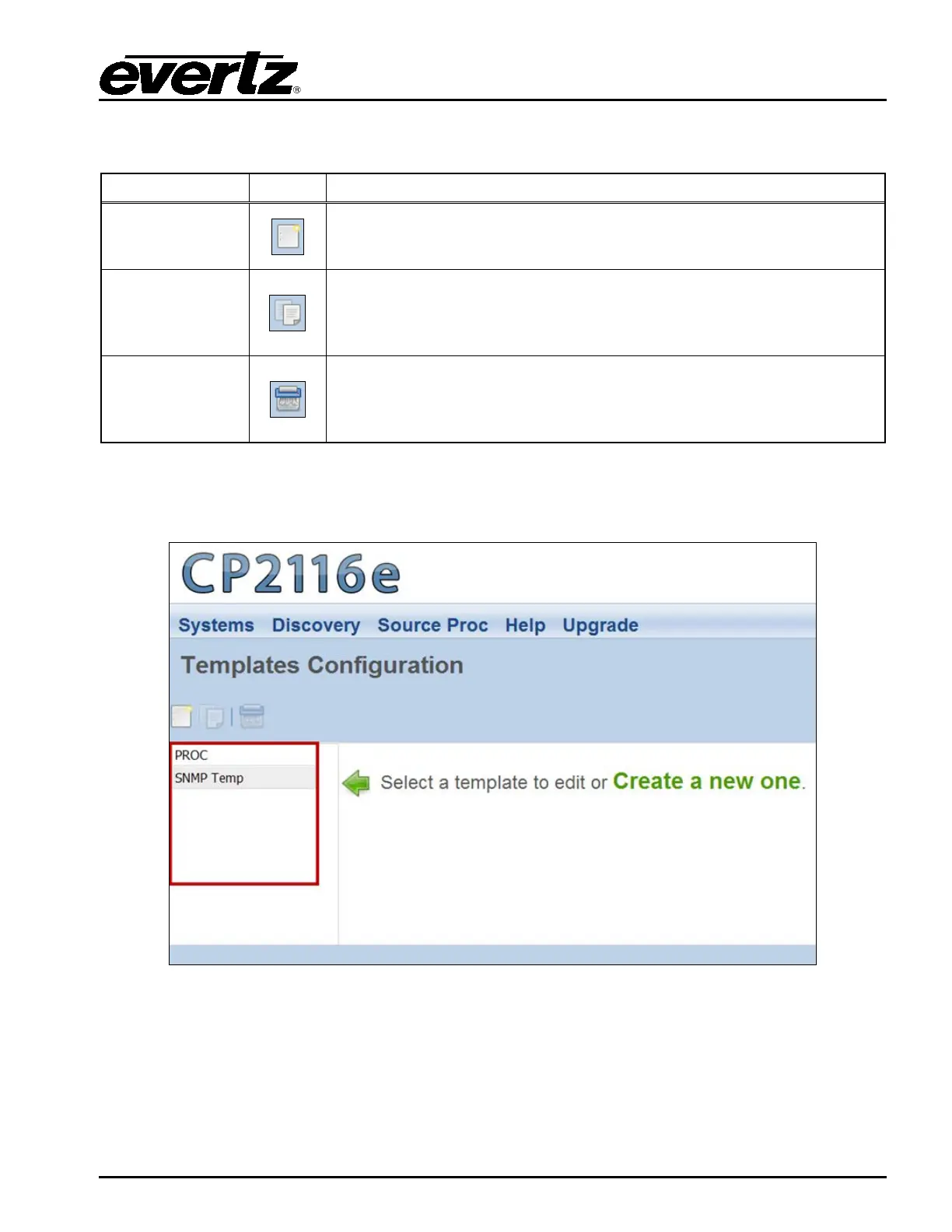
The templates that currently exist will be listed in the far left column as illustrated in Figure 5-6.
Figure 5-6: Service Template List
Once a template is selected or the user creates a new template, a new template page will appear
enabling the user to add and/or edit parameters.



 To Next Page